











































A replacement blade is a documented fit only when the manufacturer's compatibility information names both that blade and your exact electric-scissors model. If the listing leaves out your model, or you aren't sure which model you own, treat the match as unconfirmed. A blade that looks the same is not proof.

The check takes three steps. Pin down your exact model and variant. Find the replacement blade's part number or model name. Then confirm that the manufacturer lists the two together.
How Do You Identify the Exact Scissors Model?
Your exact model name, plus any variant marking, is the lookup key for checking electric scissor blade fit. Without it, you can't finish the check. A product family name or a "looks like mine" guess isn't enough.
This matters because one brand may sell several cordless scissors with similar names, bodies, or blade styles. Each model can still take its own blade. A name like "Pro," "Nano," or "Mini," or a generation number, can mark a different tool. That can mean a different blade. So the identity you need is the full model name or number the manufacturer uses, written exactly the way the manufacturer writes it.
Get that identifier from sources the manufacturer controls. Good places to look are the manual that came with your scissors, the original packaging, or the manufacturer's product page for the model you bought. Your order confirmation can help if it lists the full model name rather than a shortened retail title. Where the manufacturer marks the model on the tool itself depends on the brand and model. Go by that model's own documentation, not a general rule.
Write down the identifier exactly as shown, including any letters, numbers, or variant terms. If two sources disagree, or you can only narrow it down to a product family, you don't have a fit answer yet. Knowing your model doesn't confirm a blade on its own. It just gives you the exact name to look for in the next step.
How Do You Match a Replacement Blade to That Model?
You need two pieces of information that line up: a clear ID for the replacement blade, and manufacturer compatibility information that names your exact model. When both appear together in the manufacturer's information, the match is documented. If either one is missing, it isn't.
- Identify the replacement blade. Find the blade's part number, model name, or full product title on the manufacturer's own listing, packaging, or parts page. A generic title such as "replacement blades for electric scissors" doesn't identify a specific part. Keep looking until you have a name or number that points to one blade.
- Find the manufacturer's compatible-model information. Look for a compatibility list, a "fits" statement, or a parts section in the tool's manual or on the blade listing. This is where the manufacturer ties a blade to specific tools. Wording like "fits most cordless scissors" or "universal" doesn't name a model, so it can't document a match.
- Compare it with your exact model and variant. Read the compatible-model entry character by character against the identifier you recorded. An exact match means the fit is documented for this check. A close name, a different generation, or only the product family means the match is unconfirmed.

Keep the result in two buckets. Documented means the manufacturer connects this blade to your model. Unconfirmed covers everything else, including listings that rely on photos, "similar design" wording, or measurements with no model named. Don't sort a blade into the first bucket because its shape, mounting point, or size looks right. Physical resemblance isn't the same as the manufacturer listing it as compatible. A documented match also doesn't replace following the installation and operating instructions for your model.
What If the Listing Does Not Name Your Model?
When a listing doesn't name your exact model, the fit is unconfirmed. That doesn't mean the blade can't fit. It means the information you have doesn't show that it does, so it isn't a safe basis for buying or installing the part.
You have two ways to move forward. The first is to ask the tool's manufacturer directly. Give them your exact model identifier and the blade's part number or full listing title, and ask whether that blade is approved for your model. A clear yes from the manufacturer settles the question. The second is to skip the uncertain part and pick a replacement whose manufacturer guidance names your exact model. This is often faster than trying to decode a vague listing.
If you own a Fanttik tool, you can contact our product support team with your model name and the blade you're considering, and we'll help with your product question. If your scissors come from another brand, go to that brand's own support channel. A third-party seller's general assurance isn't the same as the tool maker's confirmation.
Until you have one of those answers, keep the blade in the unconfirmed bucket. Don't let a matching photo or a good price move it into the documented one.
FAQs
What if I can't read the model identifier on my scissors?
Check the other records you have from the purchase, such as the manual, the box, or an order confirmation that lists the full model name. If none of them give you an exact identifier, the tool's manufacturer can usually help you identify the model. Until the model is known, any blade match stays unconfirmed, because there's nothing exact to compare it against.
Does a blade that physically fits prove it's compatible?
No. A blade that seats in the holder or lines up with the mounting point has only matched on shape. Electric scissor blade fit is documented when the manufacturer lists that blade for your model. Trying a part to see if it fits isn't the same as having that confirmation.
Is "compatible with most electric scissors" good enough?
Broad wording like this doesn't name your model, so it doesn't document a match. Treat it as unconfirmed. Ask the seller or the tool manufacturer which specific models the blade is listed for. If your exact model isn't on that list, choose a blade whose manufacturer guidance names it.
Can a blade made for one model of a brand work on another model from the same brand?
Only if the manufacturer says so. Sharing a brand, a product family, or a similar body doesn't establish electric scissors replacement blade compatibility between models. Look for the second model by name in the blade's compatibility information before you treat it as a fit.
Continue reading
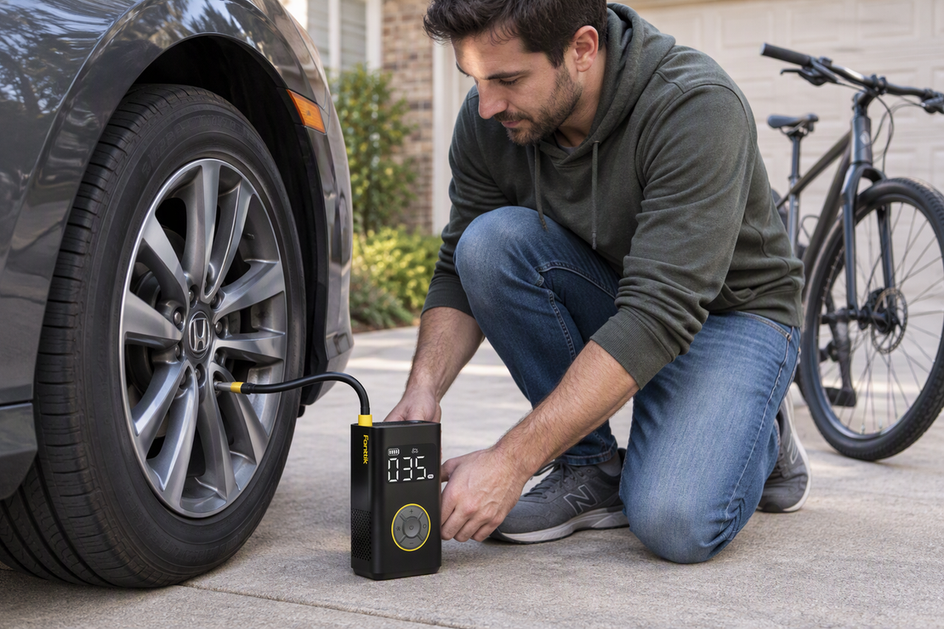 Can One Portable Pump Handle Both Car and Bike Tires?
Use a yes, no, or unverified test to judge one pump for both your car and bike: compare...
Can One Portable Pump Handle Both Car and Bike Tires?
Use a yes, no, or unverified test to judge one pump for both your car and bike: compare...
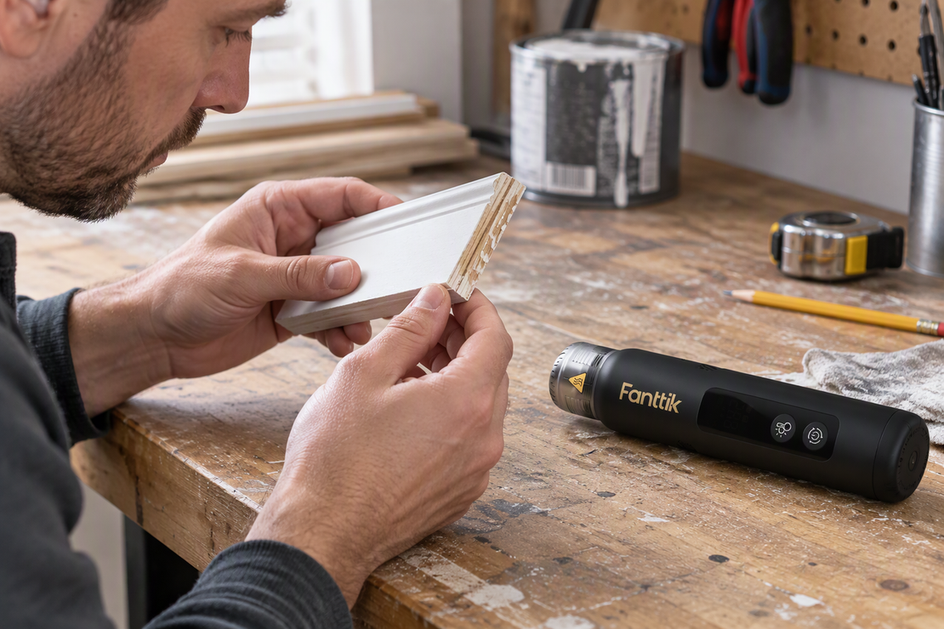 How to Test Whether a Heat Gun Is Safe for a Surface
A spot test alone cannot clear a surface for heat. Identify the substrate, finish, and nearby parts, match...
How to Test Whether a Heat Gun Is Safe for a Surface
A spot test alone cannot clear a surface for heat. Identify the substrate, finish, and nearby parts, match...
Leave a comment
This site is protected by hCaptcha and the hCaptcha Privacy Policy and Terms of Service apply.