












































Sanding veneer with a detail sander works best as a series of small, light passes. Keep the pressure light, keep the pad moving, sand a little, then stop and look before you go again.
Veneer is a thin layer of wood glued to a core, so you have very little material to spare, and no grit or technique can promise you won't cut through.
This approach is for light smoothing of exposed veneer. Stripping an old finish or leveling a deep scratch is a bigger job, and the routine below is not a proven way to do either one safely.
How to Sand Veneer With a Detail Sander
For light smoothing, run a short sand-and-inspect loop and repeat it only while the surface still looks even. Keep each cycle small, because you can always make another pass but you can't put veneer back.

- Confirm the job is light smoothing. Go ahead if you're smoothing raw or slightly rough veneer. If you need to remove old finish or a deep defect, skip to the next section before you start.
- Fit a fine-enough abrasive to your sander. Use sheets or pads made for your sander's pad shape and attachment style, as listed in its manual. Pick the grit using the examples below.
- Keep the pressure light. FormWood's light-pressure advice applies whether you sand by hand or with a power tool. Guide the sander across the surface instead of pushing it down into the wood.
- Never park the sander. Follow FormWood's advice to keep moving: keep the sander in constant motion and work with the grain, so no single spot gets extra passes.
- Sand a little, then look. Turn the sander off, wipe away the dust, and inspect the area in good light.
- Check frequently before making another pass. Inspect the surface carefully after every light cycle, and stop immediately if you notice any unusual discoloration or warning cues described below.
- Stop forcing the pad into tight spots. If the pad can't reach a corner without tilting or forcing it, our guide to using a detail sander in corners covers the reach check and when to switch to hand sanding.

Published grit sequences differ, so treat them as reference points, not a setting. In the contributor's veneer-art grit example, a Fine Woodworking writer starts at 120 grit on a veneer-art project. They move to 220 grit and then a gray abrasive pad, sanding lightly and checking the piece often.
FormWood's raw-veneer grit example starts most raw wood veneers at 150 grit, then moves to 180 and 220. The company also says the right starting point depends on how the veneer was sanded before delivery. Neither sequence was written for a detail sander. So start from how your surface actually feels, not from either number alone.
Finish removal is a separate case. One DIY refinishing account describes using a detail sander with 180-grit paper to take old varnish off a veneered dresser top, then switching to 240-grit hand sanding for a smooth final surface. That is one person's project report on an affiliate-supported site. It shows the job has been done, but it doesn't tell you how much margin your veneer has.
When Should You Stop or Change Your Approach?
Stop sanding a spot as soon as its color changes. Stop the whole light-smoothing routine if the problem you're chasing won't come out after a few gentle cycles.
- A new yellowish or different-colored patch appears. In the contributor's color-change warning, a patch that turns a different color may be glue about to show through the veneer. Stop sanding that spot right away, and don't try to sand the patch out. The color shift is a warning sign, not a sure diagnosis, but the action is the same either way: leave that area alone.
- Old finish is still on the surface. The light-smoothing loop is not a finish-removal method. Running it again and again over the same patch just adds more passes over thin wood. Settle on a separate plan for the finish before you sand any further.
- A scratch, dent, or rough spot still shows. Don't press harder or stay on the spot longer to level it. Fixing a deeper defect goes beyond light smoothing, so stop and rethink the repair instead of repeating the same cycle.
FAQs
Is 120 grit too coarse for veneer?
It can be, depending on the surface. One Fine Woodworking contributor starts at 120 grit on a veneer-art project. FormWood suggests 150 grit as the start for most raw veneers and ties that choice to how the veneer was sanded before delivery. These are two examples from different situations. Neither one sets a safe starting grit for every veneer or every detail sander, so if your surface already feels smooth, the coarser start is harder to justify.
Can a detail sander remove finish from veneer?
People have done it. One DIY account describes stripping varnish from a veneered dresser top with a detail sander and 180-grit paper, then hand sanding with 240 grit. But that is one project, not a tested procedure. The light-pressure, sand-and-check routine in this guide is built for smoothing. It isn't a method for removing finish, so plan finish removal as its own job.
Can I use a detail sander on veneer edges and corners?
You can reach corners when the pad fits without forcing. If you have to tilt the sander or push the pad into the corner, switch to hand sanding for that spot. Getting the pad into a corner and keeping thin veneer safe are separate questions, though. The sources here don't give a proven edge-sanding method, so take edges especially slowly and inspect them often.
Are power sanders too aggressive for veneer?
They can be for beginners. FormWood cautions that power sanders can be too aggressive if you're new to sanding veneer, and it still recommends only light pressure when you use one. If you're new to a detail sander, try your pressure and movement on scrap or a hidden area first. That way you can see how fast the tool cuts before you touch the visible surface.
Continue reading
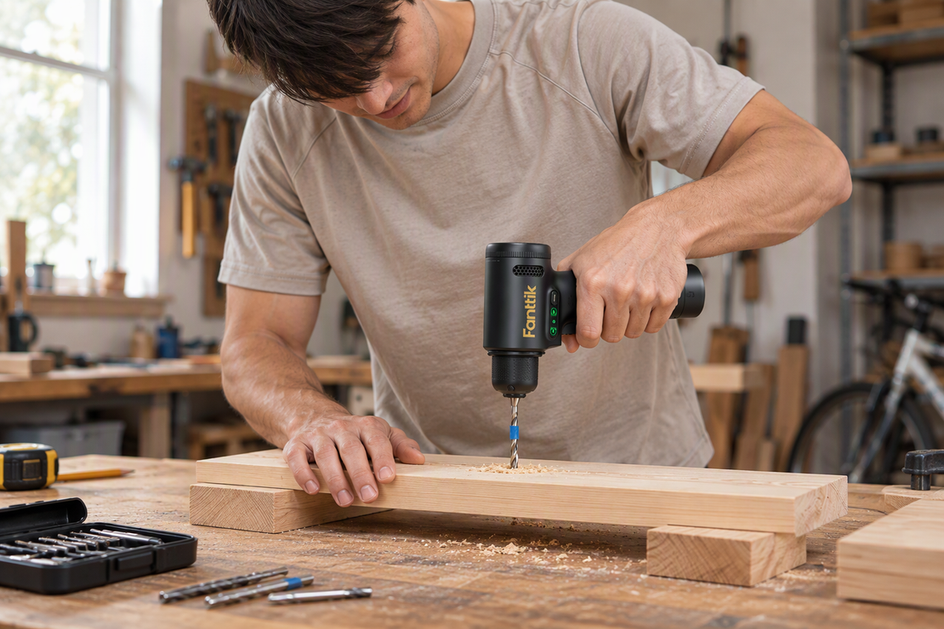 How to Control Drilling Depth With a Handheld Power Drill
Plan where the hole should end, then set a stop collar, fitted wood block, or tape cue on...
How to Control Drilling Depth With a Handheld Power Drill
Plan where the hole should end, then set a stop collar, fitted wood block, or tape cue on...
 How to Hand-Start Small Screws Before Using an Electric Screwdriver
A step-by-step guide to fitting the bit, seating a small screw counterclockwise, reading hand resistance, and finishing with...
How to Hand-Start Small Screws Before Using an Electric Screwdriver
A step-by-step guide to fitting the bit, seating a small screw counterclockwise, reading hand resistance, and finishing with...


Leave a comment
This site is protected by hCaptcha and the hCaptcha Privacy Policy and Terms of Service apply.