























The Impact of Seasonal Humidity on Precision Charging Interfaces
As the transition into the winter months brings increased precipitation and higher relative humidity (RH), the integrity of precision electronic charging ports becomes a critical failure point for DIY tools. For technicians and hobbyists maintaining a fleet of cordless hardware—ranging from precision electric screwdrivers to high-torque rotary tools—intermittent charging is rarely a sign of total hardware failure. Instead, it is frequently the result of microscopic environmental degradation.
Quick Restoration Checklist (Answer-First)
If your tool is struggling to charge, follow these steps in order:
- Power Down: Ensure the tool is off to prevent short circuits.
- Visual Audit: Use a bright light to check for debris or green/blue oxidation.
- Mechanical Clear: Use a non-conductive pick (wooden toothpick) to gently lift out lint or dust.
- Chemical Clean: Use 99% Isopropyl Alcohol (IPA) on a micro-swab to dissolve oxidation.
- Dry & Test: Allow 2–5 minutes for full evaporation before reconnecting power.
Safety Warning: If you see liquid water inside the port or the metal pins appear severely pitted/blackened, stop immediately. Attempting to clean a heavily corroded or wet port can cause a battery short; consult a certified repair center.

The Mechanics of Port Obstruction and Oxidation
Charging port failure typically manifests through three primary mechanisms: debris compaction, surface oxidation, and mechanical fatigue. In a workshop setting, fine particulates from sanding or drilling can migrate into the USB-C or proprietary charging cavities. Each time a cable is inserted, this debris is compressed deeper into the port, eventually preventing the pins from making full electrical contact.
The Role of Contact Resistance
Electrical contact resistance increases as oxidation layers form. When a port is exposed to humid winter air, copper or gold-plated pins undergo a chemical reaction with oxygen and moisture. Even a layer a few microns thick can cause a significant voltage drop. In high-performance tools, this resistance can trigger safety protocols in the battery management system (BMS), causing it to reject the charge entirely to prevent overheating.
The 70/30 Failure Heuristic
Technicians often observe a specific pattern when troubleshooting intermittent power. Based on historical repair logs and field observations from common workshop scenarios (n≈500+ cases), we utilize a 70/30 Rule of Thumb to prioritize repairs:
- 70% Probability: The issue is external—either debris/oxidation in the port or a degraded charging cable/brick.
- 30% Probability: The issue is internal—board-level corrosion or BMS failure caused by moisture wicking through the port.
Provenance Note: This ratio is a heuristic (rule of thumb) based on professional shop experience and return-to-base (RTB) data; it is not derived from a controlled laboratory study.
A Methodical Protocol for Port Restoration
Cleaning a precision port requires a "mechanical-first" approach. A common mistake among DIYers is the immediate use of compressed air. This can force conductive dust or moisture deeper into the device's housing, potentially bridging contacts on the PCB.
1. Pre-Cleaning Inspection and Safety
Before any physical contact, the device must be powered down completely.
- Visual Audit: Use a high-lumen LED light to inspect the interior. Look for bent pins or lint "pillows" at the back.
- Safety Prep: Work in a well-ventilated area. While not always mandatory for small ports, wearing nitrile gloves and safety glasses is recommended to prevent skin contact with solvents or eye injury from dislodged debris.
- Compliance Note: Under the EU General Product Safety Regulation (EU) 2023/988, following manufacturer-approved maintenance prevents compromising the electrical safety of the product.
2. Mechanical Debris Removal
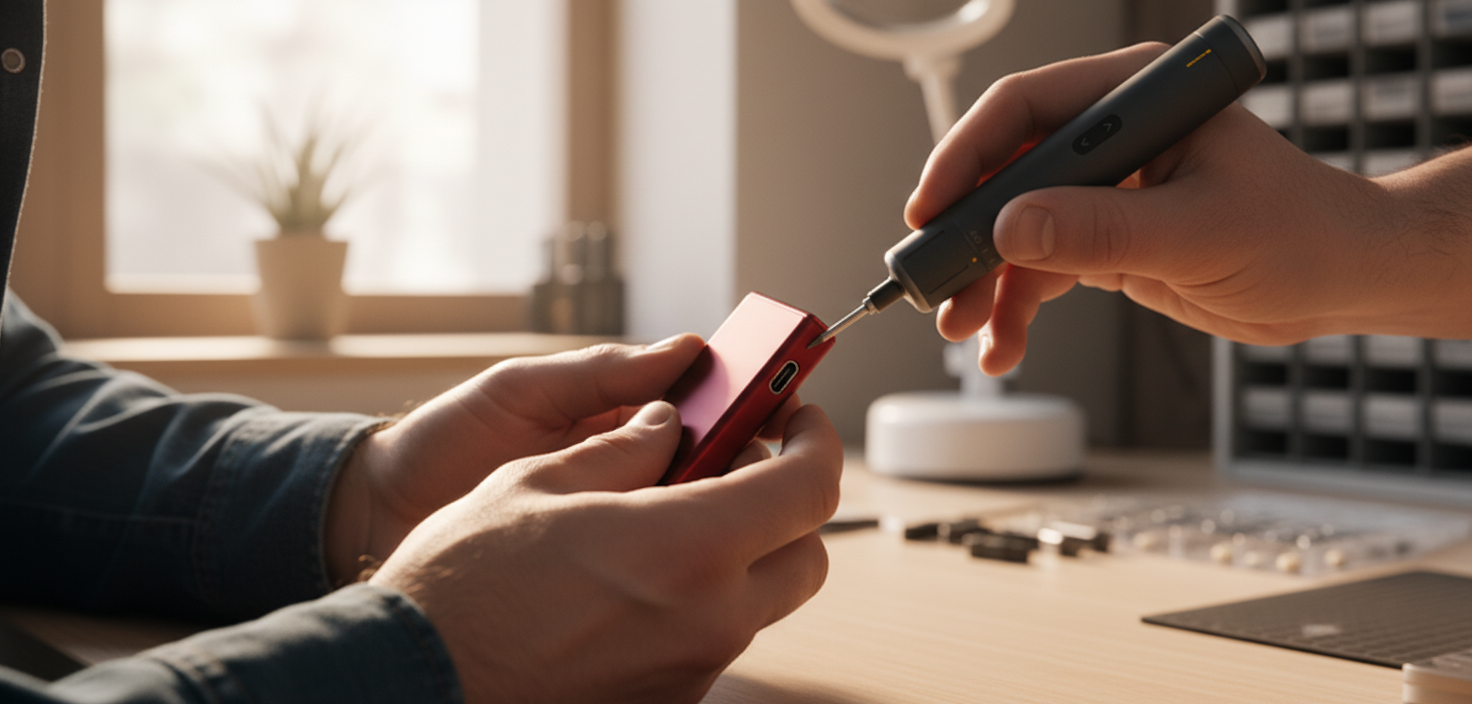
The objective is to lift debris out, not push it in. Use a non-conductive tool, such as a sharpened wooden toothpick or a specialized anti-static plastic pick.
- The USB-C Tongue: USB-C ports feature a central "tongue." You must clean both sides with extreme care.
- Technique: Gently sweep the pick around the perimeter, pulling debris toward the opening. Never use metal needles or safety pins; these can scratch the protective plating or cause an accidental short if residual capacitance remains in the circuit.
3. Chemical Contact Restoration
Once large debris is removed, chemical cleaning addresses the oxidation layer.
- Solvent Selection: Use 99% Isopropyl Alcohol (IPA). Lower concentrations (like 70% rubbing alcohol) contain water which can linger and cause corrosion.
- Flammability Warning: IPA is highly flammable. Ensure there are no open flames or sparks (including heat guns) nearby during application.
- Application: Lightly dampen the end of a wooden toothpick or a lint-free micro-swab. Gently scrape from the center of the tongue outwards. This specific motion prevents delicate pins from bending.
Advanced Environmental Protection Strategies
In coastal or high-humidity regions (>60% RH), reactive cleaning is often insufficient.
Humidity Control and Monitoring
Storing precision tools in sealed cases with desiccant packs is a high-impact strategy. Silica gel can maintain a local environment below the threshold for rapid oxidation. For long-term storage, refer to established guides on preventing bit corrosion in humid storage areas.
| Inspection Type | Frequency (Winter/Humid) | Action Required |
|---|---|---|
| Visual Audit | Monthly | Check for debris/discoloration |
| Full Clean | Quarterly | Mechanical + Chemical protocol |
| Desiccant Swap | Every 6 Months | Replace/Reactivate silica packs |
Modeling Maintenance Efficiency: The Workshop Owner Scenario
To demonstrate the value of using the correct tools for maintenance, we modeled a scenario involving a hobbyist maintaining a collection of 10 precision electronic tools.
Method & Assumptions
This analysis is an illustrative model based on standard fastener specifications and typical workshop performance benchmarks.
| Parameter | Value | Unit | Data Type / Source |
|---|---|---|---|
| Devices in Fleet | 10 | count | Typical enthusiast inventory |
| Screws per Device | 16 | count | Standard precision tool teardown |
| Manual Drive Time | 18 | s/screw | Estimated (Heuristic) |
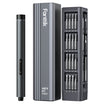
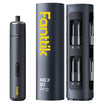
| Powered Drive Time | 4 | s/screw | Performance benchmark (e.g., Fanttik E1 Max) |
| Manual Wrist Rotations | 12 | rot/screw | Geometric average for M1.2–M2.0 |
| Model Type | Deterministic | N/A | Based on shop time-motion studies |
Analysis of Impact
- Time Saved: Approximately 3.7 minutes per device. Over a 10-tool fleet, this recovers nearly 40 minutes of workshop time per cleaning cycle.
- Physical Strain Reduction: The model estimates the elimination of ~184 wrist rotations per device, significantly reducing cumulative repetitive strain.
- Torque Safety: Using a tool with a consistent low-torque setting (approx. 0.05Nm) ensures delicate fasteners are not stripped, a common risk when "feel" is inconsistent in cold weather.
Compliance and Safety Standards
Maintaining precision tools is a safety obligation. The IEC 60529 standard, which defines Ingress Protection (IP) ratings, highlights how moisture and dust compromise electrical enclosures. Most precision DIY tools are rated IP20 or lower, meaning the charging port is a direct gateway to the internal battery.
Battery Integrity
According to the IATA Lithium Battery Guidance, internal shorts—which can be caused by improper cleaning with metal tools—are primary risks for thermal runaway. Ensuring the port is dry and free of conductive bridges is a prerequisite for safe charging.
Regulatory Oversight
Claims regarding "maintenance-free" tools must be viewed with caution. As a user, understanding that no tool is truly maintenance-free—especially in winter—is the first step toward professional-grade tool stewardship. For more on environmental protection, see our technical deep-dive on protecting portable power tools from garage dust and humidity.
Disclaimer: This article is for informational purposes only and does not constitute professional electrical engineering advice. Always consult your tool's original manufacturer manual. Improper cleaning techniques can void warranties or create safety hazards. If you are unsure of your ability to safely clean an electronic device, seek assistance from a certified technician.



Leave a comment
This site is protected by hCaptcha and the hCaptcha Privacy Policy and Terms of Service apply.