




















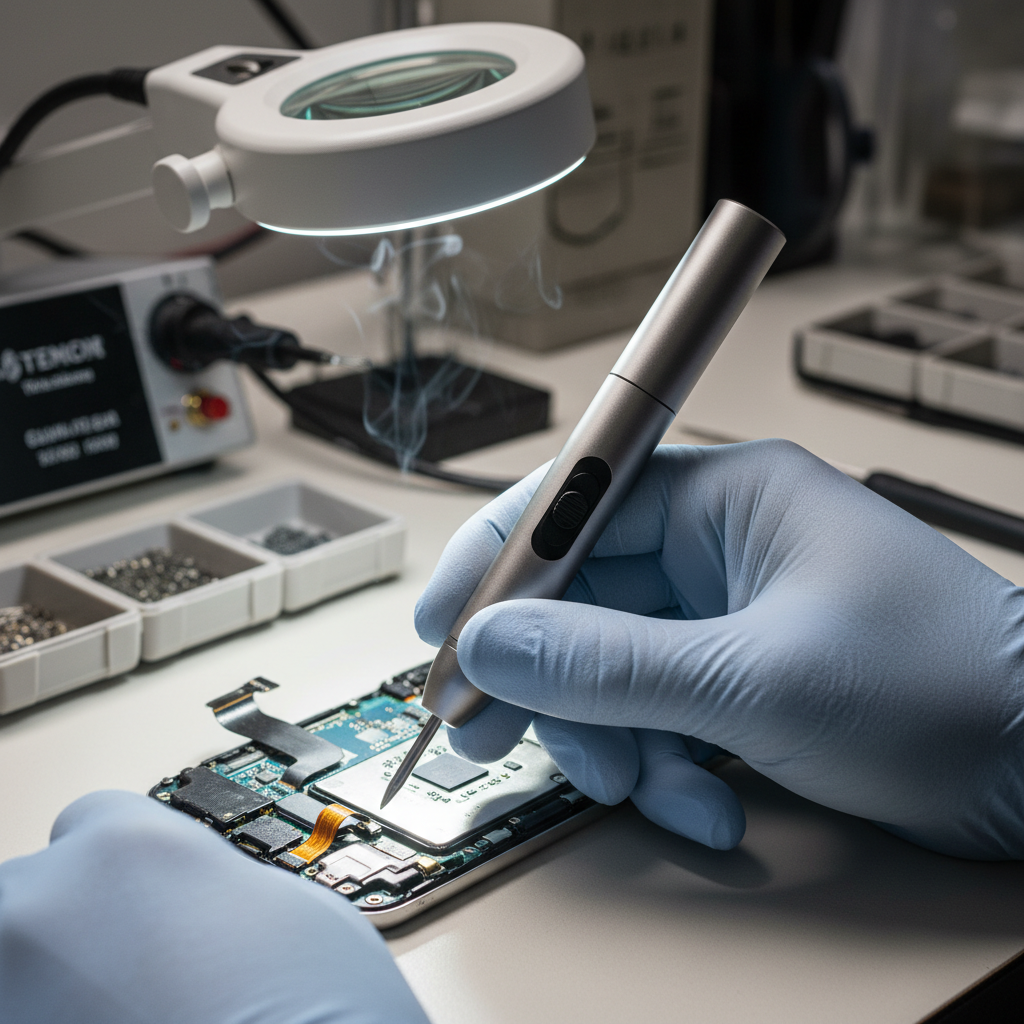
One-Handed Navigation: Evaluating Directional Switches for Makers
In the high-precision world of micro-assembly, the hand serves two masters: it must provide the stability of a clamp while executing the dexterity of a surgeon. For electronics enthusiasts and professional makers, the interface between the human hand and the power tool is not merely a convenience—it is a critical node in the workflow. When your visual focus is locked onto an M1.6 screw under a magnifying lamp, the ability to switch rotation direction without breaking your "pen-grip" or looking away from the workpiece is the difference between a fluid assembly and a frustrated error.
This evaluation dives deep into the ergonomics of directional switches, specifically comparing rocker designs and push-button interfaces in precision micro-tools. By analyzing actuation forces, placement geometry, and time-motion modeling, we can determine which design truly optimizes the maker's workflow.
The Anatomy of Actuation: Rocker vs. Push-Button
At the most basic level, the choice between a rocker switch and a push-button is a choice between state-maintenance and momentary action. However, in the context of a precision screwdriver, the nuances are much deeper.
The Rocker Switch: Intuitive State Control
A rocker switch typically pivots on a central axis. In precision tools, this usually translates to a "Forward/Neutral/Reverse" configuration.
- Tactile Mapping: The physical tilt of the switch provides immediate, non-visual feedback about the tool's current state.
- The Center Detent: According to practitioner observations at the repair bench, the quality of the center detent is the most overlooked safety feature. A poorly defined neutral position leads to accidental engagement when setting the tool down or adjusting your grip.
- Workflow Integration: Because the thumb can "flick" between states, the rocker is favored for tasks requiring frequent reversals, such as thread-tapping or loosening stubborn fasteners.
The Push-Button: Deliberate Precision
Push-buttons are often implemented as two distinct triggers or a single button that cycles through modes.
- Error Reduction: Practitioners note that a recessed design or a deliberate press-and-hold requirement (typically around 0.5 seconds) significantly reduces accidental reversals during high-vibration tasks.
- Actuation Force: Industrial data suggests that for comfortable operation and reduced fatigue, actuation force should be quantified between 75g and 250g, according to Shanyo's guide on metal dome switches.
Logic Summary: Our evaluation of switch types assumes a high-frequency micro-assembly scenario where visual attention is fixed on the workpiece. The rocker switch prioritizes speed through intuitive tilting, while the push-button prioritizes safety through deliberate actuation.

The Geometry of One-Handed Control
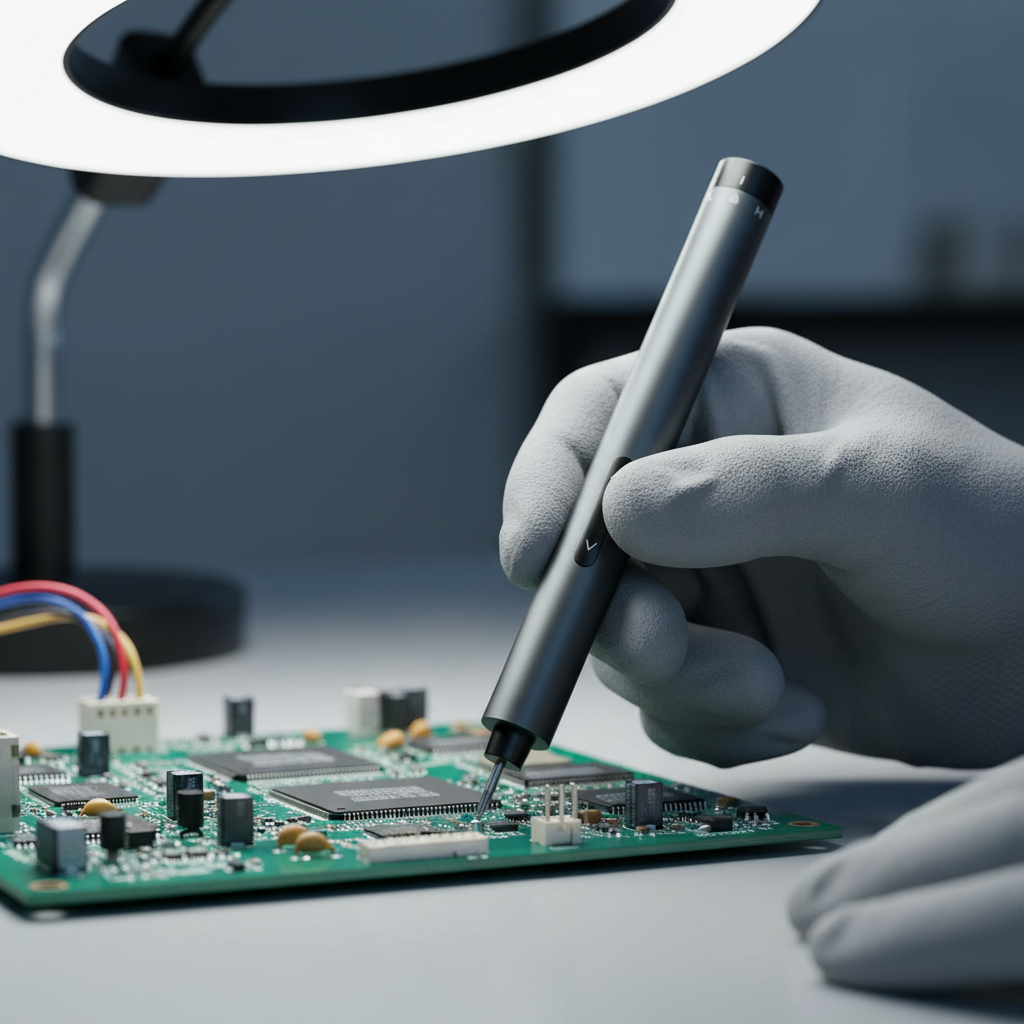
Ergonomics in micro-tools is governed by the "pen-grip" dynamic. Unlike a heavy drill held in a "pistol-grip," a precision tool is held between the thumb, index, and middle fingers. This changes the reachable zones for directional control.
The 30-Degree Rule
The optimal switch placement for a pen-grip tool is on the dorsal side (the "top" of the tool when held). Specifically, the switch should reside within a 30-degree arc of the thumb's natural resting position. This allows the user to actuate the switch by simply pivoting the thumb at the distal joint without breaking the "seal" of the grip.
The Center of Gravity (CoG) Constraint
A common mistake in tool selection is focusing solely on hand size. In reality, the tool's weight distribution dictates switch usability.
- Front-Heavy Tools: If a tool is front-heavy (common in models with large metal chucks), a top-mounted rocker switch becomes cumbersome. The thumb must fight the tool's natural leverage to press the "forward" side of the rocker.
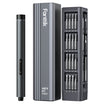
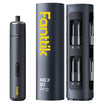
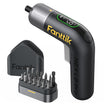
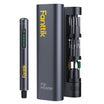
- Balanced Tools: Tools like the Fanttik L2 Pro Cordless Electric Screwdriver are engineered with a more central CoG, allowing the rocker switch to be operated with minimal counter-pressure from the rest of the hand.
Modeling Workflow Efficiency (Time-Motion Analysis)
To quantify the impact of switch design, we modeled a high-frequency assembly session involving 100 directional changes. This scenario reflects a complex electronics repair or a multi-component PCB housing assembly.
| Variable | Push-Button (Deliberate) | Rocker (Intuitive Flick) | Unit |
|---|---|---|---|
| Time per Actuation | ~2.5 | ~0.8 | Seconds |
| Cognitive Delay | High (Locate/Hold) | Low (Muscle Memory) | - |
| Total Time (100 cycles) | 4.17 | 1.33 | Minutes |
| Time Saved | - | 2.83 | Minutes |
Methodology Note: This is a scenario model based on standard industrial time-motion study principles. We assume a 0.5s press-and-hold for push-buttons to prevent errors and a 0.3s physical movement for rockers. These are theoretical estimates used to demonstrate structural efficiency gains, not laboratory-measured constants.
For a professional maker, saving nearly 3 minutes every 100 screws isn't just about speed; it's about maintaining "flow." The rocker's ~3.1x speed multiplier reduces the "start-stop" friction that disrupts concentration during delicate tasks like choosing the right torque settings for delicate electronics.
Actuation Force and Fatigue: The 75g-250g Benchmark
Actuation force is the amount of pressure required to trigger the switch. If it's too light, you get accidental fires; if it's too heavy, you get thumb fatigue (De Quervain's tenosynovitis).
According to DigiKey's technical forum on switch measurement, measuring this force requires specialized equipment like a Force-Displacement Tester. However, makers can use a simple gram gauge to perform a "bench check."
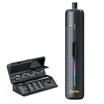
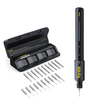
For micro-assembly, a switch should ideally fall toward the lower end of the 75g–250g range. Because the thumb is in a flexed, precision posture, its mechanical advantage is lower than when the hand is in a power-grip. The Fanttik S1 Pro Cordless Electric Screwdriver addresses this by utilizing a responsive button interface that balances tactile "click" with low actuation resistance, making it ideal for long sessions on gaming PCs or furniture.
Precision and Torque: The Fastener Fit
Switch design is inextricably linked to torque control. If a switch is hard to reach, the user often compensates by over-tightening or applying uneven pressure, leading to stripped heads. This is especially dangerous when working with the M1.2 to M2.0 fasteners common in smartphones and laptops.
The Torque Fit Model
We assessed the suitability of a standard 0.05 Nm low-torque setting against common micro-fasteners.
| Fastener Class | Min Required Torque | Max Safe Torque | Model Fit (at 0.05 Nm) |
|---|---|---|---|
| M1.2 (Plastic Boss) | 0.02 Nm | 0.06 Nm | Optimal |
| M1.6 (Metal Boss) | 0.04 Nm | 0.08 Nm | Safe |
| M2.0 (General) | 0.06 Nm | 0.12 Nm | Low Risk |
Logic Summary: This fit checker is a heuristic based on ISO 898-1: Mechanical properties of fasteners. It assumes standard thread engagement in common consumer electronics materials. Always consult your specific device's service manual for exact torque specs.
Tools like the Fanttik S2 Pro Cordless Electric Screwdriver provide up to 7 torque settings, allowing makers to match the tool's output to the fastener's limits precisely. This granularity is essential when the switch design allows for the rapid "pulse" driving often needed to seat a screw without stripping the boss.
Compliance, Safety, and Engineering Trust
In the modern tool market, ergonomics cannot be separated from safety standards. The EU General Product Safety Regulation (EU) 2023/988 emphasizes that products must be safe under "reasonably foreseeable conditions of use." For a power tool, this includes the prevention of accidental activation.
This is why "Engineering Trust" is becoming the primary differentiator for brands. As detailed in The 2026 Modern Essential Gear Industry Report, manufacturers are now moving beyond aesthetics to focus on "credibility math"—systematically proving that a tool's switch logic and thermal management are robust enough for professional use.
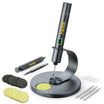
For example, the Fanttik K2 Nano 3.7V Precision Power Drill incorporates precise motor control that works in tandem with its directional interface to ensure that even at high RPMs, the transition between forward and reverse is handled by the firmware to prevent gear stripping.
Practical Decision Framework for Makers
When choosing your next precision tool, use this checklist to evaluate the directional switch based on your specific workflow:
- Grip Test: Hold the tool in your natural pen-grip. Can your thumb reach both directions of the switch without moving your index finger?
- The "Blind" Flick: Can you distinguish between "Forward" and "Reverse" by touch alone? (Rocker switches usually win here).
- Vibration Resistance: If you are using a rotary tool or a high-speed drill, does the switch have a recessed design or a press-and-hold feature to prevent accidental reversals?
- Balance Check: Does the tool feel "nose-heavy"? If so, avoid top-mounted switches that require you to "climb" the tool with your thumb.
Scenario A: The Electronics Repair Specialist
If your work involves 50+ screws per hour on delicate PCBs, prioritize a Rocker Switch with a strong center detent. The time savings and "blind" operation will significantly reduce cognitive fatigue.
Scenario B: The Model Maker / Hobbyist
If you work with varying materials (wood, resin, soft metals) and use your tool for drilling as well as driving, prioritize a Push-Button system with clear LED indicators. The deliberate nature of the button prevents accidental reversals that could snap a tiny drill bit.
Moving Toward Fluid Workflows
The evolution of precision tools is moving toward a seamless integration of the human hand and the mechanical drive. Whether you prefer the tactile feedback of a rocker or the deliberate safety of a push-button, the goal remains the same: a workflow where the tool disappears, leaving only the craft. By understanding the ergonomics of actuation force and the geometry of the pen-grip, you can select gear that doesn't just work, but works with you.
Disclaimer: This article is for informational purposes only and does not constitute professional engineering or safety advice. Always read your tool's manual and follow local safety regulations (such as OSHA or EU GPSR) when performing electronics repair or assembly.


Leave a comment
This site is protected by hCaptcha and the hCaptcha Privacy Policy and Terms of Service apply.