




















The Invisible Threat to Precision DIY Gear
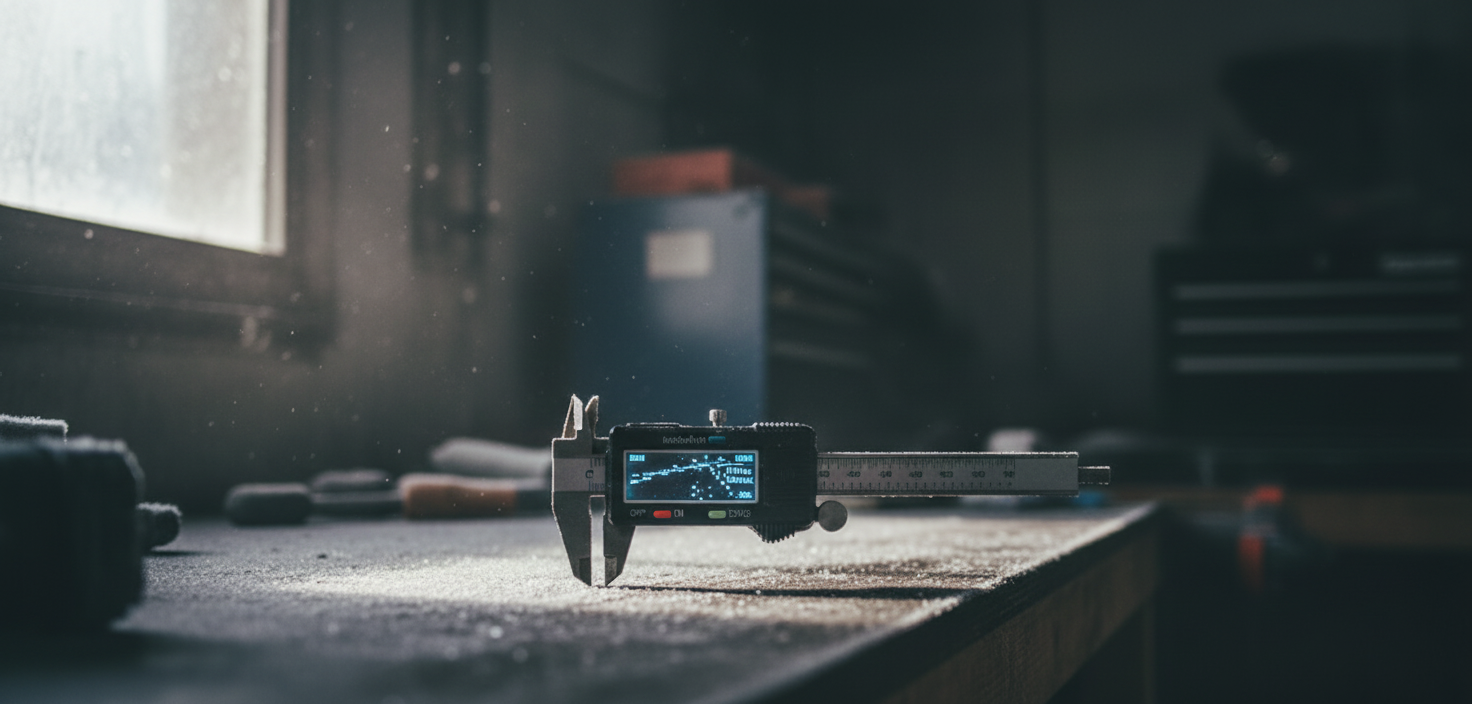
For those of us living in apartments, space is a luxury. Often, our precision DIY tools—those equipped with OLED or LCD screens for torque monitoring, pressure readings, or battery status—end up relegated to unheated storage lockers or detached garages. While we focus on protecting them from theft or dust, a more insidious threat looms during the winter months: extreme cold.
On our repair bench, we frequently encounter tools that "died" over the winter. Interestingly, the failure isn't always a shattered screen. More often, it is a complex interplay of material physics and moisture management. If you are a 'Preparedness Partner' who relies on your gear for self-reliance, understanding how to buffer your precision displays against sub-zero temperatures is critical for long-term reliability.
In this guide, we will analyze why cold affects modern displays, the physics of condensation, and a methodical protocol for winter storage and recovery. This approach aligns with the principles of The 2026 Modern Essential Gear Industry Report: Engineering Trust in a Cordless World, which emphasizes that trust in a tool is built through predictable performance in all environments.
The Physics of Cold: OLED vs. LCD
To protect your gear, you must first understand what happens at the molecular level. Most modern precision tools use either Liquid Crystal Displays (LCD) or Organic Light Emitting Diodes (OLED).
The Viscosity Problem
OLED screens are generally considered more resilient to permanent physical damage from cold than standard LCDs, but they are not immune to functional failure. OLED pixels utilize organic compounds that emit light. As temperatures drop, these organic materials become increasingly viscous—essentially "thickening" like honey in a refrigerator.
According to research on OLED performance in low-temperature conditions, when these materials are too viscous, the refresh rate of the screen slows down significantly. If a user impatiently forces a cold OLED to refresh—for example, by cycling through menus—it can lead to "image burn-in" or permanent pixel degradation. This is because the organic material cannot return to its neutral state fast enough, causing a localized "over-stress" on the pixel.
The Crystal Freeze
LCDs, on the other hand, rely on liquid crystals that physically rotate to block or allow light. At extreme temperatures (typically below -20°C or -4°F), these crystals can effectively "freeze" in place. While this is often temporary, the primary risk for LCDs in unheated lockers is the expansion and contraction of the glass and adhesive layers, which can lead to delamination or "bleeding" displays.
Logic Summary: Our assessment of display vulnerability is based on the Engineering Toolbox definition of kinematic viscosity, where lower temperatures increase the resistance to flow in organic compounds, directly impacting electronic response times.

The Condensation Trap: The "Silent Killer"
One of the most common misconceptions we see in community feedback is that the "cold" breaks the tool. In reality, it is often the warm-up that causes the fatal blow.
When you bring a tool from a 20°F (-7°C) storage locker into a 70°F (21°C) apartment, the temperature differential creates a "dew point" event. Moisture from the warm, humid indoor air immediately condenses on the freezing internal components of the tool.
- Internal Corrosion: This condensation isn't just on the screen; it forms on the internal connectors and PCB (Printed Circuit Board).
- Short Circuits: If you power on the tool while this moisture is present, you risk an immediate short circuit.
- Corrosion over Time: Even if it doesn't short out immediately, repeated moisture cycles lead to microscopic corrosion that eventually causes the screen to fail months later.
The "Sealed Bag" Recovery Protocol
To prevent this, we recommend a methodical recovery process. Never power on a tool that feels colder than 50°F (10°C) until it has acclimated.
- Seal before entering: Before bringing the tool into your warm apartment, place it in a gallon-sized, airtight plastic bag while still in the cold environment.
- Acclimate: Bring the sealed bag inside. The condensation will now form on the outside of the bag, rather than on the tool itself.
- The 3-Hour Rule: Allow the tool to sit for at least 2 to 3 hours. This ensures the internal thermal mass has reached room temperature before you expose it to indoor humidity.
Strategic Storage for Apartment Dwellers
If you must store your precision gear in an unheated locker, "insulation" is rarely enough. Wrapping a tool in a blanket only slows the cooling process; it does not stop it. Over a long weekend of sub-zero temperatures, the tool will eventually reach the ambient temperature of the locker.
Silica Gel over Blankets
For long-term winter storage, moisture control is more effective than thermal insulation. We recommend placing a small, food-safe silica gel desiccant packet inside the tool’s dedicated hard-shell storage case. This manages the "micro-climate" inside the case, ensuring that any residual moisture doesn't settle on the OLED display or the battery contacts.
Thermal Buffering with Mass
If you are concerned about rapid temperature swings (which are more damaging than steady cold), store your tools inside a larger, insulated "tote" along with other high-mass items like heavy blankets or even jugs of (non-freezing) fluids. This increased thermal mass slows down the rate of temperature change, giving the electronic components more time to adapt.
Battery State of Charge (SoC)
Cold storage also impacts the lithium-ion batteries powering your screens. According to IATA Lithium Battery Guidance, storing batteries at a 100% charge in extreme cold can accelerate degradation. Conversely, a completely flat battery might drop below its "low-voltage" safety threshold as the cold saps the remaining chemistry. Aim for a 40% to 60% charge for winter storage. For further details, see our guide on Off-Season Battery Care: Keeping Tools Ready for Spring.
Methodology Note: Thermal Acclimation Modeling
To provide a concrete baseline for our "3-Hour Rule," we modeled the thermal recovery of a standard handheld precision tool (approx. 500g mass) moving from a cold storage environment to a standard indoor climate.
Modeling Note: This is a deterministic scenario model based on standard heat transfer coefficients, not a controlled laboratory study. Individual results vary based on tool housing material (plastic vs. aluminum) and air circulation.
| Parameter | Value / Range | Unit | Rationale |
|---|---|---|---|
| Initial Tool Temp | -10 to 0 | °C | Typical unheated locker range |
| Ambient Indoor Temp | 20 to 22 | °C | Standard residential setting |
| Tool Mass | 450 - 600 | g | Average weight of a precision cordless tool |
| Relative Humidity (In) | 45 - 55 | % | Typical heated apartment air |
| Estimated Time to 15°C | 140 - 180 | min | Required time to exceed dew point safety |
Boundary Conditions: This model assumes the tool is inside a standard plastic storage case. Metal cases will acclimate faster but are more prone to immediate heavy condensation.
Reading the Datasheet: Consumer vs. Industrial Grades
Not all screens are created equal. When purchasing precision gear, it is important to distinguish between consumer-grade and industrial-grade components.
- Consumer Grade: Often rated for operation between 0°C and 40°C (32°F to 104°F). These are the most vulnerable to unheated storage.
- Industrial/Automotive Grade: As noted by DisplayModule, automotive-grade OLEDs are often rated for -40°C to 105°C.
If your tool’s manual lists an "Operating Temperature" and a "Storage Temperature," pay close attention to the storage limits. If your locker regularly drops below the storage limit, you must bring the tool indoors. Storing a tool below its rated storage temperature can cause cumulative stress, leading to reduced display lifespan through the delamination of organic layers or increased brittleness of the screen's protective coating. This is a common pattern we observe in long-term warranty handling for tools stored in extreme climates.
Winter Maintenance Checklist
To ensure your precision tools remain functional for years, adopt this methodical end-of-season checklist:
- Clean the Contacts: Use a dry cloth to remove any oils or debris from battery and charging contacts. For a deeper dive, refer to our article on Deep Cleaning Tool Grips to Prevent Seasonal Decay.
- Check the SoC: Ensure the battery is between 40% and 60% charged.
- Desiccant Placement: Place a fresh silica gel packet inside the tool's case.
- Hard Case Storage: Use a hard-shell case to provide a physical barrier against rapid air exchange. See our guide on Insulated Storage: Choosing Protective Cases for Thermal Buffering.
- Avoid the Floor: Never store your tool cases directly on a concrete floor in a garage or locker. Concrete acts as a "heat sink" and can be significantly colder than the air, leading to localized freezing. Store them on a wooden shelf or inside a plastic bin.
Summary of Best Practices
Protecting your investment requires moving beyond "out of sight, out of mind." By treating your precision gear with the same care as a high-end smartphone, you prevent the most common winter failure modes.
- Prioritize Moisture Control: Silica gel is your best friend in a storage locker.
- Respect the Dew Point: Use the sealed bag method when bringing tools inside.
- Patience is a Virtue: Never power on a cold screen immediately.
- Check Ratings: Know if your tool is consumer or industrial grade to set your storage boundaries.
By following these methodical steps, you ensure that when the first project of spring arrives, your precision gear is as ready as you are. For more information on maintaining your kit, explore our resources on Extending Precision Tool Life Through Proper Indoor Storage and Preventing Precision Bit Corrosion in Humid Storage Areas.
Disclaimer: This article is for informational purposes only. Always consult your specific tool's user manual for manufacturer-recommended temperature limits. Failure to follow manufacturer guidelines may void your warranty. If you suspect internal moisture damage, do not attempt to power the device; consult a professional technician.
References
- The 2026 Modern Essential Gear Industry Report: Engineering Trust in a Cordless World
- IATA Lithium Battery Guidance
- Winstar: TFT LCD Low-Temperature Heating Solutions
- DisplayModule: OLED Display in Automotive Operating Ranges
- UMA Technology: Safely Using Electronics in the Snow and Cold
- Engineering Toolbox: Dynamic and Kinematic Viscosity
- EU General Product Safety Regulation (EU) 2023/988

Leave a comment
This site is protected by hCaptcha and the hCaptcha Privacy Policy and Terms of Service apply.