












































For desktop PC cleaning, you don't have to pick one tool. Each one has its own job.
Airflow loosens dust that is stuck in tight spaces, and suction picks up dust that is already loose and easy to reach. A PC-cleaning guide uses canned compressed air for heatsink fins and a vacuum for dust that has settled on the case floor, so neither tool wins every time.
The real question is where the dust sits now and where it will go once it moves. Match the tool to that path. Then check the instructions for your exact computer and your exact tool before you work near internal parts.
Air Duster or Vacuum: What Each Tool Does
An air duster pushes dust loose. A vacuum pulls loose dust away and holds onto it. That one difference decides which tool fits each spot during desktop PC cleaning.

Think of airflow as a way to move dust, not remove it. A burst of air can break dust free from a surface or a narrow gap. After that, the dust goes wherever the air sends it. It might leave the case, or it might land on another part. Suction works the other way. It captures and contains dust, but only where the nozzle can get close and the dust is free to move.
Location is the clearest way to apply this. A heatsink is the metal block with thin fins that pulls heat away from a chip such as the CPU. Dust packed between those fins sits in gaps a nozzle can't easily reach. Settled dust on the case floor is the opposite case: it is loose, visible, and reachable. In iFixit's desktop PC cleaning guide, canned compressed air is the quick way to clean heatsink fins. A vacuum removes the bulk of the dust from the case floor and other easily accessible areas.
Keep that example in scope. The guide is third-party repair guidance, not instructions from your PC maker. Its air method is canned compressed air, so an electric air duster follows its own manual rather than this example. Its vacuum method covers accessible, settled dust. It doesn't show that working a vacuum over exposed circuit boards is a good idea.
Match the Tool to the Dust—and Its Exit Path
Before you choose a method, decide where the loosened dust will travel. A tool that moves dust deeper into the case has only moved the problem. Use the dust's current location and its way out to set the order of work:
- Dust packed between heatsink fins: Airflow is the method the guide uses to free it. Before you start, aim debris away from sensitive areas like the power supply.
- Dust already settled on the case floor or another easy-to-reach spot: Suction is the guide's tool here. It collects the dust where it sits instead of blowing it around.
- Dust near the power supply: The power supply (PSU) is the boxed unit that turns wall power into power the PC can use. The iFixit guide advises keeping debris out of the PSU by positioning the system so the gunk falls outward rather than into the body of the power supply.
- Dust with no clear way out: If loosening it would only push it farther in, you are moving dust, not removing it. Rethink the direction before you start, or treat that spot as one where collection matters more than force.

The two roles can work together. Airflow frees dust that suction can't reach, and suction then picks up what lands in reachable areas. The order matters less than the path. Each burst of air should send dust toward a spot where you can collect it or where it leaves the case.
That outward-versus-PSU advice is the guide's specific example, not a universal rule for how to set every case. Your case layout, and where your power supply sits, decide which direction counts as "out" for your machine.
Check the PC and Tool Instructions Before Cleaning Inside
Two sets of instructions matter before you use airflow or suction near internal parts. One covers your exact computer or component. The other covers your exact duster or vacuum.
Start with the machine. Find the model of your PC, or of the part you plan to clean, such as a graphics card or power supply. Then look at its service or owner guidance for cleaning inside the case. That guidance tells you what the maker expects you to touch and how. If cleaning means opening the case, our electronics repair safety tips cover anti-static measures and careful screwdriver use on PCs and other devices.
Next, read the manual for the tool in your hand. Check what it says about use around electronics before you point it at a motherboard or fan. If you use one of our B10 or B11 electric air dusters, the B10 and B11 duster manual covers charging, speed gears, nozzles, and safety. Follow that model's own guidance rather than the canned-air example above.
Vacuums need the same model-level check. iFixit's Mac Pro service guide for the 2009 to 2012 dual-CPU Mac Pro warns that the plastic tubes of typical vacuum cleaners can carry electrostatic charges. It adds that the brush tip of a domestic vacuum is unlikely to be made of anti-static material, and that typical domestic vacuums are large, clumsy machines that can cause mechanical damage. That warning comes from one machine's service context and covers ordinary household vacuums. It doesn't rule on every desktop or every vacuum. It is still a solid reason not to assume a household vacuum belongs near exposed circuit boards.
If either set of instructions rules out what you planned, don't treat the other tool category as an automatic stand-in. A vacuum the manual doesn't clear for electronics doesn't become safe just because the air method is off the table, and the same goes the other way.
FAQs
Can an air duster replace a vacuum entirely?
Not if you want the dust gone. Airflow loosens dust but doesn't capture it, so the dust settles somewhere else, inside or outside the case. Pair airflow with a way to collect what it frees, or aim it so the dust leaves the case.
Why not just vacuum the heatsink fins?
Dust lodged between fins sits in narrow gaps where suction may not reach or pull it free. The cited PC-cleaning guide uses canned compressed air for that spot and keeps the vacuum for loose dust in accessible areas.
Does the canned-air advice apply to an electric air duster?
No. The guide's example is a can of compressed air. An electric duster is a different tool with its own settings and limits, so its manual decides how and where you can use it during desktop PC cleaning.
Is the Mac Pro vacuum warning relevant to a Windows desktop?
The warning was written for one Mac Pro model, so it isn't a rule for your PC. The concerns it names, static charge and bumping parts with a bulky machine, come from how ordinary household vacuums are built. Weigh them, then let your own PC and vacuum documentation make the call.
Continue reading
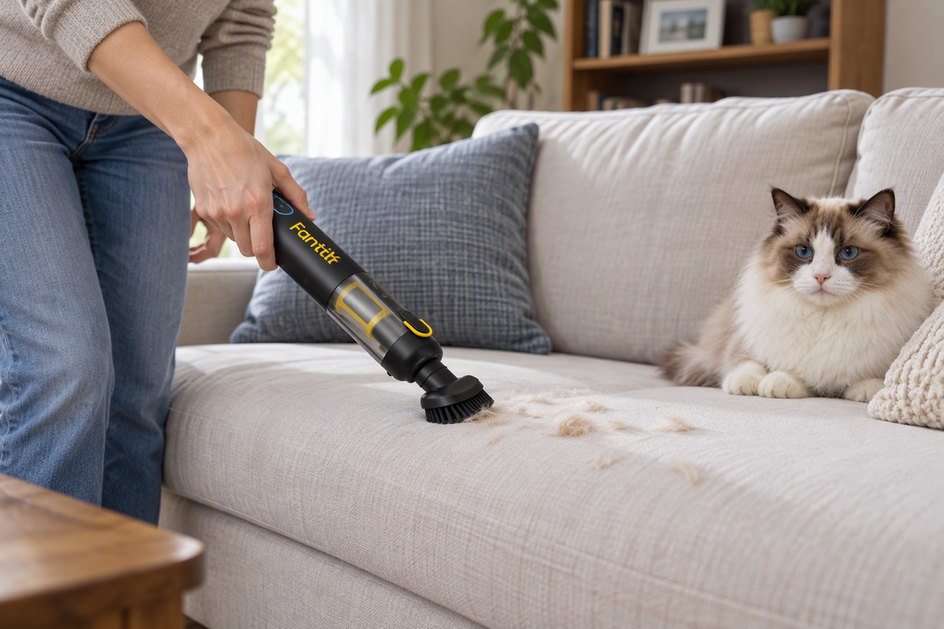 Handheld Vacuum or Full-Size Vacuum for Upholstery? Match the Tool to the Job
Handhelds suit quick dry pickup on sofas and chairs; full-size vacuums suit longer passes. Compare the upholstery tool,...
Handheld Vacuum or Full-Size Vacuum for Upholstery? Match the Tool to the Job
Handhelds suit quick dry pickup on sofas and chairs; full-size vacuums suit longer passes. Compare the upholstery tool,...
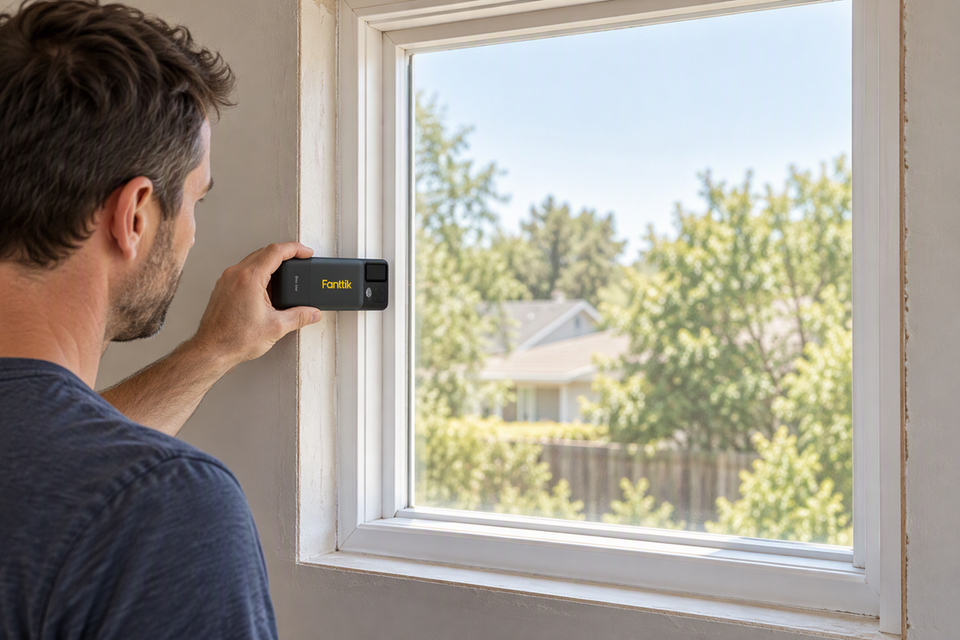 How to Measure a Window for Blinds With a Laser Distance Meter
A step-by-step laser measuring workflow for inside and outside mount blinds, with a raw-reading log and LEVOLOR examples...
How to Measure a Window for Blinds With a Laser Distance Meter
A step-by-step laser measuring workflow for inside and outside mount blinds, with a raw-reading log and LEVOLOR examples...
Leave a comment
This site is protected by hCaptcha and the hCaptcha Privacy Policy and Terms of Service apply.