












































This hub covers the Fanttik B-series electric air dusters — the B10 Pro, B10 Pro Max, B11 Apex, B11 Pro Max, and the 2-in-1 B11 Mix. Use it to download the right manual, learn how to charge and operate your duster, swap nozzles, and find the matching troubleshooting steps. All Fanttik air dusters share the same core design: a brushless motor, a built-in rechargeable battery, USB-C charging, and variable (stepless) speed control with selectable gears, so most of the operating guidance below applies across the whole line.
Where to Find Your Air Duster Manual
Fanttik publishes official user manuals as downloadable PDFs — no registration required. Pick the file that matches your exact model:
- B10 Pro manual (PDF): Fanttik B10 Pro Manual PDF
- B10 Pro Max manual (PDF): Fanttik B10 Pro Max Manual PDF
- B11 Apex / B11 Pro Max / B11 Mix: A printed manual ships in the box, and the full specification list lives on each product page — for example the Fanttik B11 Apex and Fanttik B10 Pro Max pages. A downloadable B11 PDF is not yet posted; if you need it, contact Fanttik support below.
If you are unsure which model you own, check the label on the underside of the unit or the model name on the retail box, then match it to the file above.
Air Duster Model Lineup
| Model | Series | Notable trait | Manual |
|---|---|---|---|
| B10 Pro | B10 | Compact everyday duster | PDF available |
| B10 Pro Max | B10 | Higher-output B10 | PDF available |
| B11 Apex | B11 | Digital display + scroll wheel, stepless speed | Product page / in-box |
| B11 Pro Max | B11 | Higher-output B11 | Product page / in-box |
| B11 Mix | B11 | 2-in-1 duster | Product page / in-box |
Across the line the shared features are a brushless motor, a built-in rechargeable battery, USB-C (Type-C) charging, adjustable speed gears with stepless control, and a set of interchangeable nozzles. The B11 Apex adds a digital display with a scroll wheel for fine speed adjustment.
Charging Your Air Duster
Every B-series duster charges over USB-C from a built-in rechargeable battery. Before first use:
- Charge fully first. Plug the included USB-C cable into the duster's charging port and connect it to a USB-C wall adapter. A charging indicator shows progress and changes state when the battery is full.
- Use a power cable, not a data-only one. A data-only USB-C cable may trickle-charge slowly or not charge at all. If the indicator never lights, swap the cable and the adapter before assuming a fault.
- Don't operate while plugged in. Charge fully, unplug, then run the duster. Running the motor while the charger is connected is not the intended use.
- Top up after heavy use. High-speed gears draw the battery down faster than low gears. Recharge before storage so the unit is ready next time.
How to Use the Air Duster
- Pick the right nozzle. Each duster ships with several interchangeable nozzles for different tasks — narrow nozzles concentrate the stream into tight gaps (keyboards, vents, connectors), wider ones cover broader surfaces. Push the nozzle on until it seats firmly.
- Start on a low gear. Power on and begin at a lower speed setting to confirm direction and control before ramping up. On the B11 Apex, use the scroll wheel and digital display to dial in the exact gear.
- Increase speed for stubborn debris. Step up through the gears for caked dust or heavier particles. The stepless control lets you fine-tune output rather than jumping between fixed steps.
- Hold the unit upright in tight spaces. Keep the intake clear of your hand or clothing so airflow isn't restricted, which can reduce output and heat the motor.
- Power off and let it spin down before changing nozzles or setting the duster aside.
Changing Nozzles & Cleaning
Interchangeable nozzles let one duster handle electronics, keyboards, camera gear, vehicle interiors, and workshop dust:
- Swap with the motor off. Pull the current nozzle straight off and press the replacement on until it locks in place.
- Keep the air intake clear. A blocked or dusty intake reduces airflow. Wipe the intake area and grille periodically with a dry cloth.
- Store nozzles together. Losing a nozzle limits the tool's versatility — keep the set with the duster.
Safety
- Wear eye protection — dust and debris are blown out at high speed and can rebound toward your face.
- Don't aim the airflow at people, pets, or directly into your own eyes or ears.
- Don't use the duster on wet surfaces or to blow liquids; it is an air tool with electronics inside.
- Keep the intake and exhaust clear during use to avoid overheating the motor.
- Charge with the supplied USB-C cable and a quality adapter; stop charging if the unit becomes unusually hot.
FAQ
Q: Where do I download the Fanttik air duster manual?
A: For the B10 series, use the PDF links above — B10 Pro and B10 Pro Max. For B11 models, use the printed in-box manual or the product page; a B11 PDF is not yet posted.
Q: How do I charge a Fanttik air duster?
A: Over USB-C from the built-in battery. Use a power-delivery cable and a USB-C wall adapter, charge until the indicator shows full, then unplug before use.
Q: Can I use the duster while it's charging?
A: No. Charge fully, unplug, then operate.
Q: How do I change the speed?
A: All models use adjustable gears with stepless control. On the B11 Apex, use the scroll wheel and digital display to set the gear; on other models, cycle the speed control to step up or down.
Q: My duster won't turn on — what should I check?
A: Charge it fully first; a depleted battery is the most common cause. If it still won't power on after charging, see the won't-turn-on troubleshooting steps for the same battery-and-cable checks, or contact Fanttik support.
Q: Which model do I have?
A: Check the label on the underside of the unit or the model name on the box, then match it to the lineup table above.
Related Support
- Fanttik User Manual PDF Hub — every Fanttik product manual in one place.
- Device Won't Turn On — battery and USB-C charging checks that also apply to air dusters.
- Fanttik B11 Apex product page — full specifications and purchasing.
- Fanttik B10 Pro Max product page — full specifications and purchasing.
- Fanttik Support Center — warranty, contact, and all product documentation.
Continue reading
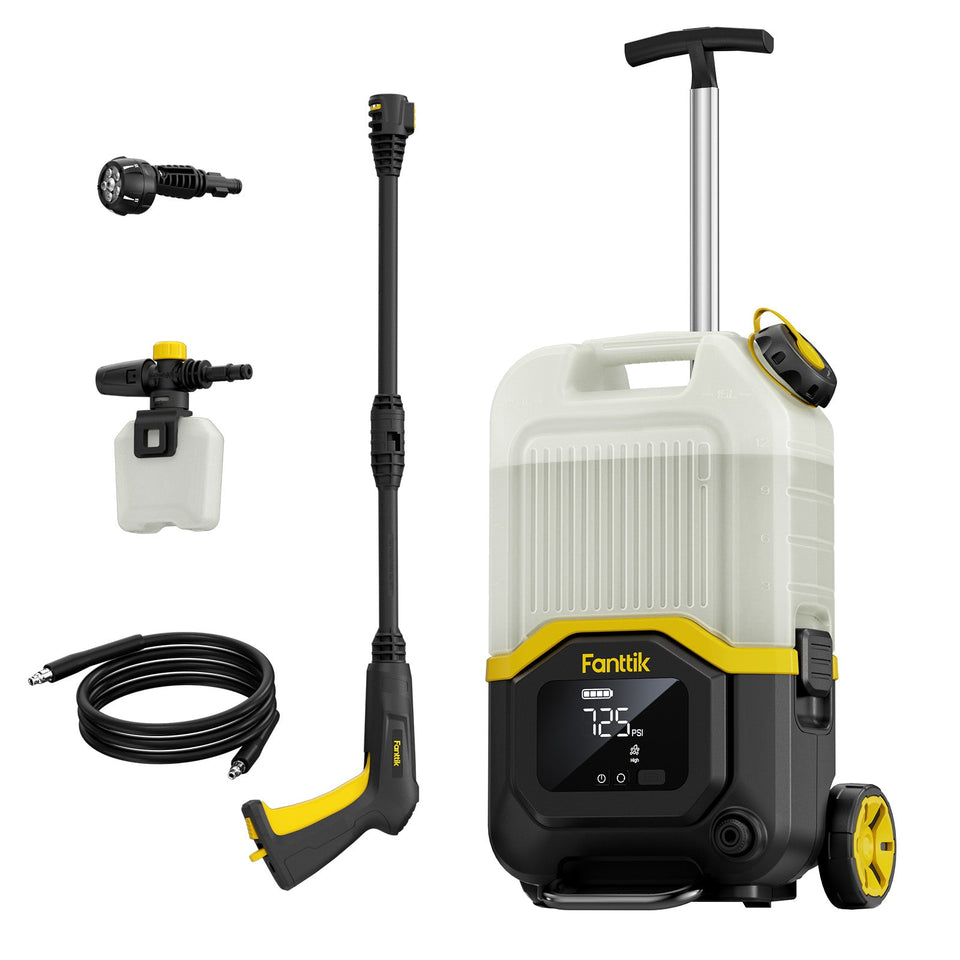 Fanttik Pressure Washer Not Turning On? Fix It Step by Step
Fanttik NB8 Ultra won't turn on or won't spray? Most cases are the trigger safety lock, no water...
Fanttik Pressure Washer Not Turning On? Fix It Step by Step
Fanttik NB8 Ultra won't turn on or won't spray? Most cases are the trigger safety lock, no water...
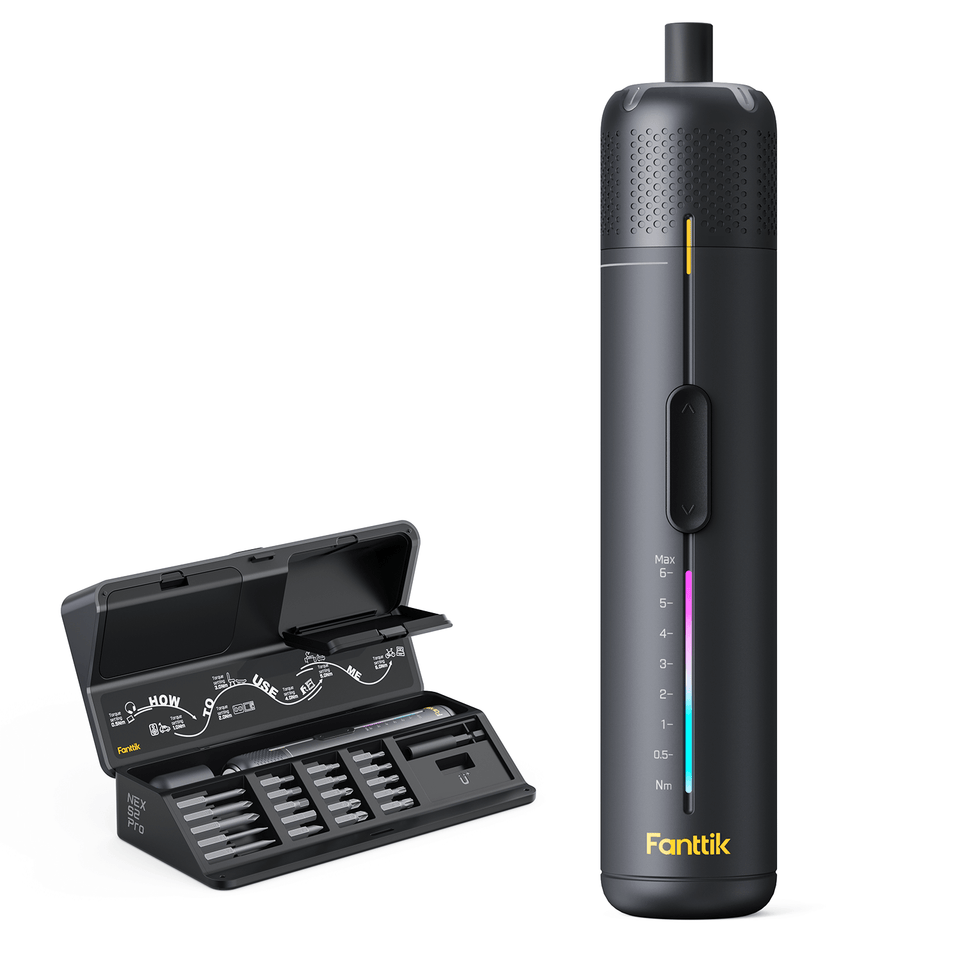 Fanttik S2 Pro Manual & Quick Start
Download the Fanttik S2 Pro and S2 Pro Max manual PDF, with quick-start steps for torque settings, bit...
Fanttik S2 Pro Manual & Quick Start
Download the Fanttik S2 Pro and S2 Pro Max manual PDF, with quick-start steps for torque settings, bit...
Leave a comment
This site is protected by hCaptcha and the hCaptcha Privacy Policy and Terms of Service apply.