












































Everything you need to set up and run the Fanttik S2 Pro and S2 Pro Max cordless electric screwdriver: where to download the manual, how to set torque, how to change bits, and the charging and safety rules that keep the tool working. Both models use a 250 RPM motor, 7 adjustable torque settings up to 6.0 N.m, and a 2000mAh battery charged over USB-C.
Where to Find the S2 Pro Manual
Fanttik publishes the official NEX S2 Pro user manual as a downloadable PDF — no registration required, and it covers both the S2 Pro and the S2 Pro Max:
- PDF download: Fanttik NEX S2 Pro User Manual PDF
- In the box: A printed quick-start guide ships with the screwdriver and its carry case.
- Support hub: fanttik.com/pages/contact-us lists all product documentation and contact options.
The PDF carries the full torque chart, bit list, and safety certifications. The printed card covers only first-time setup and warnings, so keep the PDF bookmarked for reference.
Quick Spec Sheet
| Parameter | S2 Pro | S2 Pro Max |
|---|---|---|
| Torque settings | 7 adjustable | 7 adjustable |
| Torque range | 0.5 – 6.0 N.m | 0.5 – 6.0 N.m |
| Motor speed | 250 RPM | 250 RPM (MagnaStorm motor) |
| Torque control | Mechanical-electronic hybrid | Mechanical-electronic hybrid |
| Battery | 2000 mAh rechargeable | 2000 mAh rechargeable |
| Charging | USB-C, 5V/2A | USB-C, 5V/2A |
| Bits included | 20 S2 steel bits | 16 long household bits |
| Bit shank | 1/4 in hex | 1/4 in hex |
| Lighting | LED work light | LED work light |
Quick-Start Steps
- Charge before first use. Connect the included USB-C cable to the charging port and plug it into a 5V/2A wall adapter. The charging indicator ring signals charging status and turns off the low-battery warning once the cell has power. Don't run the tool on a critically low battery.
- Pick a bit and seat it fully. Both models accept 1/4 in hex-shank bits. Push the bit into the magnetic bit holder until it bottoms out — a fully seated shank stops wobble and keeps drive torque consistent.
- Set the torque level. Use the torque selector to choose one of the 7 settings. Lower settings (toward 0.5 N.m) suit small electronics; higher settings (up to 6.0 N.m) drive furniture and appliance screws. The energy bar shows the active torque strength.
- Choose direction. The energy bar also indicates motor direction (forward/reverse). Confirm forward for driving and reverse for removal before you press the trigger.
- Drive in short bursts. Start the screw straight, keep the bit square to the screw head, and let the torque limit stop the motor rather than forcing the tool.
Torque Settings
Both models use a 7-step torque system spanning roughly 0.5 N.m to 6.0 N.m. The energy bar on the body shows which step is active. General guidance:
- Low (near 0.5 N.m): Eyeglasses, smartphones, laptops, and game controllers, where over-torque cracks plastic or strips tiny threads.
- Medium: Bluetooth speakers, 3D printers, small appliances, and wiggle cars, where screws need to be snug but not crushed.
- High (up to 6.0 N.m): Cabinets, bed frames, and furniture, where larger screws need real driving force.
When in doubt, start a step lower and increase. Both models use the same mechanical-electronic hybrid torque control.
Changing Bits
The magnetic 1/4 in hex holder accepts every included bit and any standard 1/4 in hex-shank driver bit. The S2 Pro ships with 20 S2-steel bits in Torx, Hex, Phillips, and Slotted profiles; the S2 Pro Max ships with 16 longer household bits for deeper reach.
- Power off and let the motor stop completely.
- Pull the seated bit straight out of the magnetic holder.
- Insert the new bit until the hex shank is fully bottomed — no gap between shank and holder.
- Give the bit a light tug to confirm the magnet has it captured before driving.
Use the extension rod (S2 Pro) or the 90° angle adapter (both models) to reach recessed screws in drawers and tight cavities without angling the bit.
Charging & Safety
Charge over USB-C using a 5V/2A adapter before first use. Use a charging-capable cable; a data-only cable may trickle or fail to charge. The LED work light turns on when you press the forward/reverse button and stays on for 10 seconds after release — useful on a motherboard or any dim cabinet.
- Do not try to operate the screwdriver while it is charging; it cannot be used until the cable is unplugged.
- Keep the bit square to the screw head; angled driving cams out and strips the head.
- Let the torque clutch stop the motor — don't lean on the tool past the set limit.
- Store the screwdriver in its case to keep the bits organized and the holder clean.
FAQ
Q: Where do I download the S2 Pro manual PDF?
A: Directly from Fanttik's servers. The same NEX S2 Pro manual covers both the S2 Pro and S2 Pro Max. No sign-up required.
Q: What bits fit the S2 Pro and S2 Pro Max?
A: Both use a magnetic 1/4 in hex bit holder. Any standard 1/4 in hex-shank bit fits, in addition to the included S2-steel bits.
Q: How many torque settings does it have?
A: Seven adjustable settings, spanning roughly 0.5 N.m to 6.0 N.m. The energy bar on the body shows the active level and the motor direction.
Q: How do I charge it?
A: Through the USB-C port with a 5V/2A adapter. The charging indicator ring shows status while the 2000mAh battery charges.
Q: What's the difference between the S2 Pro and S2 Pro Max?
A: They share the 250 RPM motor, 7 torque settings, 6 N.m ceiling, and 2000mAh USB-C battery. The Max uses a MagnaStorm motor and a one-press pop-out case and ships with 16 longer household bits; the S2 Pro ships with 20 S2-steel bits, an extension rod and a magnetic storage case.
Q: The bit wobbles or slips — what's wrong?
A: The shank isn't fully seated in the magnetic holder, or the torque setting is too low for the screw. Re-seat the bit and step up the torque. For other issues, see the S2 Pro troubleshooting guide.
Related Support
- Fanttik S2 Pro Troubleshooting Guide — full issue index for the S2 Pro and S2 Pro Max.
- Fanttik S2 Pro product page — specifications, bit list, and purchasing.
- Fanttik S2 Pro Max product page — the longer-bit variant with MagnaStorm motor.
- Fanttik User Manual PDF Hub — download links for every Fanttik product manual.
- Fanttik Support Center — warranty, contact, and all product documentation.
Continue reading
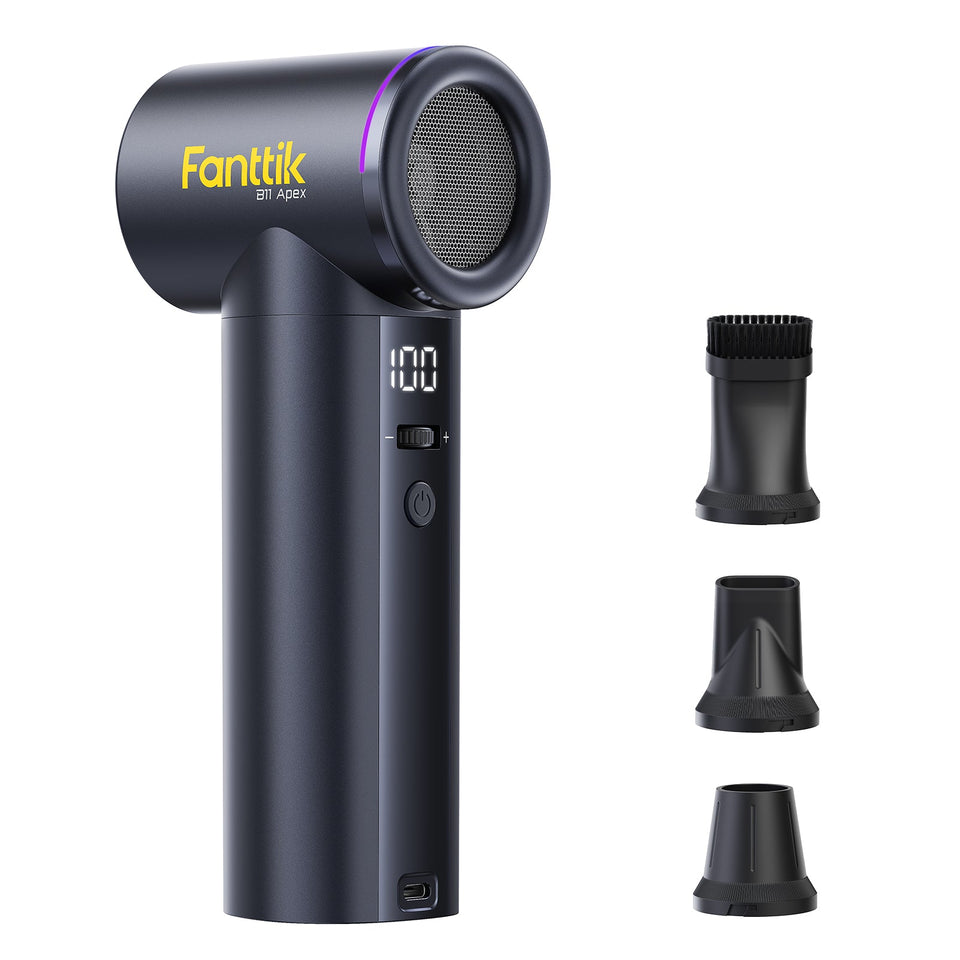 Fanttik Air Duster Manual & Setup Guide (B10 & B11 Series)
Download links and setup help for Fanttik B-series electric air dusters: charging, speed gears, nozzles, and safety for...
Fanttik Air Duster Manual & Setup Guide (B10 & B11 Series)
Download links and setup help for Fanttik B-series electric air dusters: charging, speed gears, nozzles, and safety for...
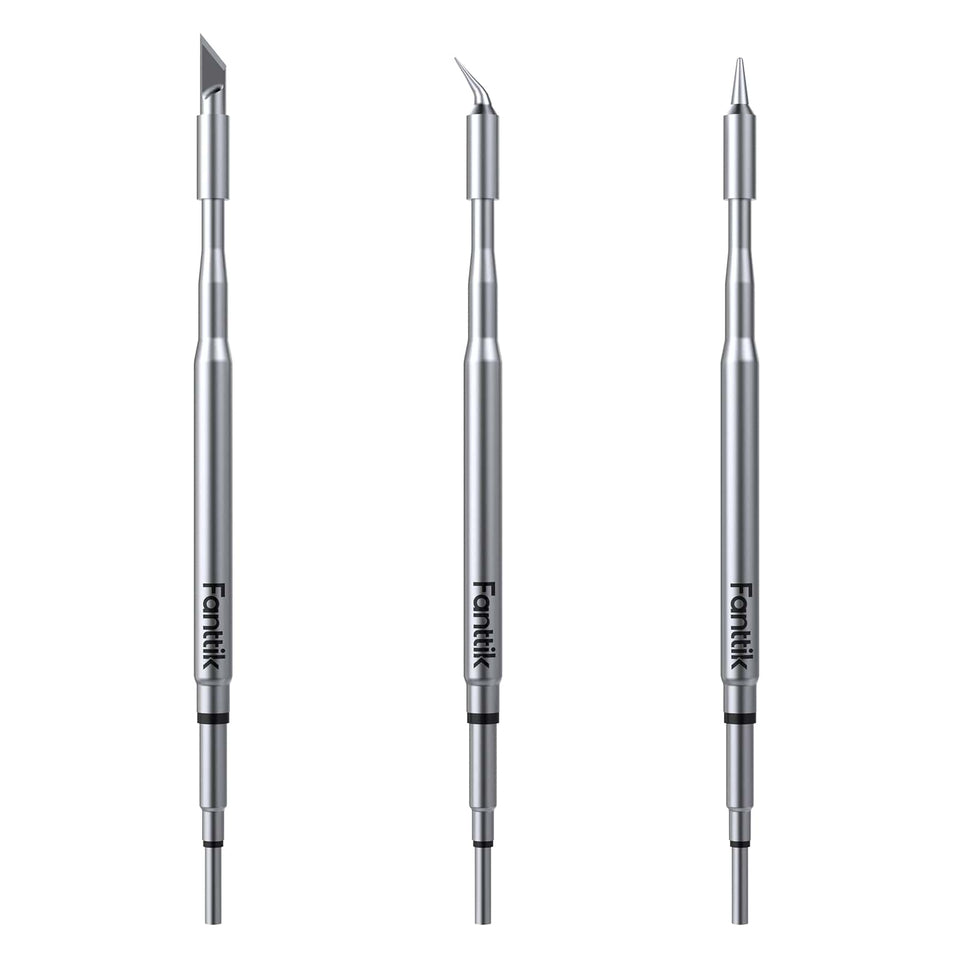 Fanttik Soldering Iron Tip Replacement — C210 Tips for the T1 Max
Choose, swap, and care for C210 replacement tips on the Fanttik T1 Max: tip shapes (C210-I, IS, K),...
Fanttik Soldering Iron Tip Replacement — C210 Tips for the T1 Max
Choose, swap, and care for C210 replacement tips on the Fanttik T1 Max: tip shapes (C210-I, IS, K),...
Leave a comment
This site is protected by hCaptcha and the hCaptcha Privacy Policy and Terms of Service apply.