













































Every Fanttik product ships with a manual in the box, and a digital version is accessible from the product's support hub on this site. This page is the directory: find your product category below, click through to the right hub, and you'll find the digital manual alongside the full troubleshooting guide for that model.

How to Find Your Model Number
Your model number is always on a label on the unit itself — typically on the underside, the battery compartment door, or along the rear housing seam. It looks like X8 APEX, T8 APEX, E1 MAX, F2 Master, or similar. Once you have it, match it to the correct category below.
If you cannot locate a label, check the box the product shipped in — the model is printed on the top and side panels. You can also go to fanttik.com/pages/contact-us and search by product name.

Manuals by Product Category
Tire Inflators
Fanttik tire inflators carry the X-series name. The digital manual for each model lives on its troubleshooting hub alongside pressure calibration, maintenance intervals, and warranty information.
Jump Starters
Fanttik jump starters carry the T-series name. The manual covers jump-start procedures, battery maintenance, and the 12V output mode.
Electric Screwdrivers and Drills
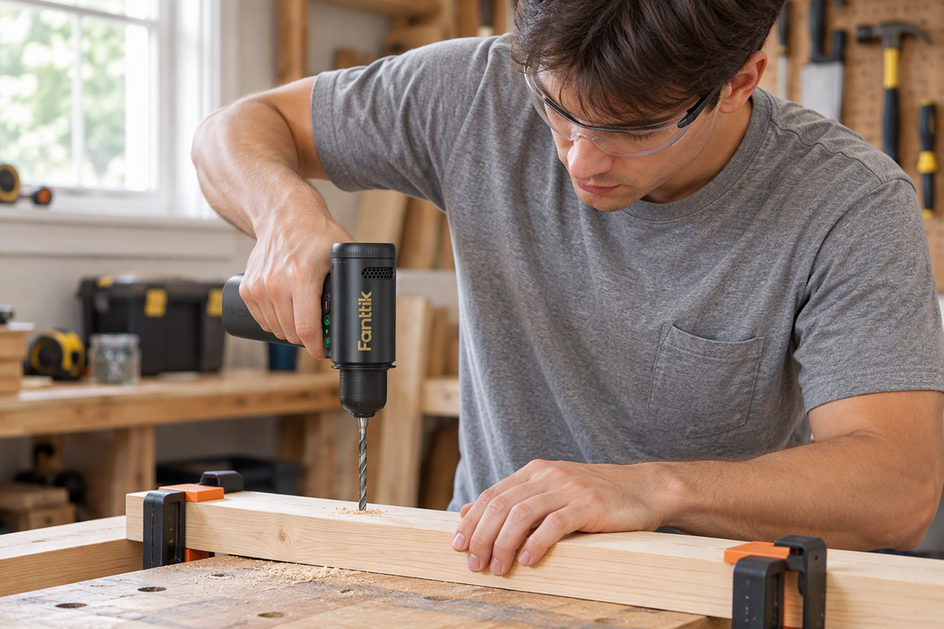
Fanttik cordless drivers carry the E-series (precision screwdrivers) and S-series (household screwdrivers) names, and Fanttik drills carry the K-series name. Manuals cover torque modes, bit-change procedures, and charging.
- Fanttik E1 MAX Screwdriver — support hub and manual
- Fanttik S1 Pro Screwdriver — manual and setup guide
- Fanttik K2 Nano Precision Drill — support hub and manual
Rotary Tools
The F-series covers Fanttik rotary tools. The manual lists speed settings, compatible accessory types, and safe operating guidelines.
Cordless Vacuums
Fanttik car and handheld vacuums carry the Slim, Fold and Cruise V-series names. Manuals include filter-cleaning schedules and the correct HEPA replacement part number.

Can't Find Your Model?
If your model is not listed above, the most direct path is the official support portal. The Fanttik team can also email you a PDF of the manual for any current or discontinued model:

Tips for Using Your Digital Manual
- Open the product's support hub page on your phone while working on the unit — no PDF download required.
- Use your browser's built-in search (Ctrl+F / Cmd+F) to jump directly to a section heading inside any hub page.
- Bookmark the specific support hub page for your model. Each hub includes quick-start steps, spec tables, and an FAQ that answers the most common setup questions.
- If you need the original box format, contact support via the portal above and request a PDF — Fanttik provides them for all current models.
FAQ About Fanttik Manuals and PDFs
Q: Where can I download a Fanttik user manual PDF?
A: Many current Fanttik product pages link the official user manual PDF, and the manual and support pages above link it where one is published. To request a PDF directly, visit fanttik.com/pages/contact-us.
Q: How do I know which manual applies to my model?
A: Find the model number printed on a label on the unit (underside or rear housing) and match it to the category list above. The model name and a letter/number suffix — such as X8 APEX or E1 MAX — identify the exact hub.
Q: My manual was included in the box, but I lost it. Can I get a replacement?
A: Yes. Use the hub pages linked above for the digital version, or request a PDF copy via the support portal at fanttik.com/pages/contact-us.
Q: Are Fanttik manuals available in languages other than English?
A: The in-box manual for some models includes a Spanish section. Contact support to confirm language availability for your specific model.
Q: I have an older Fanttik model not listed here. Is the manual still available?
A: Reach out through the support portal. Fanttik maintains manuals for discontinued models and can email you the relevant document.
Q: The hub page says "manual" but I only see troubleshooting steps. Where is the setup section?
A: Each hub page includes a Setup section early in the article. Use Ctrl+F and search "Setup" or "First Use" to jump directly to it.
Related Support Hubs
- Fanttik X8 APEX Tire Inflator — Full Support Hub
- Fanttik T8 APEX Jump Starter — Full Support Hub
- Fanttik E1 MAX Screwdriver — Full Support Hub
- Fanttik F2 Master Rotary Tool — Manual and Setup
- Fanttik Support Portal

Leave a comment
This site is protected by hCaptcha and the hCaptcha Privacy Policy and Terms of Service apply.