










































This is the central support hub for the Fanttik S2 Pro Cordless Electric Screwdriver and its sibling, the S2 Pro Max. Whether the motor won't spin, a bit keeps slipping, the battery won't charge, or you simply want to pick the right torque setting for a job, this page walks through the most common issues and links to step-by-step fixes. One note for search: there is no Fanttik "S200" model — if you typed that, the S2 Pro is the product you are looking for.
Quick Spec Sheet
| Specification | Fanttik S2 Pro |
|---|---|
| Tool type | Cordless electric screwdriver |
| Torque settings | 7 settings |
| Torque range | 0.5 N·m (min) to 6.0 N·m (max) |
| No-load speed | 250 RPM |
| Battery | 2000 mAh, built-in rechargeable |
| Charging | USB-C, 2x fast charging |
| Rated capacity | ~1,500 screws per full charge |
| Included bits | 20 S2 hardened steel bits (Torx, Hex, Phillips, Slotted) |
| Bit interface | ¼-inch (6.35 mm) hex, magnetic |
| Work light | Circular LED ring (shadowless) |
| SKU | USAWEBFTKN1064512 |
The S2 Pro Max shares the same family design and delivers up to 6 N·m of torque for common household tasks such as computer assembly, furniture installation, and appliance repair. Most troubleshooting steps below apply to both units; where the Max differs, it is noted.
Symptom Quick Check
- Motor doesn't spin at all — confirm the battery has charge and the trigger is pressed fully; check the LED for a low-battery signal before assuming a fault.
- Spins but stalls in the screw — the torque setting is too low for the fastener. Step up through the 7 settings toward the 6.0 N·m end.
- Bit slips or strips the head — usually the wrong bit size or a torque setting that is too high for a delicate screw. Drop toward the 0.5 N·m end for electronics.
- Won't charge — USB-C is the only charging port. A charge-only or damaged cable is the most common cause.
- Bit won't seat — the chuck is magnetic and ¼-inch hex; non-hex or round shanks won't hold.
How the Torque System Works
The S2 Pro gives you 7 torque settings spanning a 0.5 N·m minimum to a 6.0 N·m maximum. Lower settings are for delicate, easily-stripped fasteners — Bluetooth speakers, 3D printer boards, computer motherboards — while the higher settings handle cabinet hardware, bed frames, and appliance panels. The setting determines the point at which the tool stops driving rather than continuing to force the screw, which is what protects both the fastener head and the workpiece. When a screw won't seat, the fix is almost always to step the setting up one notch at a time rather than to push harder by hand.
The S2 Pro Max is rated up to 6 N·m and is positioned for the same range of household and assembly work. If your most stubborn fasteners regularly resist at the top setting, the Max is the model sized for that load.
Most Common Issues
- No power on small screws — counterintuitively, this is a torque-setting problem more often than a battery problem. A low setting is designed to stop early; step it up.
- Bit cams out / strips the screw — match the bit to the head exactly. With 20 included bits across Torx, Hex, Phillips, and Slotted, there is almost always a closer match than the one in the chuck. A worn or undersized Phillips will slip under any torque.
- Screwdriver won't charge — use a known-good USB-C cable connected directly to a working source. Charge-only cables and USB-C-to-adapter chains are a frequent failure point.
- Battery drains quickly — the 2000 mAh cell's effective life shortens if the tool is stored fully depleted for long periods, or kept in heat.
- LED ring flickers under load — brief flicker at the higher torque settings reflects current-draw spikes, not a fault.
- Full user manual and setup guide
Setup & First Use
- Charge fully before first use over the USB-C port. Watch the LED indicator for the charge-complete signal.
- Choose a bit and press it into the magnetic chuck — it should seat and resist a light pull.
- Select a torque setting. When unsure, start at the lowest (0.5 N·m end) and step up only if the fastener doesn't move.
- Set the direction control to forward for driving, reverse for removal.
- Drive the screw, keeping the tool in line with the screw axis. Off-axis pressure is what most users feel as "loss of power" — the bit is slipping, not the motor failing.
- The circular LED ring lights the work area for shadowless assembly on boards and tight enclosures.
Battery Care
- Do not store the tool fully discharged for weeks at a time; lithium cells stored empty degrade faster.
- Charge over USB-C with a quality cable; the 2x fast-charge behavior depends on an adequate power source.
- Keep the tool out of sustained heat (a summer glove box) to slow cell aging.
- If runtime drops well below the rated ~1,500-screw capacity, a full charge-and-deplete conditioning cycle can help restore consistency.
FAQ
Q: What torque setting should I use for laptop or PC repair?
A: Start at the lowest setting (toward 0.5 N·m). The small M2/M2.5 screws in laptops and motherboards strip easily — step up only if the fastener won't move.
Q: Can I use third-party bits in the S2 Pro?
A: Yes, as long as they have a standard ¼-inch hex shank. The chuck is magnetic, so round or non-hex shanks won't hold securely.
Q: What is the difference between the S2 Pro and the S2 Pro Max?
A: They share the same family design. The S2 Pro Max is rated up to 6 N·m and is positioned for the heavier end of household and assembly tasks. For most precision and general work, either model fits.
Q: The screwdriver spins but won't drive the screw — what's wrong?
A: The torque setting is too low for that fastener. Step up through the settings toward the 6.0 N·m end. If it's already at the top and still weak, charge the battery before continuing.
Q: Is the S2 Pro the same as an "S200"?
A: There is no Fanttik S200 model. The S2 Pro (and S2 Pro Max) are the products in this lineup. If you searched for S200, this is what you're looking for.
Q: How do I contact Fanttik warranty support?
A: Visit fanttik.com/pages/contact-us to submit a warranty or service request. Have your order number and SKU (USAWEBFTKN1064512) ready.
Related Support
Continue reading
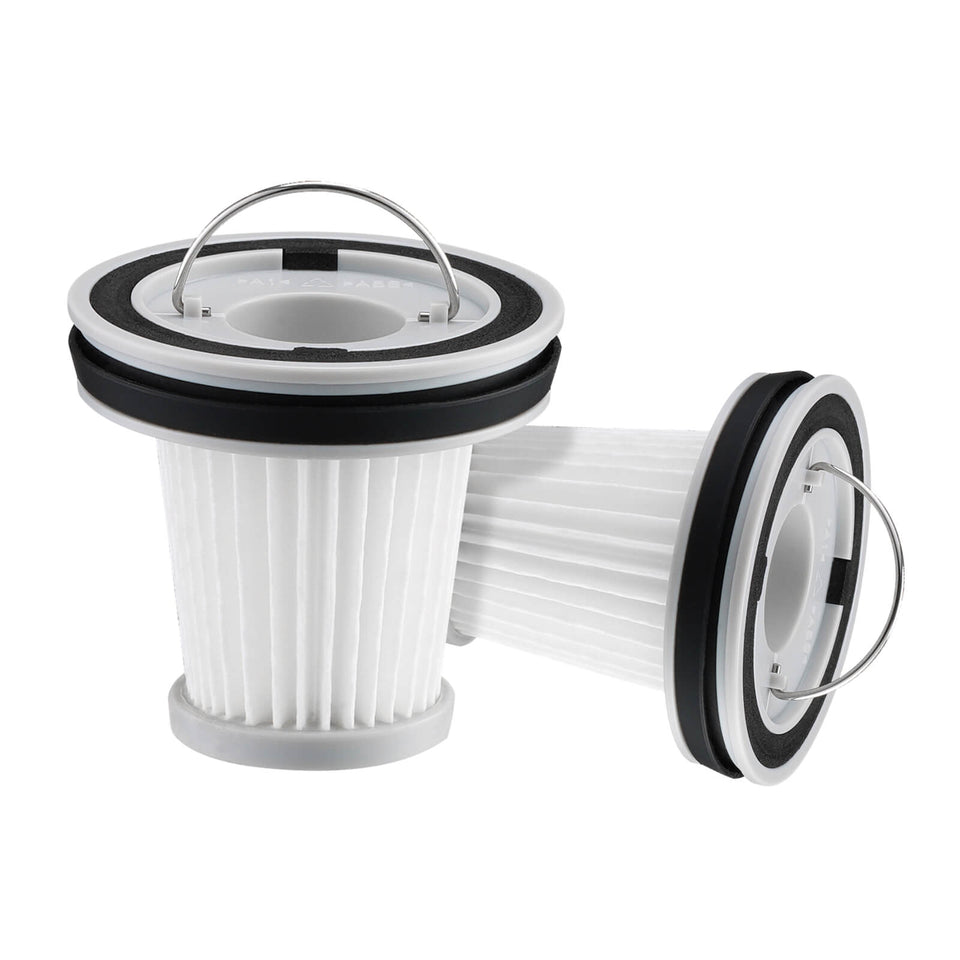 Fanttik Replacement Parts — Genuine Parts Hub
Need Fanttik replacement parts? Match HEPA filters, soldering tips, blades, brush heads, and pads by model to keep...
Fanttik Replacement Parts — Genuine Parts Hub
Need Fanttik replacement parts? Match HEPA filters, soldering tips, blades, brush heads, and pads by model to keep...
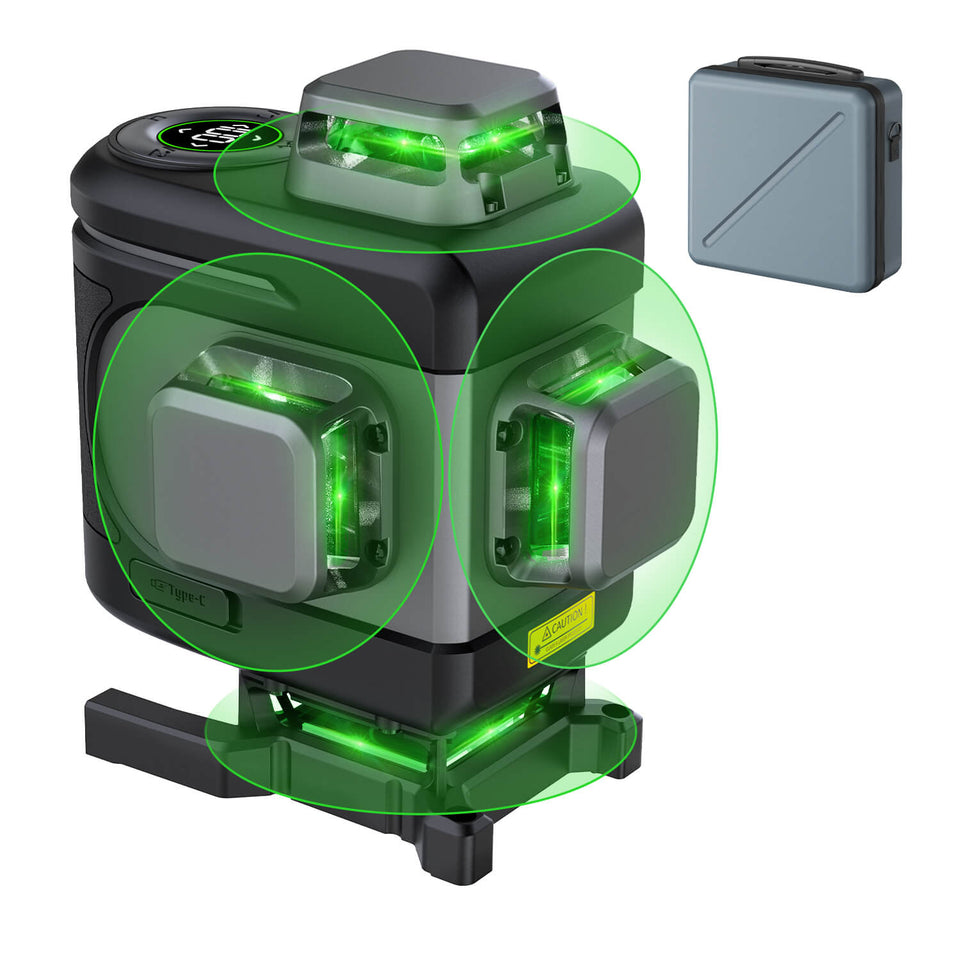 Fanttik Laser Level Manuals: D-Series PDF Downloads
Download official Fanttik laser level manual PDFs for D2, D2 PRO, D12 PRO, D16 APEX and more. Find...
Fanttik Laser Level Manuals: D-Series PDF Downloads
Download official Fanttik laser level manual PDFs for D2, D2 PRO, D12 PRO, D16 APEX and more. Find...
Leave a comment
This site is protected by hCaptcha and the hCaptcha Privacy Policy and Terms of Service apply.