












































This is the central support page for the Fanttik T1 Max Soldering Iron Kit. The T1 Max is a cordless, pen-style precision iron that runs either corded over Type-C or untethered from its built-in battery, so most support questions cluster into a few areas: the tip will not heat, the iron keeps dropping into sleep mid-job, the battery seems to run down fast, or a tip will not seat or tin properly. This hub covers the spec sheet you should keep handy, the issues owners hit most often, how the heating and auto-sleep behavior is supposed to work, setup, maintenance, and FAQ — and it links out to the dedicated fix pages.
Quick Spec Sheet
The T1 Max heats up in about 7 seconds and offers six temperature levels between 390°F and 840°F (200°C to 450°C). It runs corded over Type-C at up to 16W or cordless from its built-in 2600 mAh battery at up to 12W, with the LED color showing whether it's heating, asleep, or charging.
| Parameter | T1 Max |
|---|---|
| Heat-up time | About 7 seconds to working temperature |
| Temperature range | 390°F to 840°F (200°C to 450°C) |
| Temperature levels | 6 preset levels |
| Tips included | 4 C210 tips: C210-I, C210-IS, and two C210-K |
| Corded power | Up to 16W via Type-C |
| Cordless power | Built-in 2600 mAh battery, up to 12W output |
| Cordless runtime | About 60 minutes per charge |
| Auto sleep | After 30 seconds of inactivity (gravity sensor) |
| LED states | Red (heating / low power), green (sleep / ready), white (charging) |
| Stand | 360° swivel stand |
Most Common Issues
A handful of symptoms show up again and again in T1 Max support questions. Each links to a dedicated walk-through where one exists.
- Tip will not heat at all. Work through these checks in order: 1) No LED at all — connect the iron to Type-C power or charge the battery, then try again. 2) Red LED comes on but the tip stays cold after about 30 seconds — power off, let it cool, then reseat the C210 tip fully and check the contacts for debris or corrosion. 3) Still cold after reseating — try the other power mode (corded if you were on battery, or the reverse) to see if the problem follows the power source. 4) No change after all three checks — stop using the iron and contact Fanttik Support rather than continuing to test it. See the detailed no-heat walkthrough for the full step-by-step version.
- Iron keeps falling asleep mid-solder — the gravity sensor reads the iron as idle if you pause too long or rest it flat. It wakes when you pick it up and move it.
- Cordless runtime feels short — higher temperature levels generally use more power, so expect a shorter session at 840°F than at a lower level. If runtime seems far below the roughly 60-minute typical range, try running the iron corded over Type-C to see if the issue follows the battery.
- Solder will not stick to the tip — often an un-tinned or oxidized tip rather than a hardware fault. See the tip tinning guide for the full routine.
- Tip wobbles or reads an open circuit — usually a C210 tip that isn't pushed in to the stop, or contacts that need cleaning. Reseat the tip fully and check for debris on the contacts before assuming a hardware fault.
- White charge LED never turns off — one possible cause is a low-current USB source that trickles the battery without completing a full charge cycle. Try a different Type-C charger or port before assuming a fault, and stop using the charger if the cable, port, or battery feels unusually hot.
How Heating & Auto-Sleep Work
Understanding the T1 Max's two design behaviors prevents most "is it broken?" questions.
- Fast heating. The C210 cartridge tips reach working temperature in about 7 seconds. The red LED indicates the iron is heating or running low on power; once it settles you can solder.
- Six temperature levels. The iron steps through 6 presets across the 390°F to 840°F (200°C to 450°C) range. Lower levels suit fine SMD; higher levels suit ground planes and heavier joints.
- Gravity-sensor sleep. After 30 seconds of inactivity the iron drops into sleep mode and the LED turns green (sleep / ready). Move it and it wakes and re-heats. This is normal — it protects the tip and saves battery.
- Corded vs cordless. Plugged into a Type-C source the iron can draw up to 16W; on the built-in 2600 mAh battery it delivers up to 12W for about 60 minutes. Heavier joints are easier in corded mode.
Setup & First-Time Use
The T1 Max ships with a partial charge for transit. A few steps avoid first-day confusion.
- Charge over Type-C until the white charging LED behavior settles. Cordless work runs from the battery, so starting near empty gives a short first session.
- Seat your chosen C210 tip fully into the iron until it stops. A partially inserted tip may not complete the heater circuit, and the iron can appear dead.
- Pick a temperature level to match the work — a lower level for fine electronics, a higher level for larger joints — rather than defaulting to the top of the 390°F to 840°F range.
- Rest the iron on the 360° swivel stand between joints. Leaving it idle triggers the 30-second auto-sleep, which is expected.
Maintenance & Tip Care
The C210 tips are the wear part, and tip care is where most "it stopped working" reports actually originate.
- Keep the tip tinned. Apply a little fresh solder before setting the iron down and again before storage; a bright, tinned tip transfers heat and resists oxidation.
- Wipe oxidation off with brass wool or a damp sponge during a session rather than scraping. A black, dry tip is starved of tin, not worn out.
- Let each C210 tip cool before swapping tips, and avoid touching the tip or nozzle while the iron is hot or plugged in. Match the tip to the job — fine C210-I for detail, C210-K for larger pads.
- Store the iron with some charge on the battery rather than fully drained, and recharge over a proper Type-C source so the charge cycle completes.
- Keep the tip-to-iron contacts clean. A dirty or loose contact can prevent the iron from heating.
- If you notice smoke, a burning smell, a cracked case, or a battery that feels hot or swollen, stop using the iron and contact Fanttik Support.
FAQs
How hot does the Fanttik T1 Max get?
It covers 390°F to 840°F (200°C to 450°C) across 6 temperature levels, so you can dial it down for delicate boards or up for heavier joints.
Why does my T1 Max keep going to sleep while I work?
That's the gravity sensor. After 30 seconds of inactivity the iron enters sleep mode (green LED) to protect the tip and save battery. Pick it up and move it and it wakes and re-heats.
How long does the T1 Max run on battery?
The built-in 2600 mAh battery delivers up to 12W for about 60 minutes per charge. Higher temperature levels can shorten that, so run corded over Type-C (up to 16W) for long sessions.
The tip will not heat. Is it broken?
Not necessarily. Work through the checks in order: confirm the LED lights up, reseat the tip fully and check the contacts, confirm the iron has power from either source, and if nothing changes after that, stop using the iron and contact support instead of continuing to test it.
Which tips come with the kit?
Four C210 precision tips — C210-I, C210-IS, and two C210-K. They are swappable for the work in front of you.
Solder will not stick to the tip. What's wrong?
The tip likely needs tinning or has oxidized. Clean it and apply fresh solder. See the tip tinning guide above for the full routine.
Related Support
These links cover the full manual and quick-start steps, general usage instructions, tip replacement and tinning, and the product and support pages for anything this troubleshooting hub doesn't resolve.
Continue reading
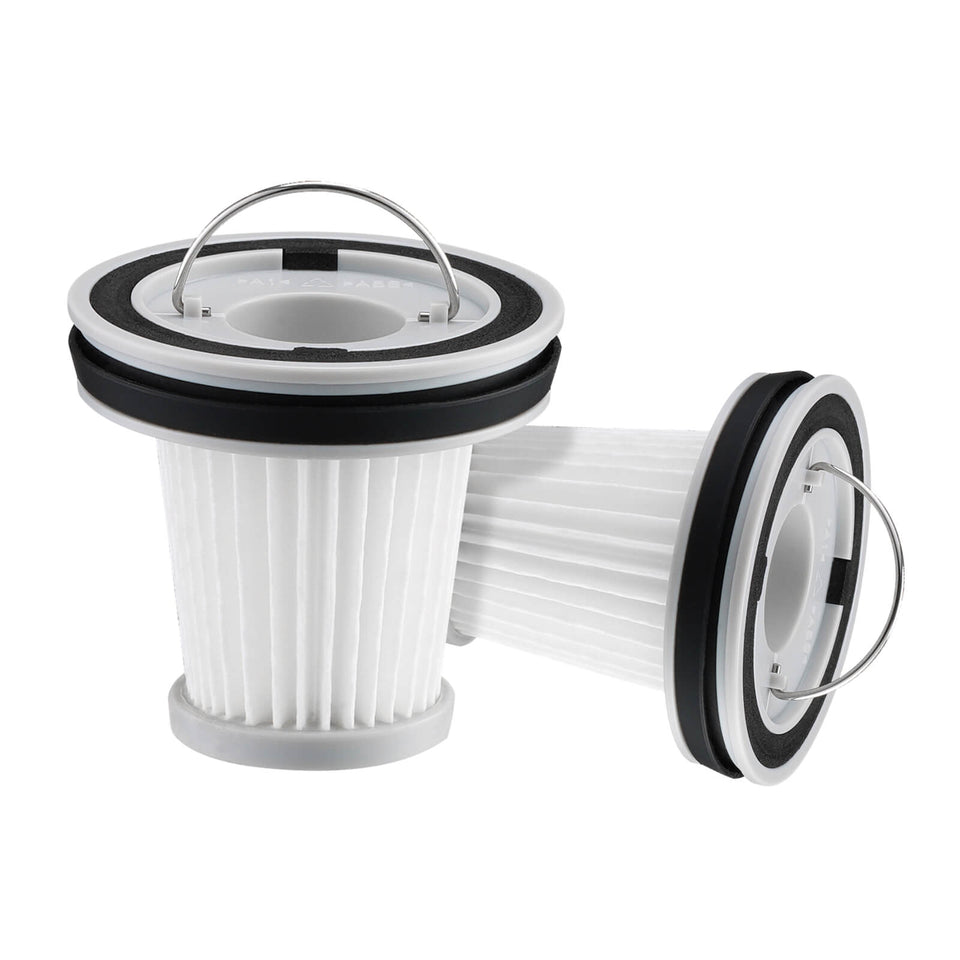 Fanttik Replacement Parts — Genuine Parts Hub
Need Fanttik replacement parts? Match HEPA filters, soldering tips, blades, brush heads, and pads by model to keep...
Fanttik Replacement Parts — Genuine Parts Hub
Need Fanttik replacement parts? Match HEPA filters, soldering tips, blades, brush heads, and pads by model to keep...
Leave a comment
This site is protected by hCaptcha and the hCaptcha Privacy Policy and Terms of Service apply.