












































Download the official Fanttik T1 Max soldering iron manual PDF, or use the quick-start below. This page covers the manual and specifications; the separate T1 Max operating guide gives the full first-session walkthrough, while the troubleshooting guide covers abnormal heating and charging.
Where to Find the T1 Max Manual
Fanttik publishes the official user manual as a downloadable PDF — no registration required:
- PDF download: Fanttik T1 Max User Manual PDF
- In the box: A printed quick-start guide ships with the kit.
- Support hub: fanttik.com/pages/contact-us lists product documentation and warranty contact.
The PDF covers full safety warnings, tip compatibility, and temperature charts; the printed card covers only first-time setup. If your iron behaves unexpectedly, check the PDF before troubleshooting.
Quick Spec Sheet
The T1 Max heats up in about 7 seconds, covers 390°F–840°F across 6 temperature levels, and runs cordless on a 2600mAh battery or corded over USB-C. The table below summarizes these core specs, along with tip count, stand, and charging details from Fanttik's product page and manual.
| Parameter | Fanttik T1 Max |
|---|---|
| Heat-up time | ~7 seconds |
| Temperature range | 390°F–840°F |
| Temperature control | 6 levels |
| Cordless mode | 2600mAh battery, up to 12W, ~60 min runtime |
| Corded mode | USB-C (Type-C), 16W, 7s melt |
| Idle protection | Auto sleep |
| Included tips | 4 × C210 precision tips |
| Stand | 360° swivel stand |
| Charging | USB-C |
| Price | $79.99 |
Price reflects the listing shown on this page at the time of publish and may vary by region or promotion.
Quick-Start Steps
Getting the T1 Max ready to solder takes five short steps: charge it, seat a tip, power on and pick a temperature, tin the tip, then rest it on the stand between joints.
- Charge before first use. Connect the included USB-C cable to the T1 Max and a USB-C wall brick. The indicator shows charging status and changes state when full. You can also run the iron corded over USB-C while plugged in, as described in the manual.
- Install a tip. Seat one of the four C210 tips fully into the heating element before powering on. A tip that isn't fully bottomed will heat slowly and unevenly. Let the iron cool fully before touching the tip.
- Power on and pick a temperature level. The T1 Max offers 6 temperature levels across the 390°F–840°F range. It reaches working heat in roughly 7 seconds, so wait for the indicator to turn green before soldering.
- Tin the tip. When the tip reaches temperature, apply a small amount of solder to coat it. A tinned tip transfers heat efficiently and lasts longer.
- Rest it on the swivel stand. Between joints, set the iron on its 360° swivel stand. Auto sleep lowers the temperature when the iron is left idle to protect the tip and save battery.
Temperature Settings
The T1 Max steps through 6 levels between 390°F and 840°F, but Fanttik's materials don't publish an exact degree value for each level — treat the levels as a low-to-high scale and adjust from there. Start on a low-to-mid level for small joints and step up if solder doesn't flow within a couple of seconds; save the higher levels for parts that pull heat away quickly, like ground planes and thick wire. General guidance:
- Lower range: Fine electronics, surface-mount components, and heat-sensitive parts where you want to avoid lifting pads.
- Mid range: General through-hole work, header pins, and standard leaded or lead-free solder on small joints.
- Higher range: Larger pads, ground planes, thick wires, and connectors that pull heat away quickly.
If solder isn't flowing, clean and re-tin the tip and make sure it touches both the pad and the lead before stepping up a level — most cold joints come from poor heat transfer through a dry tip or weak contact, and pressing harder does not fix that. If you smell burning flux or the tip oxidizes quickly, you're running hotter than the job needs.
Cordless vs. Corded Mode
The T1 Max works two ways: cordless on its 2600mAh battery, or corded over USB-C for continuous power. Cordless mode delivers up to 12W for roughly 60 minutes, enough for most desk and field repairs without a cable in the way. Corded mode draws up to 16W and reaches melt in about 7 seconds, better for longer sessions or higher-heat joints.
You can solder while charging, and if the battery runs low, plug in and the iron switches to corded operation. Confirm your cable and charger against the manual's charging specs first — a data-only or lower-power USB-C cable may not sustain corded operation.
Changing Tips
The T1 Max uses C210 precision tips, and the kit includes four. Fanttik's C210 line covers other profiles too, such as fine-point, bevel, and knife styles — confirm exact model numbers and availability on the product page or in the manual's tip chart before ordering a replacement.
- Power off and let the tip cool completely — a hot tip will burn you and can damage the cartridge if pulled under tension.
- Unscrew the tip nut and pull the cooled tip straight out.
- Insert the new C210 tip until it is fully seated, then lock the nut; a tip that sits proud will heat poorly.
- Power on, set your temperature level, and re-tin the new tip before soldering.
For a full tip-by-tip breakdown and replacement options, see the C210 tip replacement guide.
Charging & Safety
Charge via USB-C using a power-delivery cable before first use, per the manual's charging guidance — a data-only cable may trickle-charge or not charge at all.
- Never touch the tip while the iron is on or cooling — soldering tips reach hundreds of degrees and stay hot after power-off.
- Always return the iron to its swivel stand when not in your hand; don't lay a hot iron on a bench.
- Solder in a ventilated area and avoid breathing flux fumes.
- Let auto sleep do its job — leaving the iron at full heat unattended shortens tip life.
- Keep the tip tinned; a dry, oxidized tip won't transfer heat even at the right temperature setting.
FAQs
Where can I download the official T1 Max manual PDF?
Use the download link at the top of this page — Fanttik doesn't require sign-up, and the PDF includes the full safety warnings and tip chart that the printed quick-start card leaves out.
Can I look up the exact temperature for each of the six levels?
No single published chart maps each of the six levels to an exact degree — Fanttik documents the overall range and level count only. Use the low/mid/high guidance in the Temperature Settings section above, and treat the first joint on a new level as a quick test: step up if solder doesn't flow within a couple of seconds.
Can I solder while the T1 Max is charging, and what if my USB-C cable won't power it?
Yes — the iron runs corded off USB-C power while charging, and switches to corded operation automatically if the battery runs low. If a cable seems to only trickle-charge or won't power the iron at all, it's likely a data-only cable rather than a power-delivery one; swap cables before assuming the unit is faulty, and confirm compatible cable specs in the manual.
What if I need a tip profile the kit didn't include?
The kit ships with four C210 tips. Fanttik's C210 line includes other profiles, such as fine-point, bevel, and knife styles, but exact model numbers and availability should be confirmed on the product page or in the manual's tip chart before you order a replacement.
My T1 Max won't heat, won't turn on, or shows an indicator light I don't recognize — what should I check?
Confirm the tip is fully seated, charge the battery or plug in over USB-C with a power-delivery cable, and give it the full ~7 seconds to reach heat. Fanttik's manual and the T1 Max troubleshooting index cover exact button sequences and what each indicator light means for your unit — check there before assuming a fault, since the light legend isn't the same on every version.
Related Support
These official Fanttik resources cover deeper troubleshooting, soldering technique, tip replacement, and full product specifications for the T1 Max.
- Fanttik T1 Max Troubleshooting Guide — full issue index for the T1 Max.
- Soldering Technique Guide — step-by-step soldering technique and best practices.
- Fanttik Soldering Iron Tip Replacement — C210 tip profiles and how to swap them.
- Fanttik T1 Max product page — full specifications and purchasing.
- Fanttik Support Center — warranty, contact, and all product documentation.
Continue reading
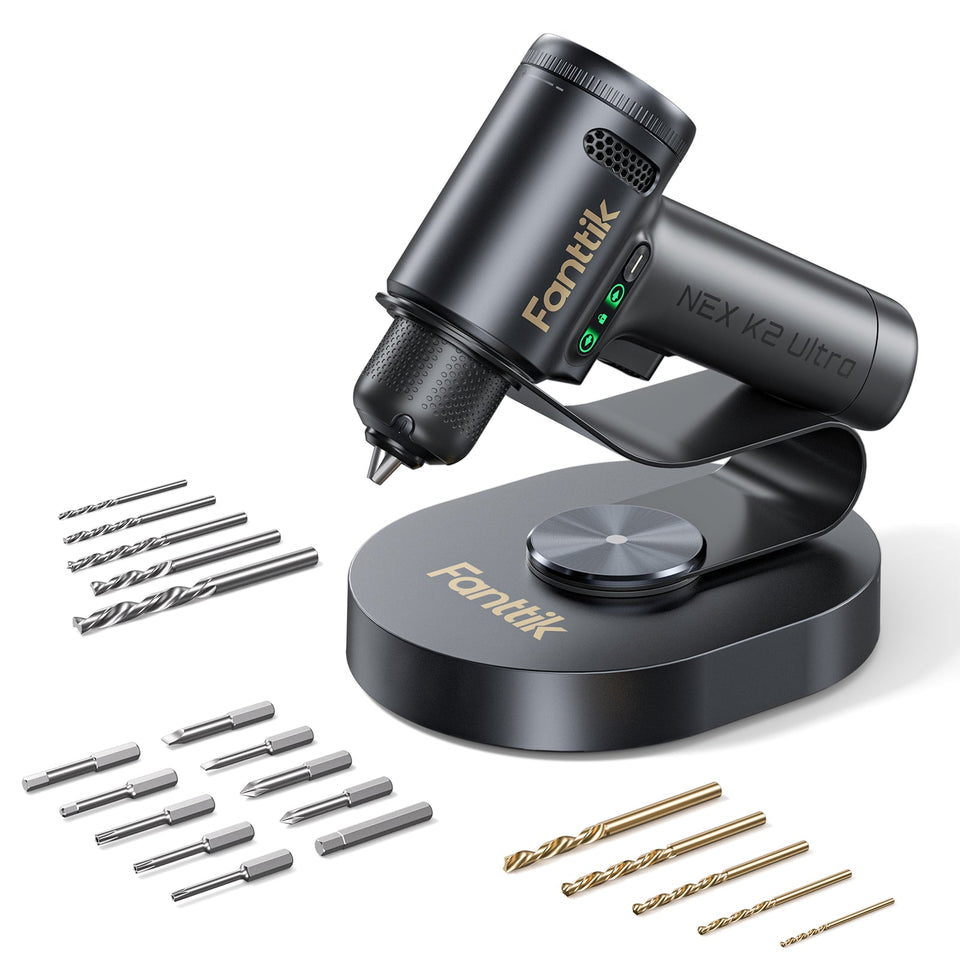 Fanttik K2 Ultra Troubleshooting Guide
Fix common Fanttik K2 Ultra 7.4V power drill issues: chuck won't grip, TapSwitch gear won't shift, no charge,...
Fanttik K2 Ultra Troubleshooting Guide
Fix common Fanttik K2 Ultra 7.4V power drill issues: chuck won't grip, TapSwitch gear won't shift, no charge,...
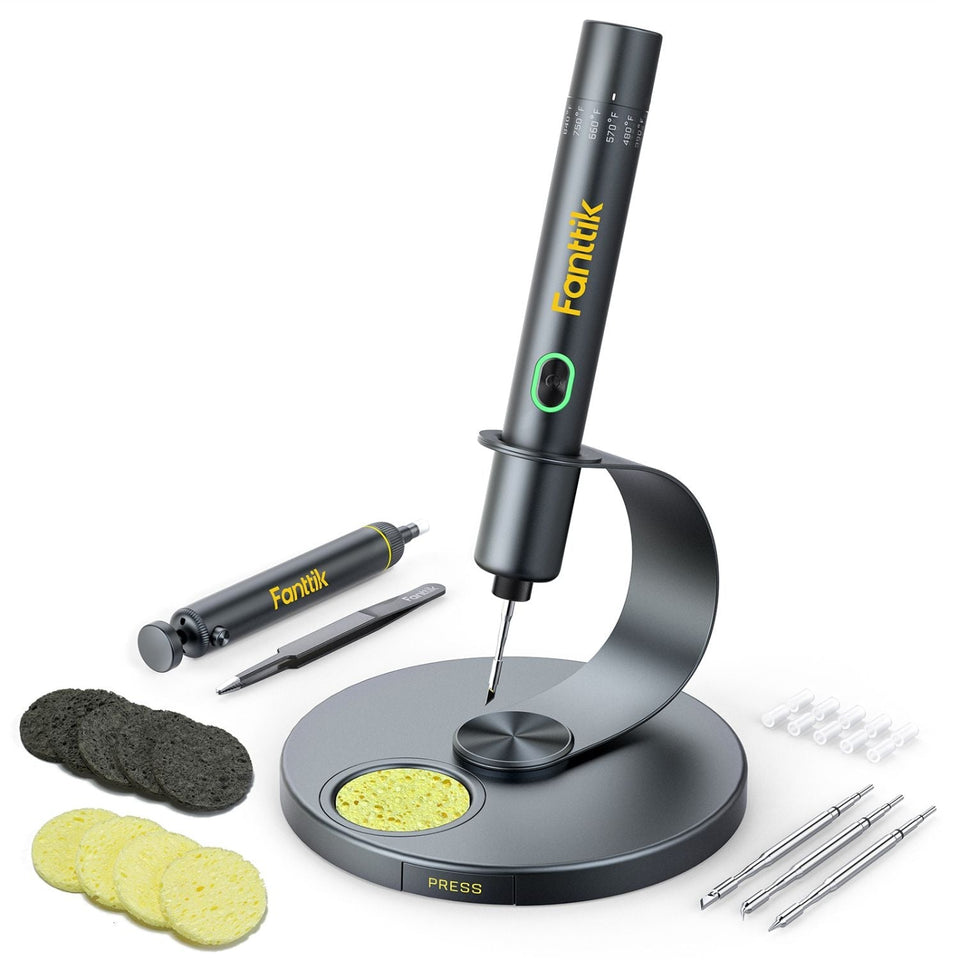 How to Use Fanttik T1 Max Soldering Iron: 7 Steps
Follow this Fanttik T1 Max guide to seat C210 tips, set heat levels, read status lights, and solder...
How to Use Fanttik T1 Max Soldering Iron: 7 Steps
Follow this Fanttik T1 Max guide to seat C210 tips, set heat levels, read status lights, and solder...

Leave a comment
This site is protected by hCaptcha and the hCaptcha Privacy Policy and Terms of Service apply.