












































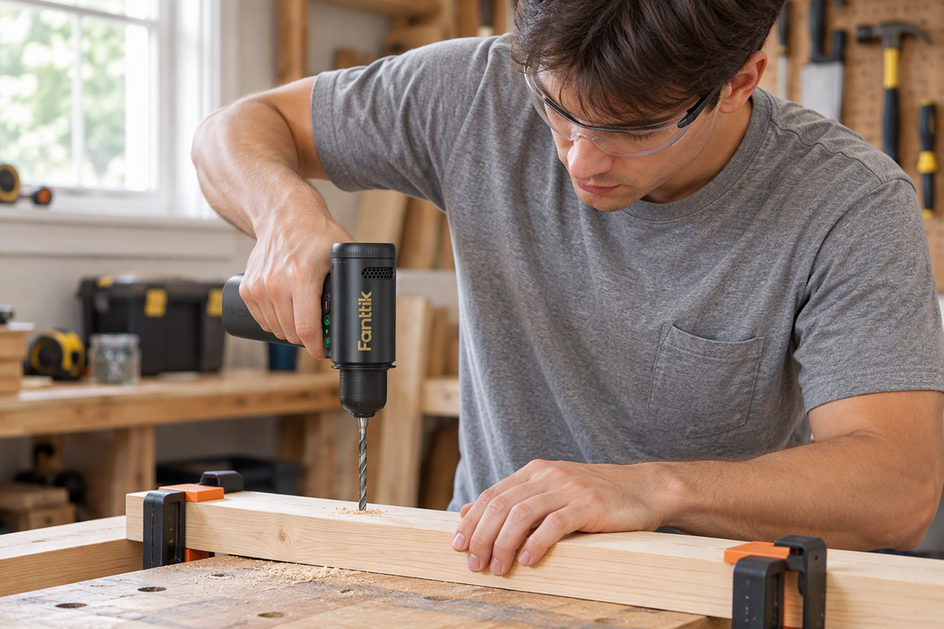
This is the central support page for the Fanttik K2 Ultra 7.4V Cordless Power Drill. The K2 Ultra is a compact-but-capable brushless drill built for home DIY, furniture assembly, and light construction — a step up from the precision-focused K2 Nano. With 30 N·m of torque, a 1250 RPM brushless motor, a TapSwitch one-press gear shift, and a digital RPM display, it handles wood screws, flat-pack furniture, and most household fasteners. Most support questions land in four buckets: the chuck won't grip a bit, the TapSwitch gear won't change, the battery won't charge or hold a charge, or users want to know which jobs belong to the Ultra versus the smaller K2 Nano.
Quick Spec Sheet
| Parameter | K2 Ultra | K2 Nano (sibling) |
|---|---|---|
| Voltage | 7.4V | 3.7V |
| Max torque | 30 N·m | 0.6 N·m |
| Speed | 1250 RPM | 250 / 1300 RPM |
| Gear shift | TapSwitch one-press | Manual two-speed switch |
| Display | Digital RPM display | Not equipped |
| Battery | 2500mAh, integrated | 800mAh, integrated |
| Charging | Type-C | Type-C |
| Motor | Brushless | Brushed |
| Included bits | 10 drill bits + 10 screwdriver bits | 20 HSS bits |
| Intended use | Home DIY, furniture, light construction | Precision crafts, PCB, electronics |
The two specs that drive most support outcomes are torque and the TapSwitch shift. 30 N·m is enough for standard wood and household fasteners but is not an impact driver — long lag bolts or masonry are outside its design envelope. And because the gear change is a one-press TapSwitch rather than a manual collar, a "gear won't change" complaint is almost always a technique issue, not a fault.
Most Common Issues
- Bit slips or won't seat — the keyless chuck needs a firm two-hand twist to clamp fully. Light finger pressure leaves the bit loose, causing wobble or spin-out under load.
- TapSwitch gear won't change — the one-press shift is designed to be tapped while the trigger is released or the motor is unloaded. Trying to shift mid-drive, under full load, will feel like it is "stuck." Release the trigger, tap to shift, then resume.
- Drill stalls on a large fastener — 30 N·m is the ceiling. Long lag screws, large self-tappers in metal, or masonry exceed it. The motor stalling is the tool protecting itself, not a defect.
- Won't charge / no charge light — most cases are a low-current USB port or a marginal cable, not a dead battery. See the charging section below.
- Battery drains quickly — sustained high-torque driving in dense hardwood draws the 2500mAh cell down faster than light drilling. Work in sessions and recharge between them.
- Digital display blank or frozen — the RPM display only reads out when the motor is running. A blank screen at rest is normal; a frozen reading usually clears after a full power cycle.
How the K2 Ultra Works
The K2 Ultra uses a 7.4V lithium pack and a brushless motor. The brushless design matters for support reasons: it runs cooler, lasts longer, and holds torque better under load than a brushed motor like the one in the K2 Nano. That is why the Ultra can sustain 30 N·m driving without bogging down the way a precision drill would.
The TapSwitch one-press gear shift changes the mechanical gear ratio with a single tap rather than a sliding collar. Low gear trades speed for torque (driving screws); high gear trades torque for the full 1250 RPM (drilling clean holes). Because it is a real gear change, shift when the motor is unloaded — tapping it mid-drive under load is what makes it feel jammed.
The digital RPM display gives you live feedback on motor speed, which is genuinely useful for matching speed to material: slow for driving and starting holes, fast for clean drilling. If the display reads zero while the trigger is pulled, treat that as a real fault signal (see charging and battery care).
Bit Chuck Setup
- Rotate the chuck collar counter-clockwise (viewed from the front) until the jaws open wide enough for the bit shank.
- Insert the bit straight in. A tilted bit causes runout that looks like a bent bit but is really a seating problem.
- Hold the drill body steady and twist the collar firmly clockwise with your other hand until it stops. You should feel the jaws clamp down.
- Give the bit a light tug. If it pulls free, repeat step 3 with more torque on the collar.
- When swapping between the included drill bits and screwdriver bits, fully open the chuck each time — partially opening it is the most common cause of a bit cocking in the jaws.
Charging & Battery Care
- The K2 Ultra has an integrated 2500mAh lithium battery charged over Type-C. Use a quality USB-C cable and a standard charger; a phone-grade output is fine and a high-wattage PD brick is not required.
- If there is no charge indication, swap the cable and try a different wall adapter or port before concluding the battery is faulty. A laptop USB-A port at low current may charge slowly or not register at all.
- Do not store the drill fully discharged for long periods. Lithium cells left at zero charge for weeks can lose capacity permanently. Top it up to a partial charge before storing it between projects.
- If the drill won't power on after storage, leave it on the charger for half an hour before assuming the cell is dead. Deeply discharged cells often look dead but recover with a slow initial charge.
- Charge at normal room temperature. Charging a very cold or very hot pack can pause or slow the charge cycle.
FAQ
Q: My TapSwitch gear won't change — is it broken?
A: Almost never. The one-press shift is meant to be tapped with the trigger released or the motor unloaded. If you try to shift while driving a screw under full load, the gears can't mesh and it feels stuck. Release the trigger, tap to shift, then continue.
Q: Can the K2 Ultra drive long lag bolts or drill into masonry?
A: It is rated to 30 N·m, which covers standard wood screws and household fasteners, but it is a drill/driver, not an impact driver or hammer drill. Long lag bolts and masonry exceed its design envelope and will stall the motor. Pre-drill pilot holes for large fasteners.
Q: The digital display is blank — what's wrong?
A: The RPM display only shows a reading while the motor is turning. A blank screen at rest is normal. If it reads zero while you're pulling the trigger and the motor isn't spinning, power-cycle the drill and check the charge — that points to a battery or power issue, not the display.
Q: How long does the battery take to charge?
A: Fanttik does not publish an exact charge time for this model, and it depends on your charger's output. Use a standard USB-C charger and a good cable; a higher-current adapter charges faster than a low-current laptop port. For an exact figure, check the included manual or the product page.
Q: Which bit goes in for driving versus drilling?
A: The kit includes 10 screwdriver bits for fasteners and 10 drill bits for boring holes. Drive screws in low gear at lower RPM; switch up to high gear for clean drilling once the hole is started.
Q: K2 Ultra vs. K2 Nano — how do I choose?
A: Pick the Ultra for home DIY, furniture assembly, wood screws, and household fasteners — its 30 N·m and brushless motor are built for that. Pick the K2 Nano for electronics, PCBs, models, and fine crafts, where its 0.6 N·m precision matters. The torque gap is large enough that the two rarely overlap.
Related Support
Continue reading
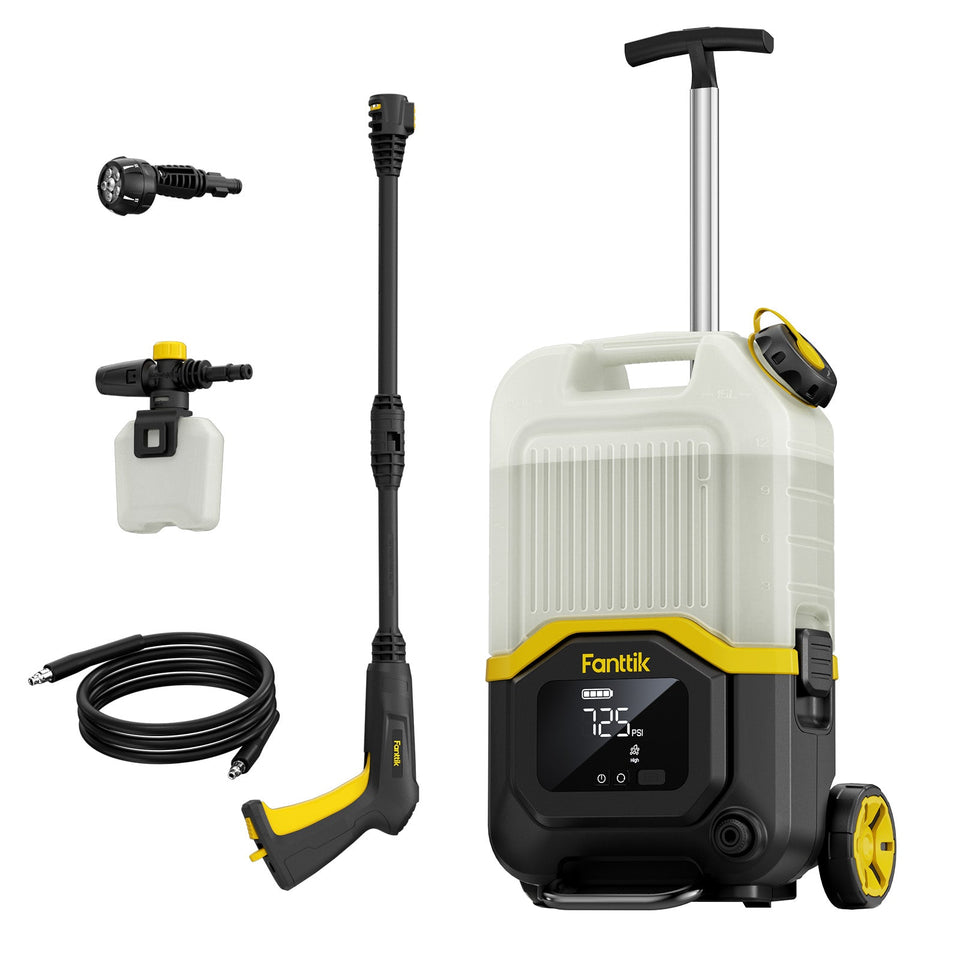 Fanttik Pressure Washer Manuals: NB8 & NB10 PDF Guide
Download Fanttik pressure washer manuals for NB8 Ultra, Fold, Nano and Flip, plus find the latest NB10 documentation,...
Fanttik Pressure Washer Manuals: NB8 & NB10 PDF Guide
Download Fanttik pressure washer manuals for NB8 Ultra, Fold, Nano and Flip, plus find the latest NB10 documentation,...
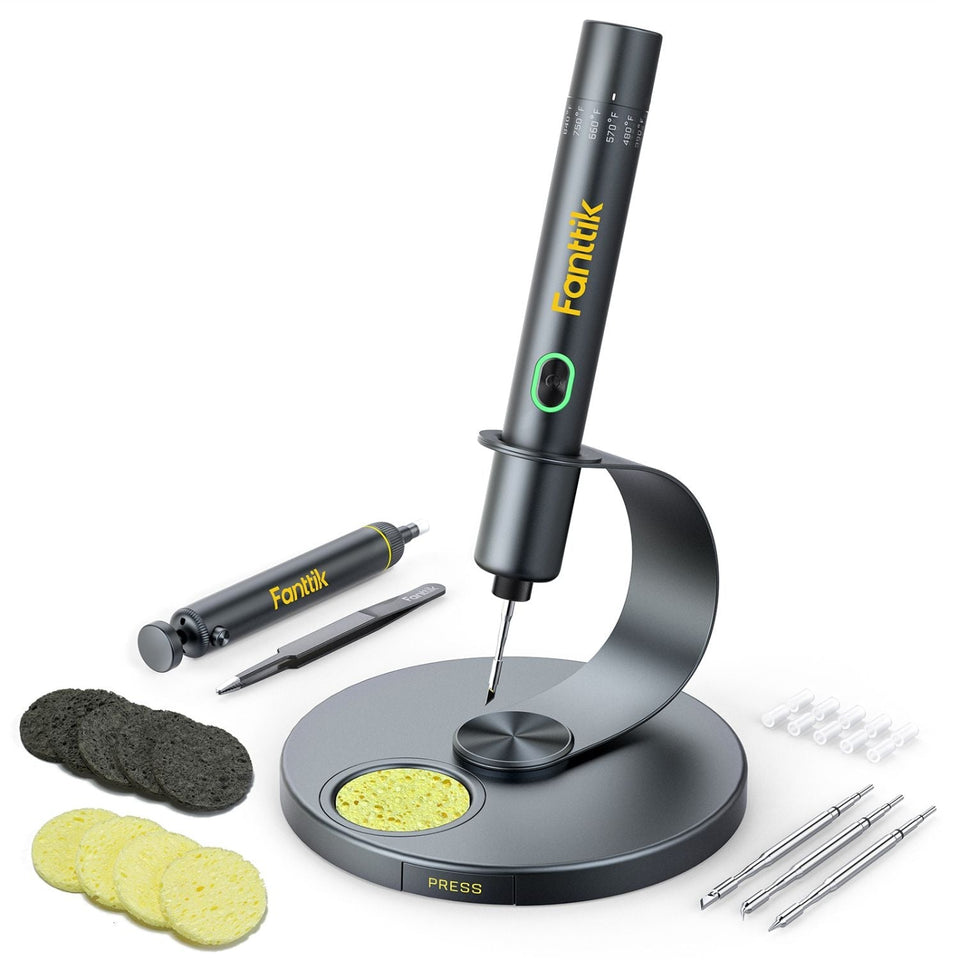 Fanttik T1 Max Soldering Iron Manual PDF & Quick Start
Get the official Fanttik T1 Max soldering iron manual PDF, quick-start steps, 6 temperature levels, cordless and corded...
Fanttik T1 Max Soldering Iron Manual PDF & Quick Start
Get the official Fanttik T1 Max soldering iron manual PDF, quick-start steps, 6 temperature levels, cordless and corded...
Leave a comment
This site is protected by hCaptcha and the hCaptcha Privacy Policy and Terms of Service apply.