





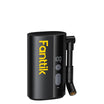
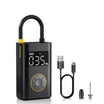
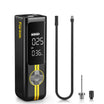
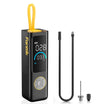
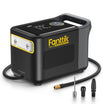
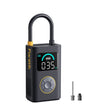
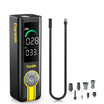
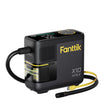
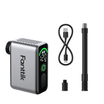
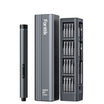
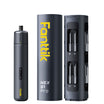
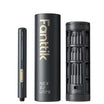

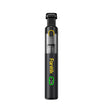
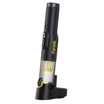
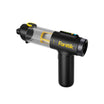
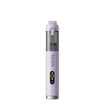
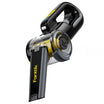
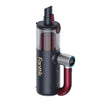
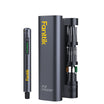
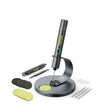
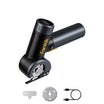
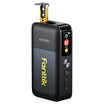
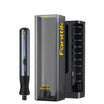
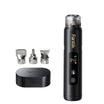

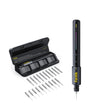

Before you clean wood dust out of a PC with an air duster, stop the dust-making work. Move the PC out of the dust path, shut it down, and unplug it. Then open the case only the way its maker describes.

Use an electric air duster inside the case only if its own manual covers computer parts and gives operating limits. Your goal is to move dust out through an opening, not deeper into the parts. Don't plug the PC back in until you can't see any loose dust and the case is closed.
How to Prepare a PC Exposed to Woodworking Dust
Good woodworking dust cleanup starts at the source. OSHA notes that sanding and cutting put wood particles into the air. A PC that keeps running near a sander will keep pulling in fresh dust while you try to clean it.
- Stop sanding, cutting, and routing. Finish or pause the dusty work first. Then move the PC away from the bench and out of the dust path.
- Set up dust capture before you disturb settled dust. OSHA's woodworking dust controls center on local exhaust ventilation, which removes dust at or near its source. That guidance is about shop machines, not PCs. Still, the same idea applies here: decide where the loosened dust will go before you blow it loose.
- Shut down fully and disconnect. For HP desktops, HP's desktop cleaning steps say to turn off the computer, disconnect the power cord and cables, and wait for it to cool. Then remove the side panel.
- Open other PCs only as their maker documents. Case designs vary. Use your own model's access instructions. Don't pry off panels or remove parts the manual doesn't mention.
How to Use an Electric Air Duster Without Driving Dust Deeper
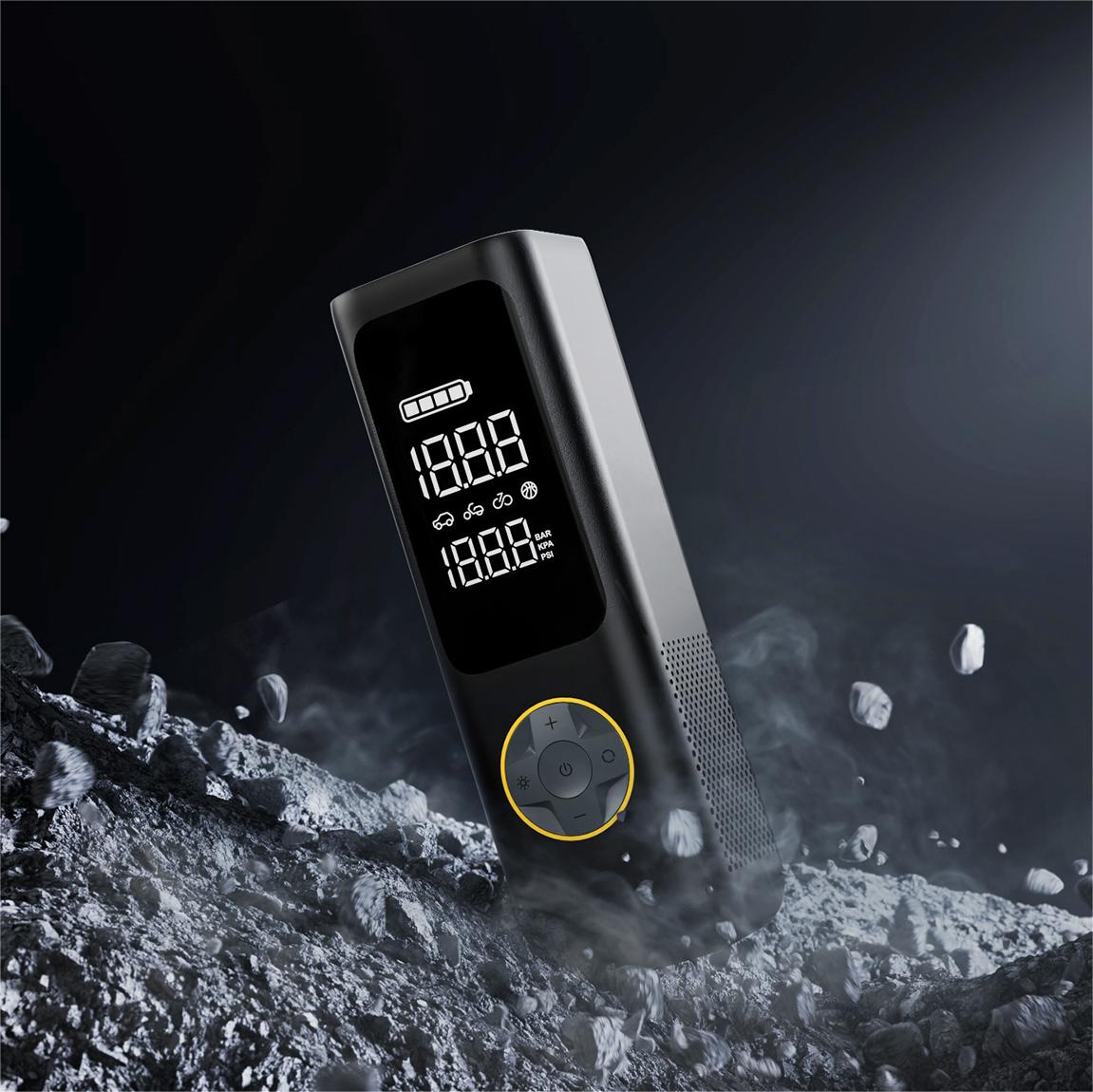
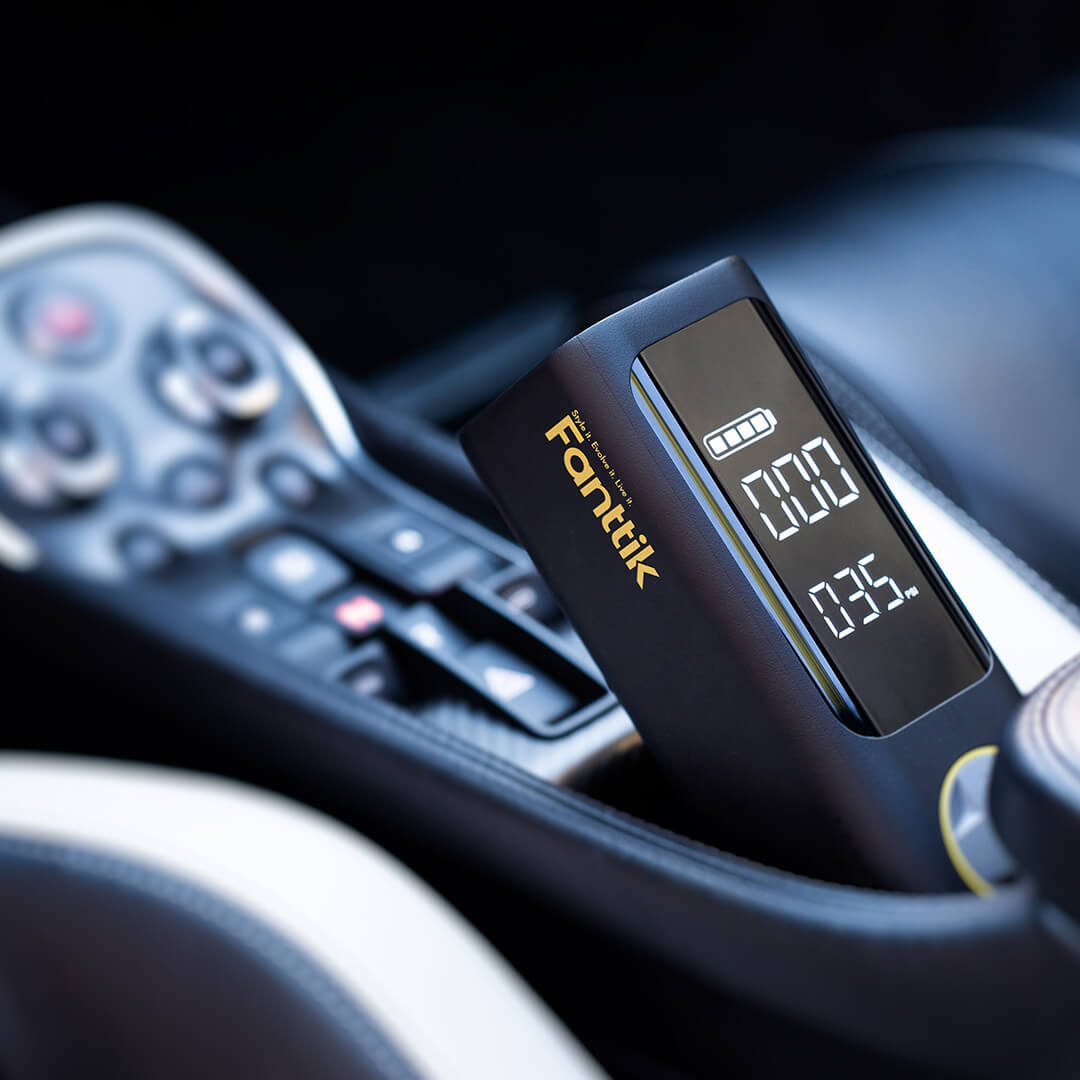
HP's internal cleaning step calls for canned air, not an electric duster. A can of compressed air and a battery-powered blower are different tools. A distance or burst rule written for one doesn't tell you how hard or how close the other one blows.
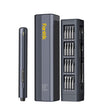
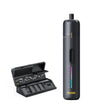
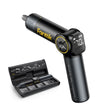
- Check your duster's manual for computer coverage. In our desktop PC duster guide, we recommend finding three things before you start: the nozzle for electronics or computer parts, the starting speed setting, and any working distance. Whatever your manual lists becomes your limit.
- Stop if the manual is silent. If it says nothing about computer internals, leave the inside alone. Don't guess at a setting. Clean only the outside vents for now.
- Point the dust toward an exit. If your manual does allow use inside the PC, aim so loosened dust heads out through the open side and toward your capture setup. Don't aim it toward the board, drive bays, or other tight spots. Treat this as a careful aim to follow, not a tested technique.
- Keep the duster's intake clear and wear eye protection. A blocked intake can cut airflow. Loosened dust can also bounce back toward your face.

Port openings call for their own care. Our guide to cleaning charging ports safely covers those small openings separately.
When Is the PC Clean Enough to Restart?
There's no set particle count for "clean." Use a practical visual check instead.
- Look at every area you can reach. If you still see loose dust, keep cleaning within your duster's limits. If dust is stuck in a spot your maker's access steps don't reach, stop. Don't restart, and don't take the PC further apart.
- Clear out tools and loose parts. Check for screws, brushes, or nozzles left inside before you close the case.
- Close the case before reconnecting. HP's sequence replaces the side panel first, then reconnects power and turns the computer on. For other brands, follow that maker's closing steps.
- Restart away from active dust. Power up only after the shop air has settled and the PC sits outside the sanding or cutting path.
FAQs
Can I vacuum inside the PC case instead?
Not according to HP's desktop guidance. HP says to vacuum only the outside vents and warns against vacuuming inside the computer to avoid damaging internal parts. A vacuum also works differently from an air tool, as our vacuum vs. air duster comparison explains for car interiors.
Can I use desktop cleaning instructions to open a laptop or compact PC?
No. HP's side-panel steps are written for desktops. Laptops and compact PCs need their own maker's access instructions. If those instructions don't show a safe way in, limit cleaning to the outside vents.
What if my electric air duster's manual doesn't mention PC components?
Don't use it inside the case, and don't borrow canned-air settings. With the PC unplugged, you can still clean the outside vents. Then ask the duster maker's support which nozzle, speed, and distance it recommends for computer internals before you go further.
Should I clean the PC while I'm still sanding nearby?
No. Airborne dust from active work can settle right back in. Finish the dusty work, let the area settle, and move the PC first.
Leave a comment
This site is protected by hCaptcha and the hCaptcha Privacy Policy and Terms of Service apply.