
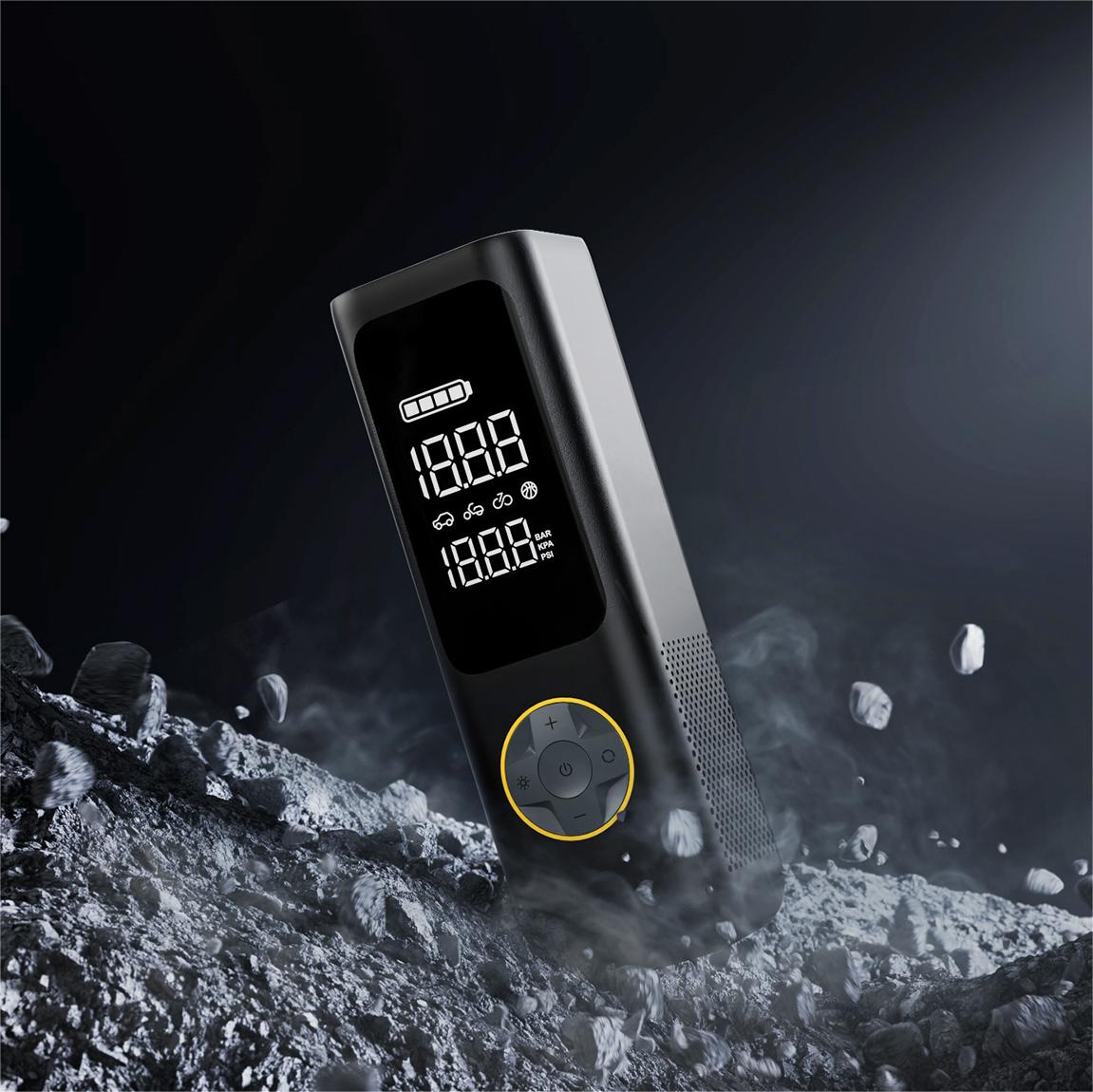
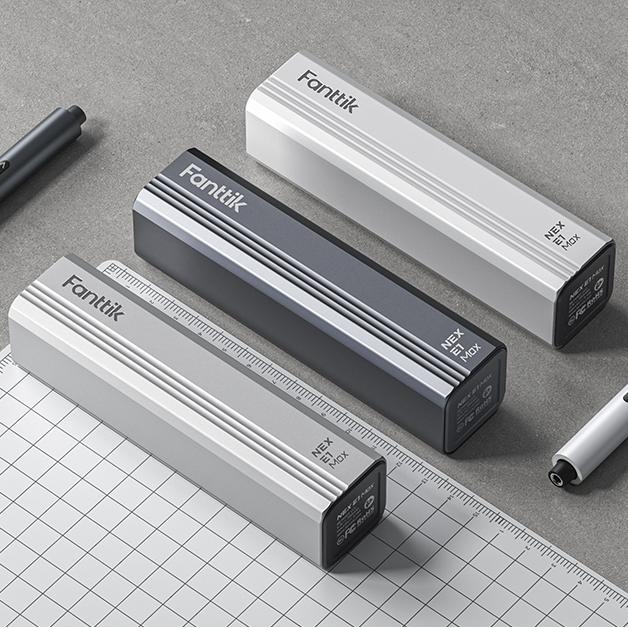
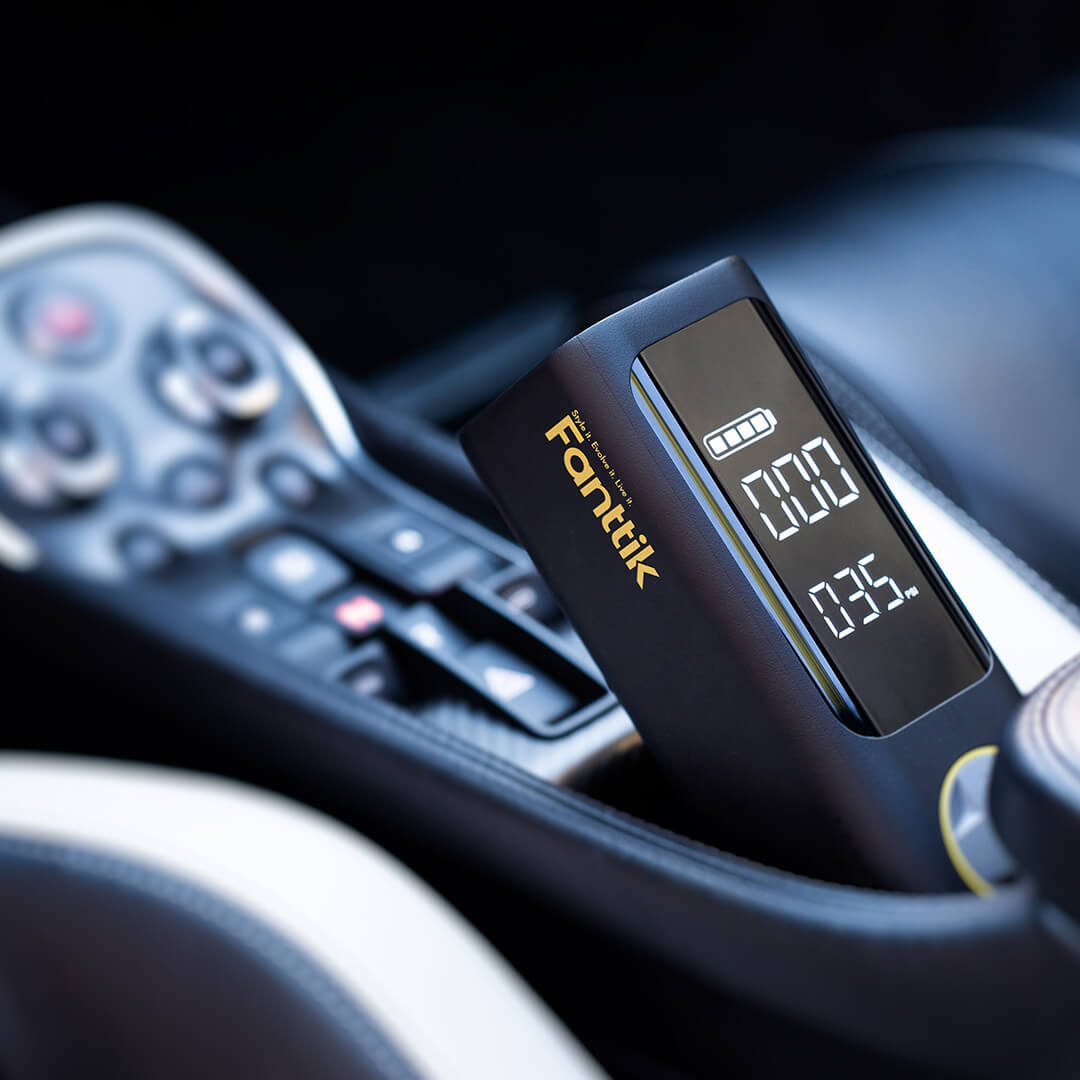
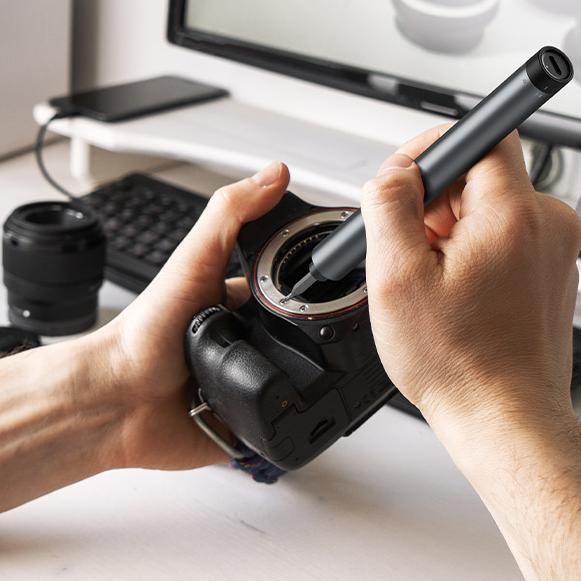





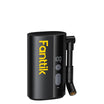
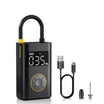
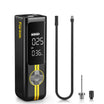
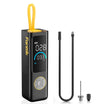
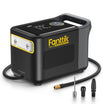
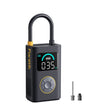
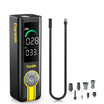
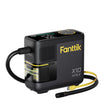
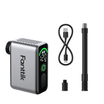
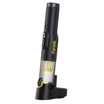
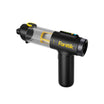
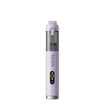
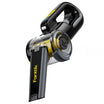
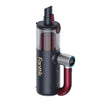
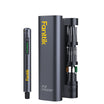
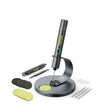
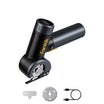
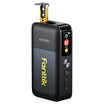
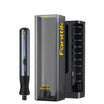
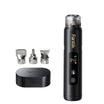
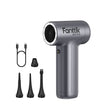

If you dust your desk and keyboard often, a rechargeable electric air duster with selectable speeds can fit a repeat routine when you can keep it charged and need those airflow choices. If you only clear crumbs or dust once in a while, a can of compressed-gas duster may be enough, as long as its label allows the job.

Neither option should be aimed at every piece of electronics without thought. The maker of your laptop, keyboard, or monitor sets the cleaning rules for that device, and the duster's own instructions set the rules for the tool.
Electric vs. canned: what changes for routine cleaning
The real difference is how each format is supplied and maintained over time. Documented electric models rely on rechargeable batteries rather than replaceable gas, whereas a can holds a fixed amount of gas that runs out after repeated use.
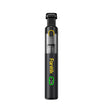
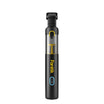
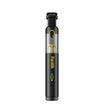
Here is one documented example. Digital Innovations describes its Electric Air Duster as USB rechargeable with three selectable airflow speeds, and it lists computer, keyboard, desk, and accessory cleaning as uses. For a weekly routine, that gives you two practical checks. First, can you keep the tool charged so it's ready when you need it? Second, do you actually need different airflow speeds across your equipment? If both answers are yes, a rechargeable tool with multiple settings fits repeat work well. If you rarely remember to charge devices or do not need varied airflow, those features offer less value, and your choice comes down to which format you will consistently keep ready.

Now think about someone who blows out a keyboard a few times a year. Keeping a battery tool charged matters less to that person, and a single can may cover the job. A can's supply depends on that product, so read its label. The label also sets how you use it, such as keeping it upright.
None of these features proves that one option cleans better. Speed settings, motor RPM, and rechargeability tell you about convenience and control. They don't tell you how much dust gets removed. Choose based on how often you clean and which controls you need, not on a headline spec.
If your routine also covers a car, our guide on car vacuum vs. air duster explains when to blow dust loose and when to vacuum it up instead. To compare cordless models side by side, look at the speed settings and charging details in our electric air duster lineup.
Use each product's instructions around electronics
For canned dusters, manufacturer directions such as Falcon's say to read the instructions on the can first. Hold the can upright, and do not shake or tilt it. If the item being cleaned has a power source, unplug it and let it cool off before cleaning. These rules apply specifically to compressed-gas dusters rather than battery-powered blowers.
The label on Falcon's 10 oz Dust-Off can adds more limits. Never use it near a potential ignition source. Never spray into an enclosed space, such as a trash can or paper shredder. Avoid skin contact with the product in liquid form, because it may cause frostbite. Liquid contact may also discolor plastic, which matters when you clean plastic keyboards, monitor bezels, and desk accessories. Holding the can upright helps here, because tilting or shaking it is exactly what the label warns against. These warnings come from that can's label. Read the label on whatever can you buy, since other products may list different directions.
Device makers can be even more specific. Apple's MacBook keyboard-cleaning instructions cover MacBook (2015 and later) and MacBook Pro (2016 and later) models with a key that doesn't respond or feels different from the other keys. Apple says to use compressed air with the included straw, keep the straw tip about a half-inch from the keyboard, and never turn the can upside down. Hold the notebook at a 75-degree angle so it isn't quite vertical. Spray the whole keyboard, or just the affected keys, from left to right. Then repeat with the notebook turned onto its right side and then its left side. If any keys still don't respond after these steps, Apple directs you to an Apple Retail Store or Apple Authorized Service Provider for service rather than more cleaning.
That procedure applies only to those models, that symptom, and canned compressed air. For any other device, or for an electric duster, follow the instructions for that exact device and that exact tool.
FAQs
Does an electric air duster clean better than canned air?
The available manufacturer information doesn't compare cleaning results between the two. Rechargeable power and selectable speeds make a tool more convenient and easier to control. They don't measure how much dust it removes. Choose based on how often you clean and what each product is documented to handle.
Can I use an electric air duster on a MacBook keyboard?
Apple's keyboard-cleaning steps call for canned compressed air and cover specific MacBook models with unresponsive or odd-feeling keys. They don't address electric dusters. Before using one on a laptop, check what your device's maker and the duster's manual allow.
How many bursts does canned air provide?
It depends on the product. Falcon's 10 oz Dust-Off label estimates an average of 120 blasts of two to three seconds each under normal conditions. That number applies only to that specific can and stated conditions. Other sizes and brands list their own estimates, if they give one at all.
Why does a can of compressed-gas duster get cold?
Falcon's 10 oz label explains that the contents are chemically based, so the can gets very cold during use, and that this is normal. Its advice is to wait until the product returns to room temperature, then use it again. That label also warns against skin contact with the product in liquid form because it may cause frostbite. If a big cleaning job keeps chilling the can, that's one practical reason a person who dusts often might look at a rechargeable electric model instead. Check your own can's label for its directions.
Continue reading
 Using a Detail Sander on a Wooden Stair Handrail
A step-by-step method for sanding a wooden banister: when the detail sander's pad fits, when to switch to...
 Engraving a Wooden Gift Tag With a Rotary Tool
A step-by-step method for personalizing a small wooden tag with a rotary tool, covering setup, layout, a scrap...

Leave a comment
This site is protected by hCaptcha and the hCaptcha Privacy Policy and Terms of Service apply.