












































A portable tire inflator can stop before the PSI you set for several reasons. The tire may already be at or near the target, or the setting or units may not match the number you meant. The valve connection may be off, the model's own control or protection behavior may have stepped in, or the unit may have a fault.

No single cause fits every inflator, so start by confirming whether the tire is really below target. Good tire inflator troubleshooting follows a fixed order: check the correct vehicle pressure and the tire's actual pressure, then the setting and connection, then your exact model's instructions. If repeated stops still leave the tire low, stop using the inflator instead of working around a safety feature.
Why Can a Tire Inflator Stop Before the Set Pressure?
An early stop is either apparent or real. In an apparent stop, the tire already reached the pressure the inflator was told to hit. In a real one, the tire is still below the correct target after the inflator quits.
That split decides your next move. If the tire is already at the right pressure, the inflator likely stopped simply because the target was met this time. Maybe the target you entered was lower than you thought, or the tire needed less air than you expected. If the tire is still low, the possibilities narrow to four groups: the setting or display units, the hose or valve connection, control or protection behavior built into your specific model, or a fault in the unit.
Timing gives you a clue but not a verdict. A stop almost right away points you toward the target and setting first, because the inflator may already read the tire as at or above the number you entered. A stop partway through a fill does not tell you on its own whether you're seeing normal control behavior, a protection feature, or a fault. In that case, the pressure check and your model's instructions matter more than the timing.
One more boundary helps here. Advice written for shop air compressors does not automatically apply to a portable tire inflator. Use guidance written for the inflator you actually own.
Check Whether the Tire Is Actually Below the Target
Compare a measured tire pressure with the vehicle's recommended pressure before you blame the inflator. This takes a few minutes and settles whether the stop was early at all.
- Find the correct target. NHTSA says to fill each tire to the vehicle-recommended tire pressure listed in the owner's manual and on the placard on the driver's door pillar or door frame. The number molded on the tire sidewall is the maximum pressure the tire can hold, not your vehicle's target. Your inflator's maximum PSI is not a target either. It describes the tool, not your tire.
- Measure when the tires are cold. NHTSA advises checking pressure when the tires are cold, meaning at least three hours after driving, for an accurate reading. A reading taken right after a drive may not match the cold value your placard refers to.
- Read the actual pressure. Use a tire-pressure gauge to record what's in the tire. NHTSA's tire safety brochure walks through how to check and record tire pressure and note the difference when a tire is low. If your gauge and inflator display disagree, you can verify gauge readings against a second tool before trusting either one.
- Compare three numbers. Line up the placard target, the gauge reading, and the pressure you set on the inflator. If the gauge reading already matches the placard, the tire is at its target pressure and no further inflation is needed. If the gauge shows the tire below the placard value, move on to the setting and connection checks.

Check the Setting and Connection Before Suspecting a Fault
Once you know the tire is truly low, rule out the setup before you assume the inflator is failing. These checks need no tools and don't involve opening or resetting anything.
- Confirm the target number. Look at the set pressure on the display, not just the number you remember entering. A target set lower than the placard value will stop the fill short of what the tire needs.
- Confirm the display units. Many digital inflators can show PSI or BAR, and 1 bar is about 14.5 PSI. A placard value in PSI entered while the display is set to another unit will give the wrong stopping point. Our guide explains how to match pressure units between your vehicle reference and the inflator screen.
- Confirm the mode, if your model has them. Some inflators offer preset modes for different tire types. If yours does, make sure the active mode matches the tire you're filling, using the steps in your manual.
- Check the valve connection. Attach the hose to the valve stem exactly the way your model's instructions describe, whether that means a screw-on chuck or a lever. If you hear air escaping at the valve, or the reading jumps oddly once the motor starts, take the hose off and reattach it as the manual directs. Then try the fill again.
If the target, units, mode, and connection all check out and the tire still ends up low, the remaining explanations are model-specific behavior or a fault. That calls for the next section, not more trial and error.
When to Stop and Check the Exact Model's Instructions
If repeated stops leave the tire below the vehicle-recommended pressure, stop using the inflator. Confirm the tire's pressure with a tire-pressure gauge, and don't try to bypass a protection feature to finish the fill. Don't open the unit, and don't keep restarting it hoping it will push through.
Protection behavior is where models differ most. Some inflators include safeguards that can pause or shut down the motor. What triggers them, how long they last, and what the display shows all depend on the specific model. A symbol or code that means one thing on one inflator can mean something else on another. So the only reliable guide is the current manual or official support material for the exact model you own. Look up what the indicator on your screen means and follow the next step listed there. If you want background on why heat is a design concern in small units, our article on how compact inflators manage heat explains the general idea. Your manual still has the final say on your model.
For a Fanttik inflator, you can contact our support team with your model name and what you observed, and we'll help you work out the next step. If the unit appears to have a fault, check your warranty coverage details before arranging service. In the meantime, use another inflation source so you aren't driving on an underinflated tire.
FAQs
What details should I note before contacting support about an early stop?
Write down your inflator's exact model name, the target pressure and units shown on the display, and the tire's gauge reading after the stop. Also note whether it stopped right away or partway through a fill, and any symbol or code on the screen. These details make tire inflator troubleshooting faster because support can match your symptom to your specific model.
Should I check all four tires if only one seemed to stop early?
Yes. NHTSA's tire safety steps include recording the pressure of all tires, not just the one that gave you trouble. Checking every tire also tells you whether the issue follows one tire or shows up each time you use the inflator. Our overview of why proper inflation matters covers what's at stake when tires run low.
Does an inflator's maximum PSI tell me how fast it will fill a tire?
No. Maximum PSI is the highest pressure the inflator is rated to produce. It doesn't describe inflation speed, and it isn't a target for your tire. Fill time depends on other factors, so a high maximum PSI on its own says nothing about how quickly the tool reaches your placard pressure.
Continue reading
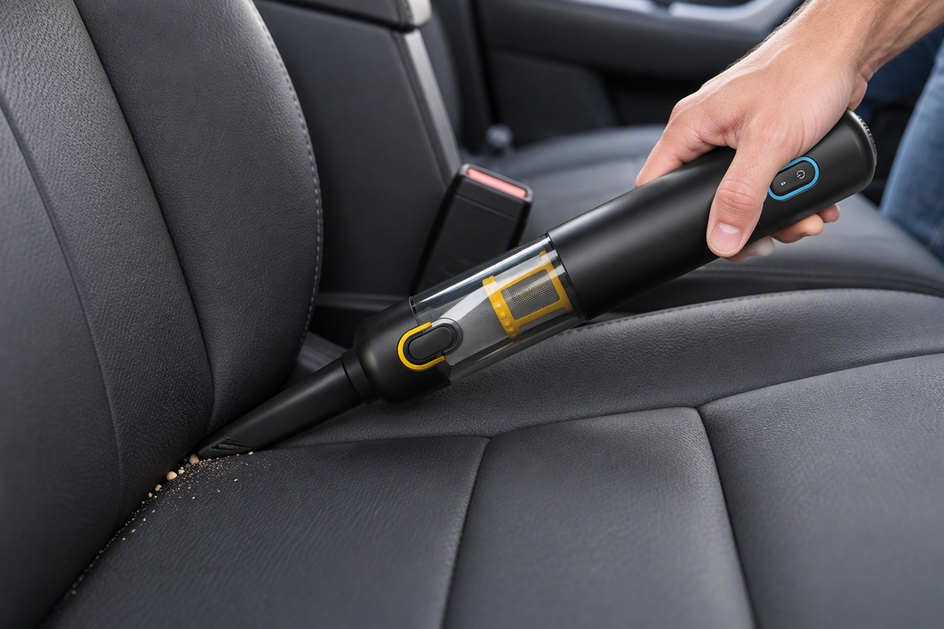 Why a Car Vacuum Can Leave Debris Behind Even When It Has Strong Suction
A suction rating comes from an ideal lab setup. This guide explains what changes during a real pass...
Why a Car Vacuum Can Leave Debris Behind Even When It Has Strong Suction
A suction rating comes from an ideal lab setup. This guide explains what changes during a real pass...
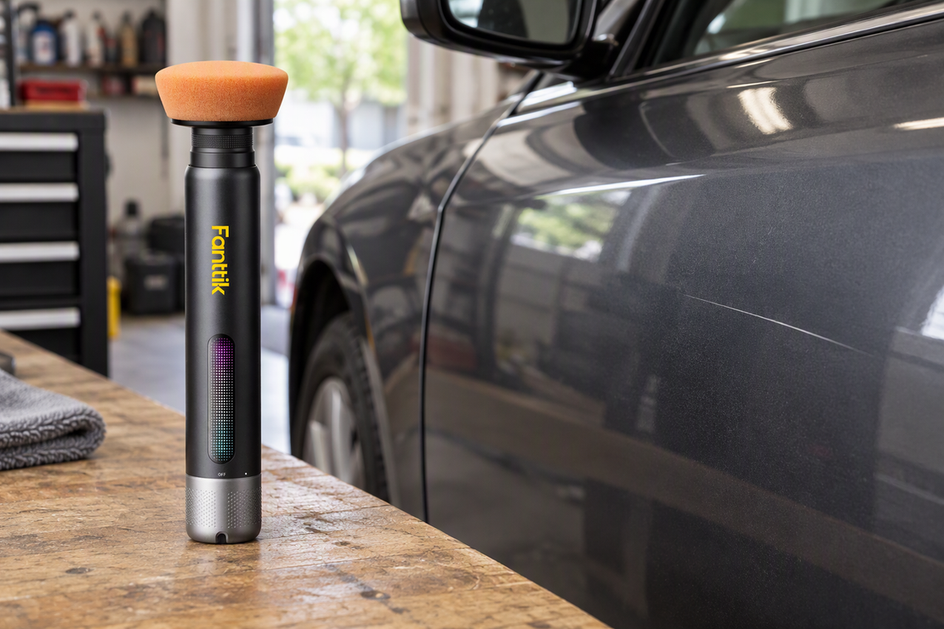 Can a Mini Buffer Polisher Fix This Scratch—or Is It Too Deep?
A practical look at which paint scratches a mini buffer might improve, which depth clues to trust, and...
Can a Mini Buffer Polisher Fix This Scratch—or Is It Too Deep?
A practical look at which paint scratches a mini buffer might improve, which depth clues to trust, and...
Leave a comment
This site is protected by hCaptcha and the hCaptcha Privacy Policy and Terms of Service apply.