









































For furniture, start with the surfaces you need to sand. A random-orbit sander covers broad, flat faces it can reach. Corners and contours it can't reach need their own plan, either hand-sanding or a detail sander whose pad actually fits those spots.
Keep a detail sander on your shortlist only if its listed pad shape and size match the corners and profiles on your piece. Once a tool passes that test, check three more things for that exact model: vibration data, the dust-collection connection, and which replacement pads fit.

Start With the Surface You Need to Sand
Split the project by surface type before you compare tools, because one sander may not reach every part of a dresser, chair, or cabinet. Woodworking guidance from WOOD Magazine uses a random-orbit sander on reachable flat furniture surfaces, then hand-sands the corners it misses.
- Broad, reachable flats like tabletops, drawer fronts, and side panels: a random-orbit sander is the power tool the cited guidance uses here.
- Inside corners and contours outside that pad's reach: plan a separate step. WOOD Magazine notes that random-orbit sanders can't get into corners, so hand-sanding stays on the list.
- A detail sander for those corners: it's a real option only when the pad reaches the exact spots on your piece. The next section shows how to check that.
This split keeps you from buying for the tabletop and then finding that the tool can't touch the recessed corners of a drawer or the inside of a frame. List every surface first: the flats, each inside corner, and each narrow profile such as a rail, edge, or molding. Then decide which tool, or which hand-sanding step, covers each one.
Check Pad Shape Against Corners and Profiles
Pad geometry decides access, so compare each candidate's pad outline and size with the actual corner, profile, and face you listed. One of the most common detail-sander bases is mouse-shaped. Bob Vila explains how the wide area and tip of a mouse-shaped pad serve different needs: the wide area suits larger flat sections, and the tip suits corners and narrow edges. The same source notes that many models include add-ons such as sanding fingers for tight spots between chair rails, or contour pads for rounded parts like the rails themselves.
Here's a practical screen. Measure the tightest inside corner and the narrowest profile on your piece. Then look at the candidate's listed pad dimensions and shape. If the tip or an included attachment matches that spot, keep the tool. If the listing gives no pad dimensions, or the attachment you'd need isn't included and intended for that profile, you can't confirm access. Move that tool down the list.
Don't treat the words "detail sander" or "palm sander" as proof of fit. Two tools with the same label can have very different pads, and only the documented geometry tells you whether one will reach your corners.
Compare Handling and Vibration Information
Treat vibration as its own comparison. It says nothing about pad reach, dust collection, or finish quality. Some manufacturers publish a vibration figure in the manual or spec sheet. If you find one, write down the exact number, its unit, and any measurement conditions listed with it.
Compare two candidates on vibration only when both list the same kind of value in the same unit under stated conditions. If one tool lists a figure and the other lists nothing, or they use different metrics, you can't call either one smoother or more comfortable. In that case, decide on pad fit and the other checks instead.
Handling is also about the job itself. Think about how you'll hold the tool on a vertical chair leg or inside a cabinet opening compared with a flat tabletop. A tool that fits the pad screen but feels awkward in those positions may still be the wrong pick for your project.
Check the Dust-Collection Interface
Dust collection depends on the exact model, so keep only candidates whose documentation names the dust connection and any adapter your setup needs. Look for three details in the manual or spec page: the kind of connection (for example, an onboard bag, canister, or hose port), the port size if it's listed, and whether an adapter comes in the box or is sold separately.
Then compare those details with the shop vacuum or collector you already own. If the documentation names a connection that matches your hose, or lists the adapter that bridges the two, the tool passes this check. A port on the product photo doesn't count. If the model's paperwork doesn't say how it connects, treat compatibility with your vacuum as unconfirmed and give the edge to a candidate that documents it.
Verify Replacement-Pad Compatibility
A replacement pad fits your sander only when documentation names that exact model or otherwise clearly confirms the fit. Detail sanders don't share one universal pad shape, so run this check before you buy:
- Write down the exact model number of the sander you're considering, not just the brand or product family.
- Find the compatible-pad list in the manual, the accessory page, or the pad packaging, and look for that model number.
- Match the pad shape and size to the sander's base, including any attachments you plan to use for corners or profiles.
- Rule out any pad whose fit isn't stated. A pad sold for a similar-looking sander or a different sander type doesn't count.

For background on how pad and disc sizing affects selection, the National Abrasives backing-pad guide explains why you need to know your sander and match the pad to the abrasive. Use it to understand the terms, then confirm the actual fit with your candidate's own documentation.
Your final shortlist should include only sanders that pass all four checks for your project: pad access, comparable handling information, a documented dust connection, and confirmed replacement pads.
FAQs
Should you still hand-sand after using a random-orbit sander on furniture?
Often, yes. WOOD Magazine says random-orbit sanders can't reach corners and may leave swirls. It recommends hand-sanding the final grit in the direction of the grain.
Will a detail sander keep me from gouging furniture?
No tool spec can promise that. Pad shape, size, and included attachments tell you whether a sander can reach a surface. They don't guarantee a certain finish or protect against every mistake. Pick for fit, then take your time on the surface itself.
Are "palm sander" and "detail sander" reliable labels for corner work?
Not on their own. Tools sold under these names can have different pad shapes and sizes. Shop by the documented pad outline, pad dimensions, and included attachments, and compare them with the corners and profiles on your piece.
What's the one thing to measure before shopping?
Measure the tightest inside corner and the narrowest profile on the piece. Those two measurements tell you how small the pad tip or attachment needs to be. They also help you quickly drop any candidate whose listed pad can't reach.
Continue reading
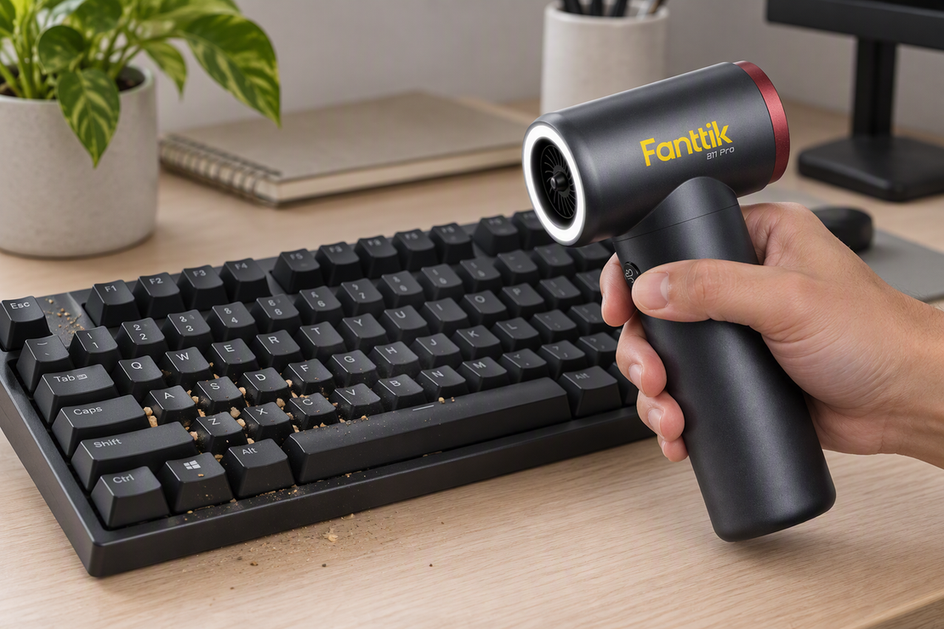 How to Clean a Mechanical Keyboard and PC Fans with an Electric Air Duster
A practical keyboard and PC fan cleaning plan that separates canned-air advice from electric duster use and shows...
How to Clean a Mechanical Keyboard and PC Fans with an Electric Air Duster
A practical keyboard and PC fan cleaning plan that separates canned-air advice from electric duster use and shows...
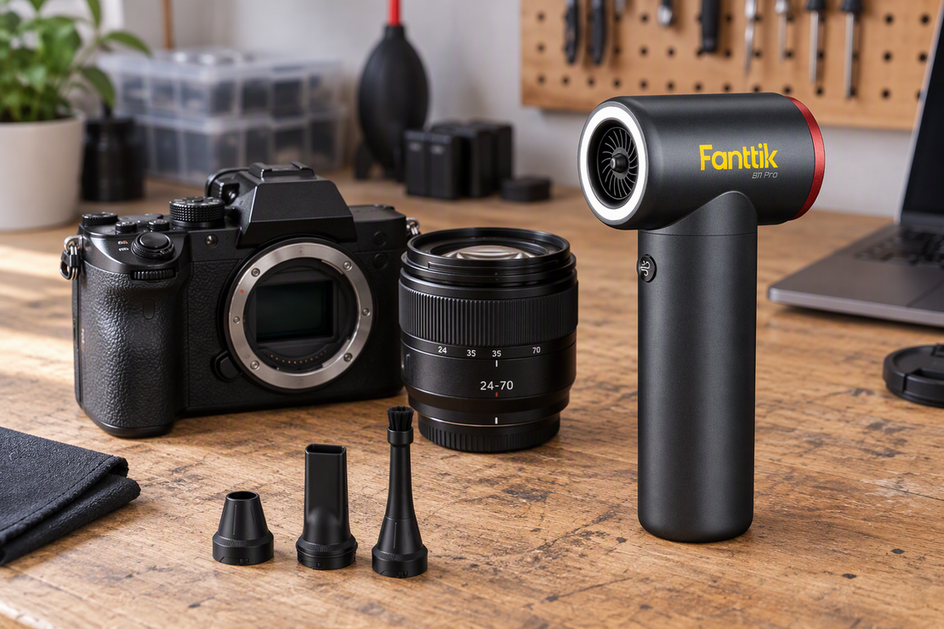 Using Electric Air Dusters on Camera Gear: Is High-Velocity Air Safe for Lenses and Sensors?
Manufacturer guidance separates gentle blower cleaning from powered air. Here is how to judge an electric duster for...
Using Electric Air Dusters on Camera Gear: Is High-Velocity Air Safe for Lenses and Sensors?
Manufacturer guidance separates gentle blower cleaning from powered air. Here is how to judge an electric duster for...
Leave a comment
This site is protected by hCaptcha and the hCaptcha Privacy Policy and Terms of Service apply.