












































Short answer: buy the Fanttik S2 Pro if you want finer control and more reach — 7 torque gears instead of 3, 250 RPM instead of 220, 20 bits instead of 16, plus a 90° angle adapter and extended rod, for $10 more. Buy the S1 Pro if 3 gears cover your work and you prefer its pop-up case at the lower price.
Quick Answer: S1 Pro vs S2 Pro at a Glance
These two cordless electric screwdrivers share the same battery, the same LED lighting and the same stated use cases. The generational jump from S1 Pro to S2 Pro shows up in three places: how finely you can dial torque, how many bits and accessories come in the box, and what the kit is stored in.
| Spec | Fanttik S1 Pro | Fanttik S2 Pro |
|---|---|---|
| Torque modes | 3 gears, 1.5 / 3 / 4.2 N·m | 7 gears, 0.5/1/2/3/4/5/6 N·m |
| Speed | 220 RPM | 250 RPM |
| S2 magnetic bits included | 16 | 20 |
| Additional accessories | None | 90° angle adapter + extended rod |
| Battery & charging | 2000 mAh + 5V/1A charging | 2000 mAh + 5V/2A charging |
| Storage type | Pop-up storage | Premium magnetic storage box |
| LED light | Yes | Yes |
| Pivoting handle | No | No |
| Suitable for | Furniture install / PC repair | Furniture install / PC repair |
| Price (as of writing) | $69.99 USD | $79.99 USD |
The Differences That Actually Matter
1. Torque control: 3 gears vs 7 gears
This is the single biggest gap between the two generations, and it works in both directions.
The S1 Pro gives you three electric torque gears: 1.5, 3 and 4.2 N·m. That is a sensible spread for furniture hardware, but the lowest setting is 1.5 N·m — already firm by the standards of small fasteners. Fanttik also states a max hard torque of 6 N·m and a manual torque of 8 N·m for the S1 Pro, so the 4.2 N·m figure is the top electric gear rather than the most the tool can transmit.
The S2 Pro lists seven gears across 0.5/1/2/3/4/5/6 N·m. Compared with the S1 Pro it extends the electric range at both ends: a 0.5 N·m floor that is well below anything the S1 Pro offers, and a top gear listed at 6 N·m against the S1 Pro's 4.2 N·m. The steps in between are also tighter, so you can move up one notch at a time instead of jumping from 1.5 straight to 3.
In practice: if your work is mostly flat-pack furniture, cabinet hardware and case screws, three gears are enough. If you move between delicate electronics and stubborn, longer fasteners in the same session, the seven-gear ladder is the reason to pay the extra $10.
2. Speed: 220 RPM vs 250 RPM
The S2 Pro drives at 250 RPM against 220 RPM on the S1 Pro. On a single screw you will not notice it. Across a full flat-pack build with dozens of identical fasteners, the listed speed difference works out to about 14% more revolutions per minute — a small edge, and one Fanttik does not publish timed figures for. Treat this as a minor bonus on top of the torque difference rather than a reason to choose on its own — both tools sit in the same "controlled, low-speed driving" class, not the drill class.
3. What comes in the box: 16 bits vs 20 bits + adapters
Both kits ship with S2 magnetic bits. The S1 Pro includes 16, described by Fanttik as covering five bit categories in coated S2 hardened steel. The S2 Pro includes 20.
The larger difference is the accessories line. The S1 Pro's spec sheet lists no additional accessories; the S2 Pro adds a 90° angle adapter and an extended rod. Those two pieces change what jobs the tool can physically reach — the angle adapter for screws set against a wall or inside a cabinet carcass, the extended rod for recessed fasteners deep inside a PC case or an appliance panel. If you have ever abandoned a repair because the driver body would not fit, that pair of accessories is worth more than the bit count.
4. Storage: pop-up case vs magnetic box
The S1 Pro uses pop-up storage — Fanttik describes a magnetic aluminium alloy case with a pop-up mechanism that keeps the driver and its 16 bits in place, with both the chuck and the bits magnetised for easy attachment. The S2 Pro ships in a premium magnetic storage box instead.
This is genuinely a preference call rather than an upgrade. Fanttik's own copy plays up the pop-up mechanism as the satisfying part of opening and closing the S1 Pro case; the S2 Pro simply has more to store, with four extra bits plus the adapter and rod in the kit. Fanttik does not publish interior layouts for either case, so treat the storage row as a format difference, not a capacity claim. Neither model has a pivoting handle.
5. Battery: same capacity, faster charging on the S2 Pro
Both the S1 Pro and the S2 Pro list a 2000 mAh battery. Charging input differs: 5V/1A on the S1 Pro versus 5V/2A on the S2 Pro, which Fanttik says halves the charging time. For the S1 Pro, Fanttik states that a full charge is certified to drive 1,300 screws. Neither tool can be used while the charging cable is connected. If runtime is your deciding factor, the capacity is the same.
Which One Should You Buy?
Choose the Fanttik S1 Pro ($69.99, as of writing) if:
- Your work is mostly furniture assembly and general household hardware, where the 1.5 / 3 / 4.2 N·m electric gears cover everything you touch.
- You want the lower price and do not need an angle adapter or extension.
- You prefer the pop-up case format for a compact, grab-and-go kit.
Choose the Fanttik S2 Pro ($79.99, as of writing) if:
- You work on both small electronics and larger fasteners and need the 0.5 N·m low gear as much as the 6 N·m high gear.
- You regularly hit access problems — the 90° angle adapter and extended rod solve those.
- You want the widest bit selection out of the box (20 vs 16) and slightly faster driving at 250 RPM.
Because the battery, charging input, LED and stated applications match, the decision reduces to a simple test: do you need torque steps finer than 1.5 N·m, or reach the driver body cannot give you? Two yeses make the S2 Pro the obvious pick. Two noes make the S1 Pro the better value.
FAQ
What is the difference between the Fanttik S1 and S2?
On the Pro models, the S2 Pro moves from 3 electric torque gears to 7 (0.5–6 N·m versus 1.5–4.2 N·m), from 220 RPM to 250 RPM, and from 16 bits to 20 bits plus a 90° angle adapter and extended rod. Battery capacity, LED lighting and the listed use cases are the same on both; the S2 Pro charges at 5V/2A versus 5V/1A.
Is the Fanttik S2 Pro more powerful than the S1 Pro?
On electric torque gears, yes: the S2 Pro's highest listed gear is 6 N·m against 4.2 N·m on the S1 Pro, and it is also gentler at the bottom, starting at 0.5 N·m where the S1 Pro's lowest gear is 1.5 N·m. The gap at the top is narrower than those two numbers suggest, though — Fanttik lists the S1 Pro with a 6 N·m max hard torque and 8 N·m manual torque, and the S2 Pro manual gives the same 6 N·m and 8 N·m maximums. The dependable difference is granularity and low-end control, not raw muscle.
Is the S1 Pro still worth buying?
Yes, if your fasteners sit inside its 1.5–4.2 N·m window. It uses the same 2000 mAh battery as the S2 Pro, includes 16 S2 magnetic bits, and costs $10 less as of writing. You are giving up torque granularity and the reach accessories, not battery life.
Do the S1 Pro and S2 Pro use the same bits?
Both kits are listed with S2 magnetic bits — 16 on the S1 Pro, 20 on the S2 Pro. The S1 Pro's bits are described as coated S2 hardened steel spanning five bit categories, with a magnetic chuck for easy attachment.
Related Guides
- Fanttik S2 Pro vs S2 Pro Max — if you have already settled on the S2 generation.
- Fanttik S1 Pro manual and Fanttik S2 Pro manual — setup, torque gear selection and charging.
- Fanttik user manual PDF hub — every product manual in one place.
Continue reading
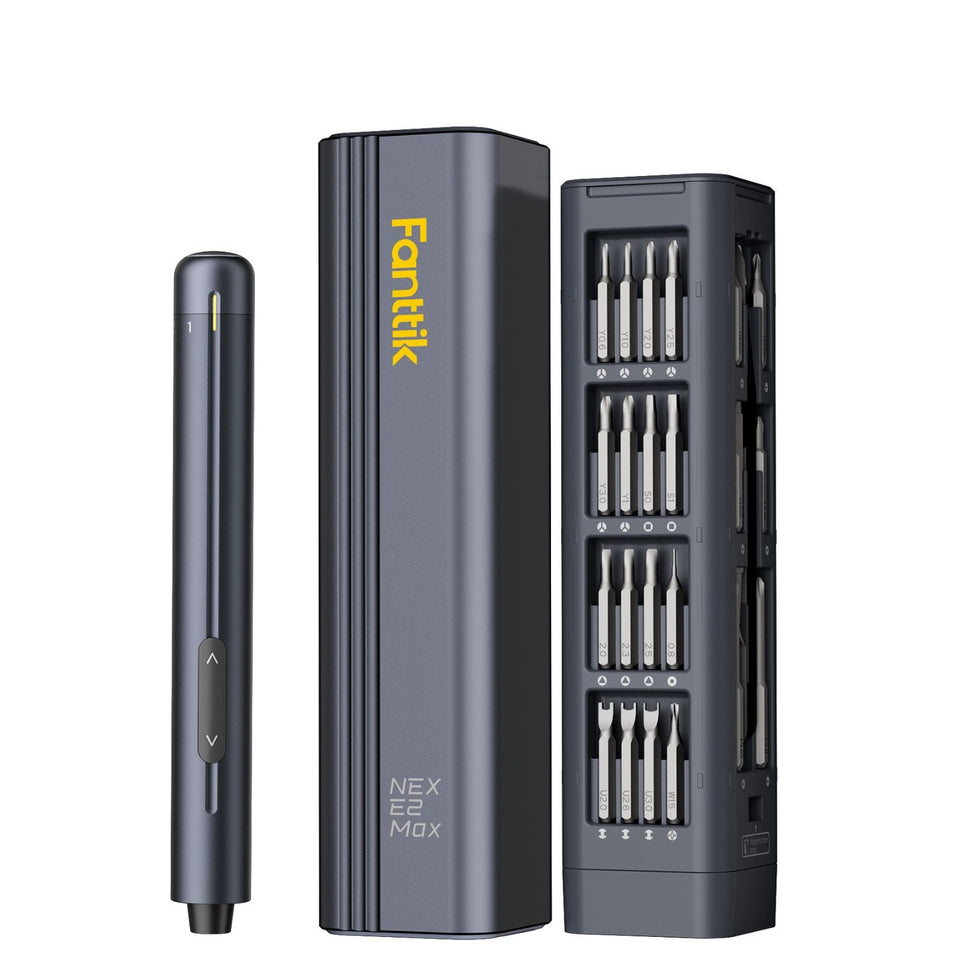 Fanttik E2 MAX vs E2 Ultra: Same Kit, Different Torque Range
Short answer: buy the E2 Ultra if you want the wider job range — 5 torque gears up...
Fanttik E2 MAX vs E2 Ultra: Same Kit, Different Torque Range
Short answer: buy the E2 Ultra if you want the wider job range — 5 torque gears up...
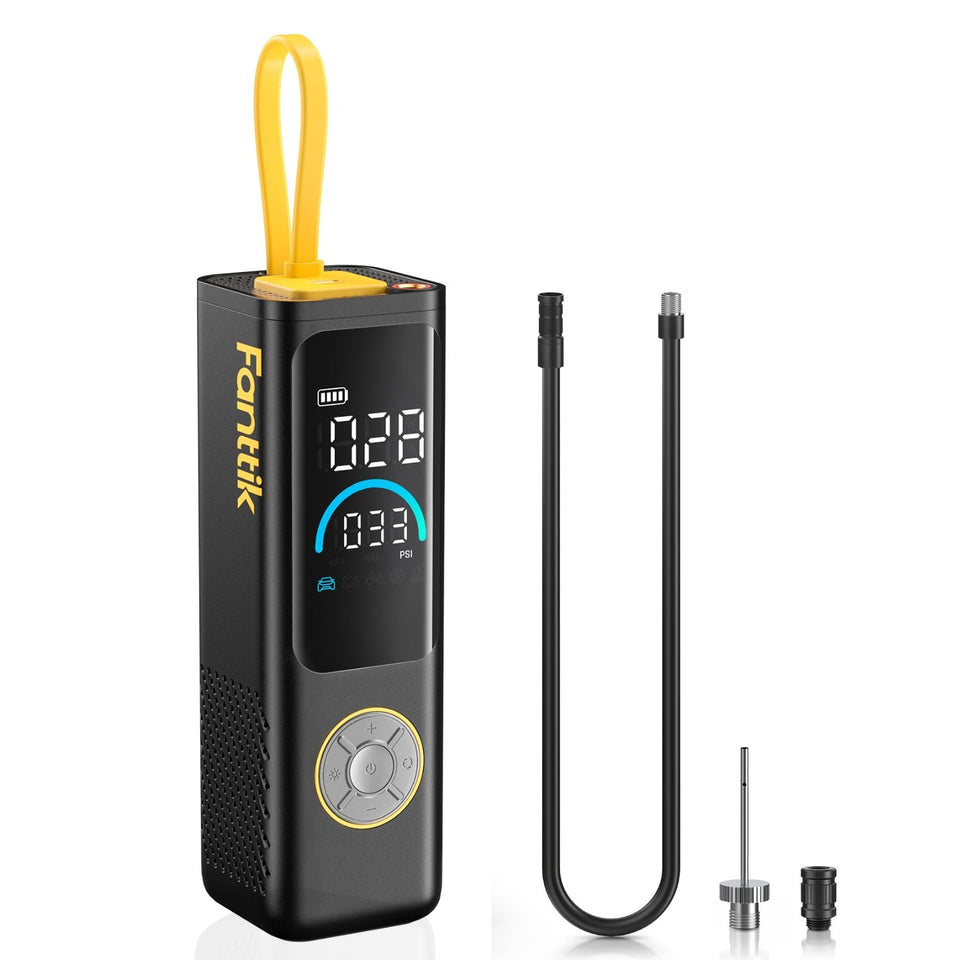 Fanttik X9 APEX vs X9 Pro: Which Tire Inflator Should You Buy?
Short answer: buy the Fanttik X9 APEX if you drive an SUV or want a faster, longer-lasting inflator...
Fanttik X9 APEX vs X9 Pro: Which Tire Inflator Should You Buy?
Short answer: buy the Fanttik X9 APEX if you drive an SUV or want a faster, longer-lasting inflator...
Leave a comment
This site is protected by hCaptcha and the hCaptcha Privacy Policy and Terms of Service apply.