












































Worn pads can make the Fanttik G10 Nano feel less effective even when the scrubber itself is working normally. The genuine replacement listing is a 24-piece pad set made specifically for the G10 Nano. This guide helps you confirm the model, decide when a pad needs replacing, and install a fresh pad without confusing it with a brush head.
Quick Compatibility Answer
The 24-piece G10 Nano replacement pad set is listed for the Fanttik G10 Nano Electric Scrubber. Do not choose it by pad diameter or appearance alone. Check that the tool is labeled G10 Nano, because the Fanttik G9 Pro and G9 Handy have their own replacement-pad listings.
What This Replacement Set Includes
The official product title confirms a package of 24 replacement pads. The listing does not publish a pad-by-pad surface chart, so choose the pad type by comparing it with the pad supplied with your tool and follow the cleaning guidance for the surface you are working on. The set is pads only; brush heads are sold separately.
When to Replace a G10 Nano Pad
- The pad no longer sits flat on the attachment surface.
- Its working face is torn, heavily matted, or permanently misshapen.
- It slips during use even after the attachment area has been cleaned.
- Residue remains embedded after normal cleaning and drying.
Discoloration by itself does not always mean a pad is worn out. Judge the pad by its condition, grip, and ability to clean consistently.
How to Change the Pad
- Switch the scrubber off and make sure it cannot start while you handle the attachment.
- Peel the used pad away slowly rather than pulling from one small corner.
- Remove loose fibers or residue from the pad holder.
- Center a fresh pad over the attachment surface and press across the full face.
- Before cleaning, briefly check that the pad stays centered and does not wobble.
Avoid Model Mix-Ups
Fanttik sells separate accessories for the G10 Nano, G9 Pro, and G9 Handy. Similar names do not prove cross-compatibility. Use the model printed on your scrubber and match it to the complete accessory title. For the G10 Nano, pads and replacement brush heads are also different purchases.
Care Tips for Replacement Pads
Remove loose debris after use and let a cleaned pad dry fully before storing it. Do not store a damp pad pressed against the scrubber. If a pad has been used with a strong cleaner, follow the cleaner manufacturer's rinse and disposal instructions. A separate set for different cleaning tasks can also help prevent residue transfer.
FAQ
Are these pads for every Fanttik scrubber?
No. The official listing names the G10 Nano. Other Fanttik scrubber models have separate accessory listings.
Does the set include brush heads?
The product title confirms 24 replacement pads. It does not list brush heads as part of this set.
Can I keep using a stained pad?
Possibly. Replace it when damage, matting, poor attachment, or embedded residue affects safe and consistent use.
Identify the Part Before Removing Anything
The pad is the removable material that contacts the cleaning surface. The pad holder is the reusable attachment underneath it, and the powered tool is the G10 Nano itself. If the pad material is worn but the holder is flat and secure, the pad set is the relevant replacement. If the holder is cracked, loose, or no longer turns correctly, adding a new pad will not repair that mechanical problem.
Take a quick photo of the installed pad and holder before removal. That gives you a reference for centering the replacement and helps separate normal pad wear from damage to the attachment. It is especially useful when several accessories are stored together.
Installation Check: Centering Matters
A fresh pad should cover the working face evenly. If it sits noticeably off-center, one side can make first contact while the other side lifts. Stop, power off, and reposition it rather than pressing harder during cleaning. Persistent slipping after correct centering suggests debris, moisture, or wear on the reusable attachment surface.
Do the first test on a dry, non-delicate area with light contact. Watch the edge of the pad rather than the center. A stable edge indicates that the pad is tracking normally; a lifting edge means the attachment needs another check.
Separating Pad Wear From a Tool Problem
| Symptom | First check | Likely next step |
|---|---|---|
| Pad face is torn or matted | Inspect the removable pad | Fit a fresh G10 Nano pad |
| Fresh pad slips | Clean and dry the holder | Reseat; inspect holder if slipping continues |
| Attachment does not rotate | Confirm tool power and connection | Troubleshoot the scrubber, not the pad |
| Only one surface marks | Review surface and cleaner guidance | Stop and test a more suitable accessory |
Buying Checklist
- The accessory title says G10 Nano.
- The listing says replacement pads, not brush heads.
- The package title states 24 pieces.
- The official Fanttik URL is being used as the fit reference.
- Current availability is confirmed on the live page before checkout.
Keep Pads Organized After Purchase
Keep unused pads clean and dry in their package. Once a pad has been assigned to a particular cleaning task, mark or separate it so residue is not transferred to another surface. Retire a pad rather than returning it to the clean supply if its identity or previous cleaner is uncertain. This simple inventory habit makes a multi-piece pack more useful without inventing a fixed replacement schedule.
Related Support
Continue reading
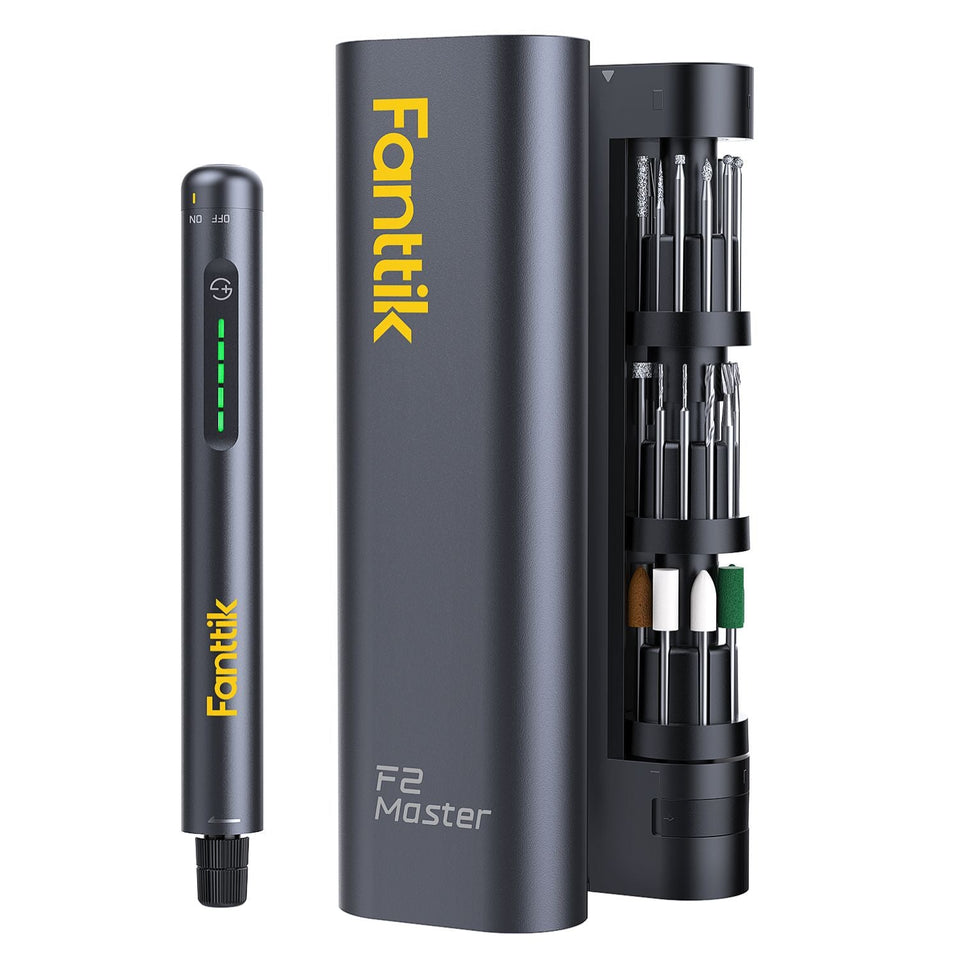 Fanttik F2 Master & F2 Pro Replacement Bits and Accessories Guide
Find the right replacement bits and accessories for the Fanttik F2 Master (3/32" / 2.3 mm) and F2...
Fanttik F2 Master & F2 Pro Replacement Bits and Accessories Guide
Find the right replacement bits and accessories for the Fanttik F2 Master (3/32" / 2.3 mm) and F2...
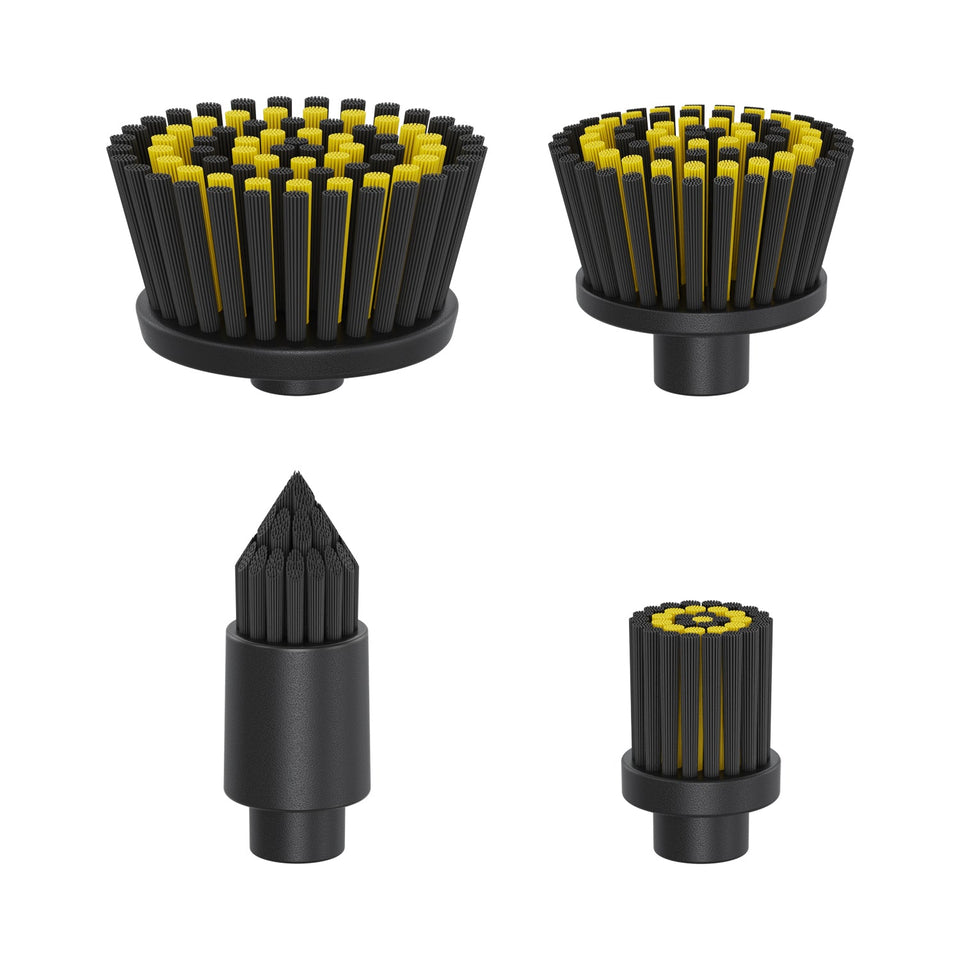 Fanttik G10 Nano Replacement Brush Heads
Find the genuine four-piece brush-head set for the Fanttik G10 Nano, learn when to replace a worn head,...
Fanttik G10 Nano Replacement Brush Heads
Find the genuine four-piece brush-head set for the Fanttik G10 Nano, learn when to replace a worn head,...
Leave a comment
This site is protected by hCaptcha and the hCaptcha Privacy Policy and Terms of Service apply.