































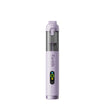








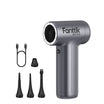



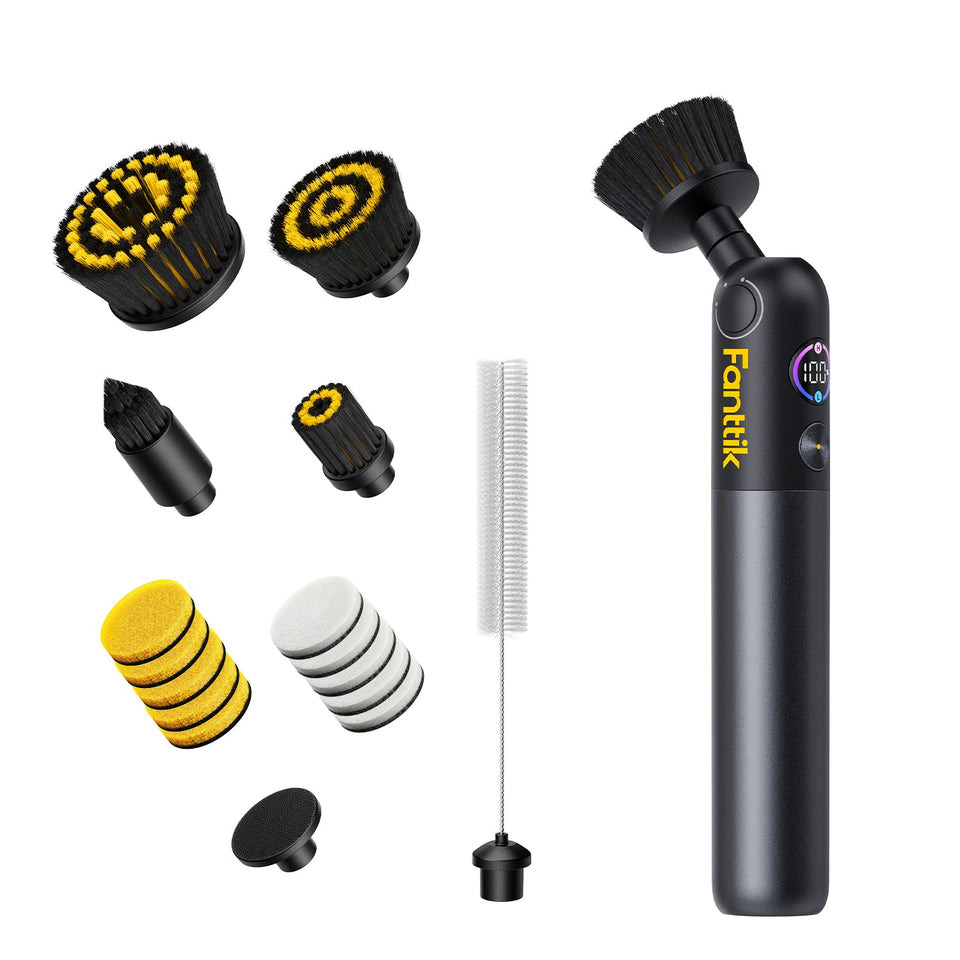
If a Fanttik G10 Nano brush head has bent bristles, will not stay secure, or no longer cleans evenly, a fresh head may restore normal contact. Fanttik lists a genuine four-piece replacement brush-head set for the G10 Nano. The key is matching the model name rather than assuming every Fanttik scrubber head fits.
Which Brush Heads Fit the G10 Nano?
The official G10 Nano replacement brush-head listing names the G10 Nano Electric Scrubber and confirms four pieces. The listing does not claim compatibility with the G9 Pro, G9 Handy, or every other G-series scrubber.
Brush Heads and Pads Are Different Accessories
Brush heads provide bristles for scrubbing, while pads provide a flat working face. The four-piece listing is for brush heads. If you need flat pads, use the separate G10 Nano replacement pads guide and its official 24-piece listing.
When to Replace a Brush Head
- Bristles remain bent or spread after cleaning and drying.
- The head no longer locks or seats securely on the tool.
- The brush rotates unevenly because the working face is deformed.
- Debris is lodged deeply enough that normal rinsing cannot remove it.
A brush head that is merely discolored may still work. Replace based on physical condition and attachment security, not color alone.
How to Install a Replacement Head
- Turn the G10 Nano off before touching the attachment.
- Remove the current head using the attachment method shown for the tool; do not force or twist parts beyond their normal travel.
- Clear hair, fibers, and residue from the connection point.
- Align the replacement head and press it into place until it is seated evenly.
- Check the connection by hand, then run the scrubber briefly away from the cleaning surface to confirm stable rotation.
Choosing a Head for a Cleaning Task
The accessory page does not publish a formal surface map. Use a head only on surfaces and with cleaning agents approved by their manufacturers. Start in an inconspicuous area, avoid excessive pressure, and stop if the brush marks or damages the finish. Do not turn an unlabeled brush shape into a claim of universal surface safety.
FAQ
How many heads are in the genuine set?
The official product title states four replacement brush heads.
Will these fit a G9 Pro?
The listing identifies the G10 Nano only. Use the dedicated G9 Pro accessory listing for a G9 Pro.
Should I replace a head if it wobbles?
First power the tool off and reseat the head. If the attachment remains loose or the head is deformed, stop using it and replace the worn component.
Identify Wear at the Bristles, Head, or Connector
Three areas can produce different symptoms. Bristles that remain folded reduce even surface contact. A warped head can make the brush appear to wobble. Debris or wear at the connector can keep an otherwise healthy head from seating. Inspect each area with the tool off so a connector problem is not misdiagnosed as ordinary bristle wear.
A replacement head is the logical next step when the removable head itself is deformed or worn. It is not a repair for a cracked drive connection or a scrubber that fails to power on.
Installation and First-Use Check
- Compare the replacement with the removed G10 Nano head before installation.
- Confirm that no packing material remains around the attachment area.
- Seat the head straight rather than using the bristles as a lever.
- Rotate the head gently by hand only as permitted by its normal movement, checking for obvious obstruction.
- Run a brief no-load test and observe the head from the side.
- Begin cleaning with light pressure and stop if rotation becomes unstable.
Match the Symptom to the Correct Accessory
| What you see | Likely part to inspect |
|---|---|
| Flattened or splayed bristles | Replacement brush head |
| Torn flat cleaning material | Replacement pad, not brush head |
| Head sits loose after reseating | Head and connector |
| Every attachment stops rotating | Scrubber power or drive system |
Buying Checklist
- Read G10 Nano in the accessory title.
- Confirm the listing is for four brush heads.
- Do not substitute the separate 24-piece pad listing.
- Do not infer G9 fit from the similar family name.
- Review live availability and product images before checkout.
Storage and Cross-Contamination
Rinse or clean a used head according to the cleaner and surface guidance, remove trapped fibers, and let it dry with airflow around the bristles. Store heads so the bristles are not crushed under the tool. Where a brush has contacted a strong cleaner or dirty task, keep it separate from heads intended for more delicate areas. Replace an unidentified or contaminated head instead of guessing that it is suitable.
Labeling a storage position by task is more reliable than trying to remember which brush was used where. Before the next use, inspect the stored head again: bristles can be compressed if another item has rested on them. A dry head that remains deformed after being stored without pressure is a better replacement candidate than one that simply needs debris removed.
Related Support
Continue reading
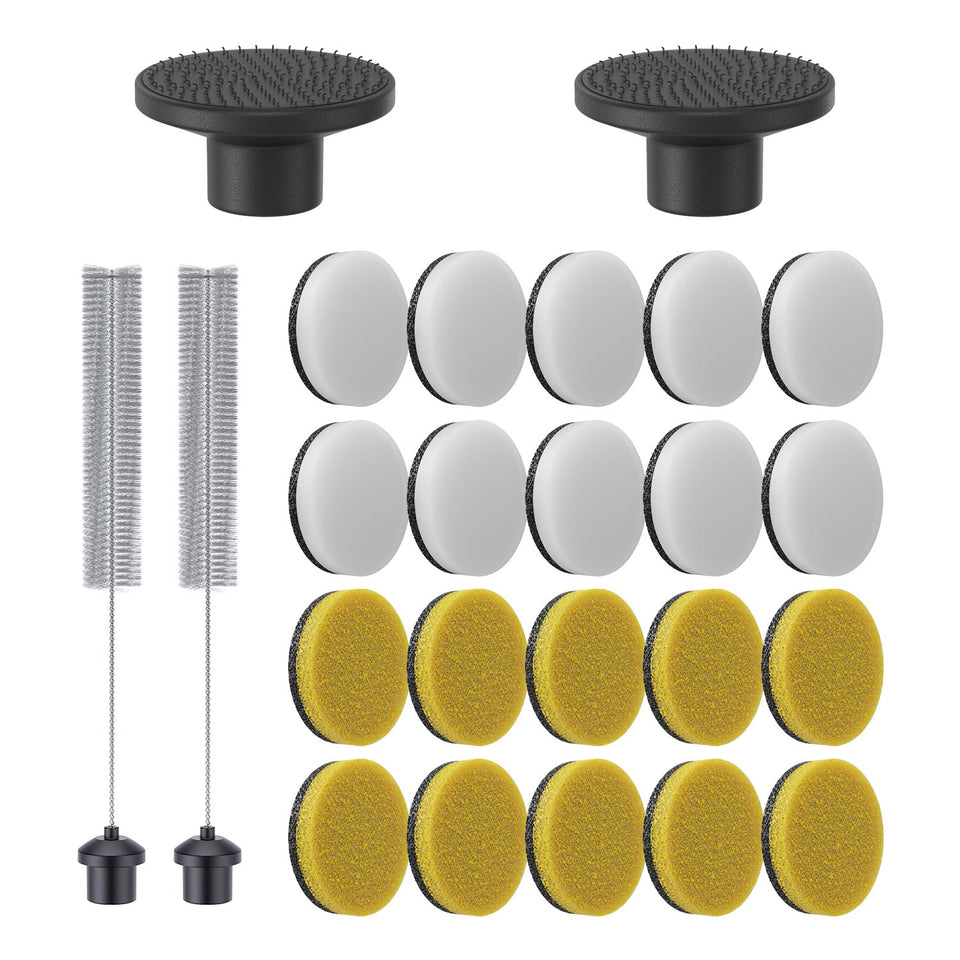 Fanttik G10 Nano Replacement Pads Guide
Confirm the genuine 24-piece pad set for the Fanttik G10 Nano, learn when to replace a worn pad,...
Fanttik G10 Nano Replacement Pads Guide
Confirm the genuine 24-piece pad set for the Fanttik G10 Nano, learn when to replace a worn pad,...
 Fanttik G10 Nano Scrubber Not Spinning? Fixes
If a Fanttik G10 Nano scrubber is not spinning, check charge, attachment seating, trapped debris, pressure overload, moisture,...
Fanttik G10 Nano Scrubber Not Spinning? Fixes
If a Fanttik G10 Nano scrubber is not spinning, check charge, attachment seating, trapped debris, pressure overload, moisture,...
Leave a comment
This site is protected by hCaptcha and the hCaptcha Privacy Policy and Terms of Service apply.