












































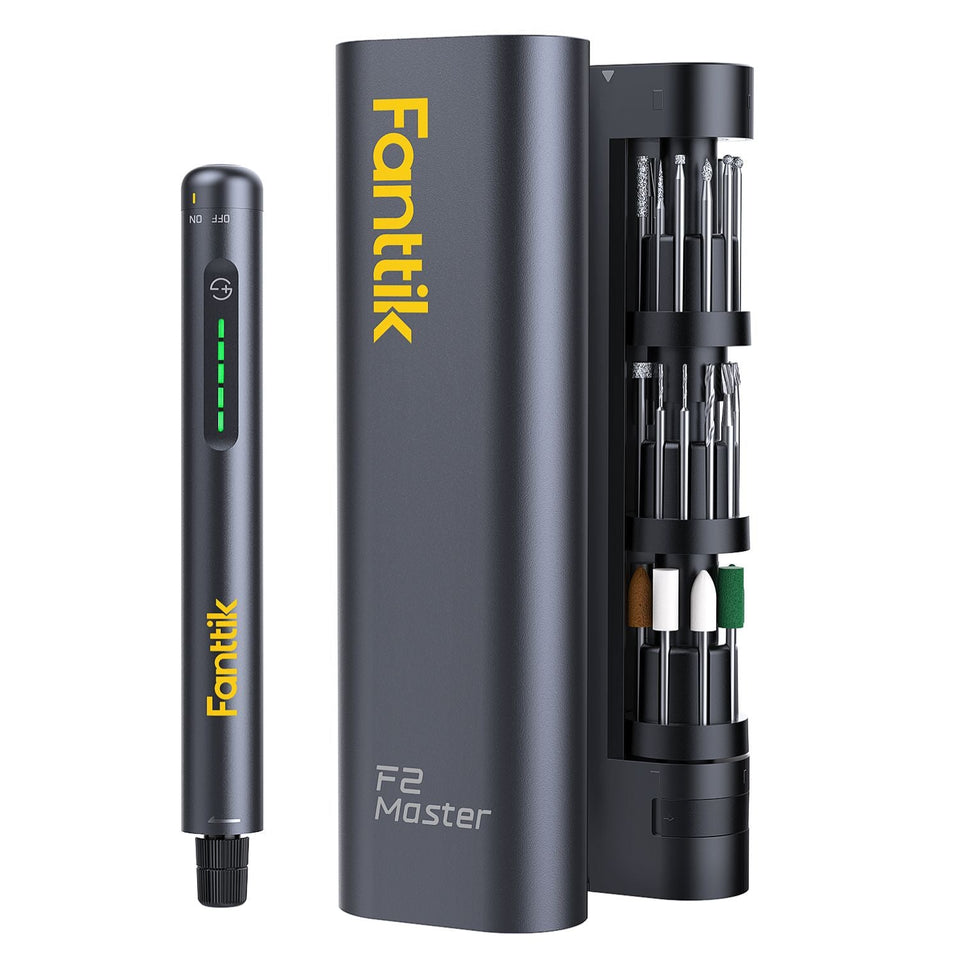
If your Fanttik Flip G10 Nano HomeCare Electric Spin Scrubber has this symptom — the motor does not start, the attachment stalls on contact, or the head turns unevenly — begin with the reversible checks below. The aim is to separate charge, setup, attachment, debris, and protection-state problems without opening the product or bypassing a safety circuit.
Quick Checks First
- Switch the scrubber off and remove it from the wet work area.
- Detach the head and clear hair or fibers from the accessible spindle area.
- Recharge from a dry connection and test the tool in open air before pressing it against a surface.
Step-by-Step Troubleshooting
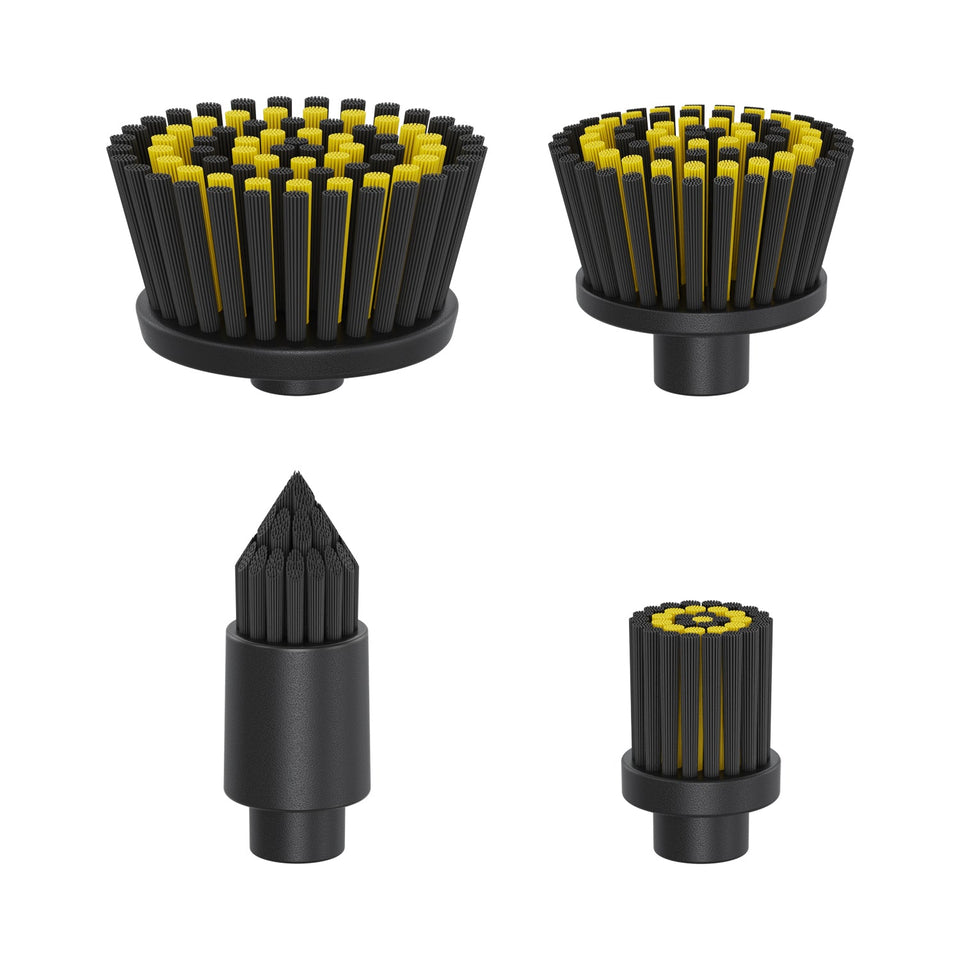
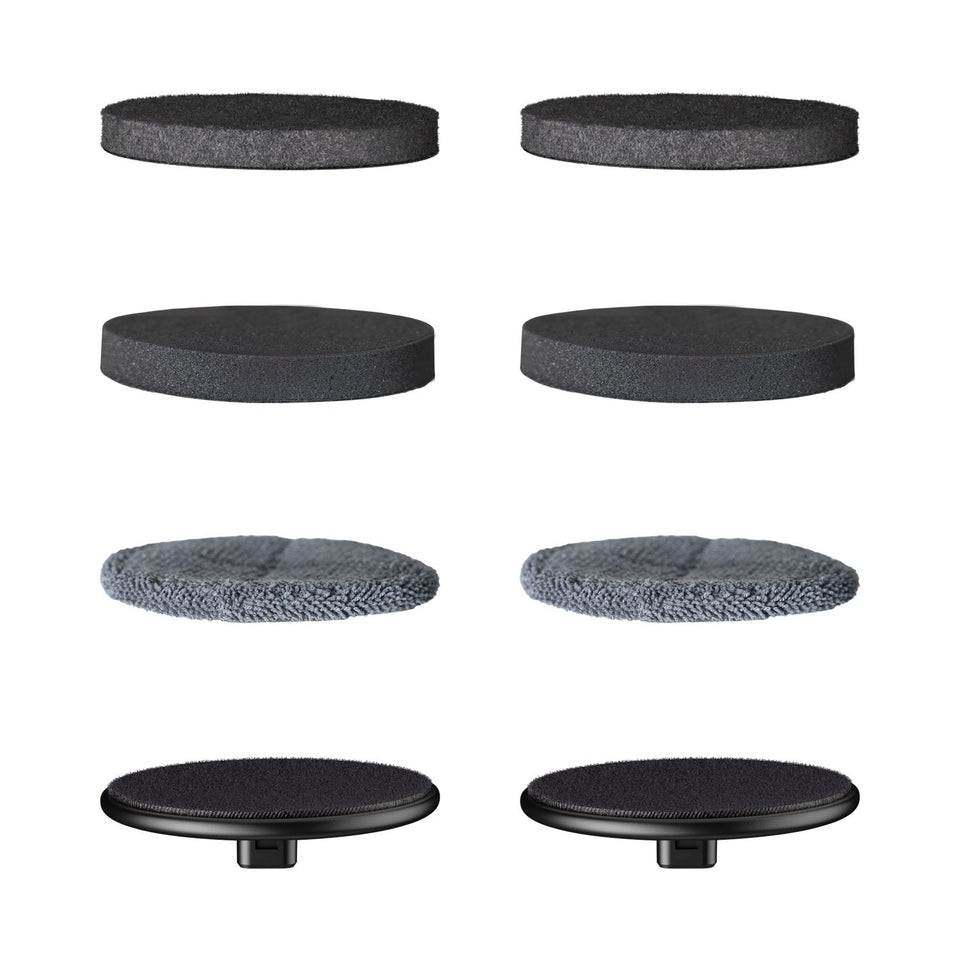
- Inspect the attachment interface for grit, a crooked fit, or damaged tabs. Refit the correct G10 Nano attachment until it is fully seated.
- Test with no load. If the head turns in open air but stops on the surface, reduce hand pressure and let the rotating action do the work.
- Remove wrapped fibers and hardened residue while the tool is off. Do not use a blade around the spindle or seal.
- Let the unit dry and return to room temperature before retesting if it was rinsed, stored cold, or used continuously.
- Try another verified G10 Nano head if available. If no attachment turns, the problem is likely in the tool rather than the accessory.
What the Result Usually Means
| Result | Likely area | Safe response |
|---|---|---|
| Works after cooling or clearing debris | Temporary protection or mechanical load | Resume gently and change the working condition that caused the load |
| Works only with one cable, head, bit, or accessory | Accessory or connection | Retire the faulty item and confirm an exact-model replacement |
| No response under any no-load test | Charge system, control, or internal fault | Stop repeated testing and contact support |
| Heat, odor, swelling, grinding, or liquid ingress | Potential safety fault | Switch off, isolate the product, and do not recharge or operate it |
When to Stop
Stop for water inside the charging connection, a cracked housing, grinding noise, heat, odor, or a spindle that can be moved loosely by hand. Do not open the sealed housing. A troubleshooting guide cannot confirm an internal electrical fault remotely. Continuing to cycle a damaged battery or stalled drive can turn a serviceable problem into a safety issue.
Prepare a Useful Support Request
Before contacting Fanttik support, record the exact model name, order details, what happened immediately before the symptom, each charging source or accessory tested, and whether the problem occurs with no load. A short video can show indicator behavior or sound without requiring you to disassemble anything.
Determine Whether the Head or the Tool Is at Fault
Remove the installed attachment with the G10 Nano switched off. Inspect its connection for grit, hair, dried cleaner, or a damaged tab. Refit it squarely and test in open air. If one verified G10 Nano attachment stalls but another turns normally, retire the suspect head. If every correct attachment fails, the issue is more likely in the drive, charge system, or control.
Pressure can create a false stall
An electric scrubber cleans through rotation, not heavy hand force. If the head spins in open air and stops only against a surface, reduce pressure and keep the head flat. Tilting an attachment can load one edge and make the motor sound weak. Work a small area, lift the head before changing angle, and let the tool cool if it repeatedly enters protection.
Residue and moisture checks
Thick paste, hair, and fibers can harden around an accessible spindle area. Clear them only while power is off and avoid sharp metal tools near seals. Rinse only the parts the supplied instructions identify as washable. A wet exterior does not prove the charging connection or internal housing is dry, so never connect power until the unit and port are fully dry.
When an attachment should be replaced
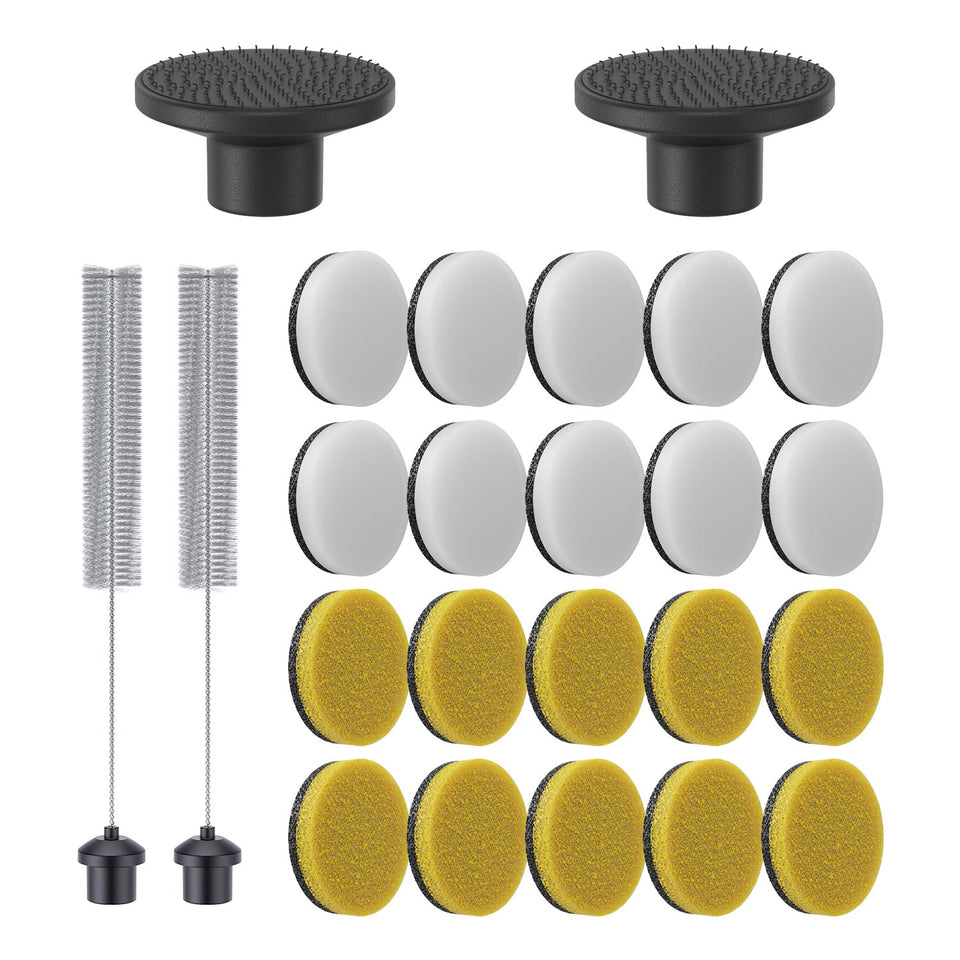
Replace a head or pad when its mounting interface is cracked, warped, loose, or no longer stays centered. Use an accessory explicitly sold for G10 Nano rather than assuming that G9 or another scrubber series shares the same fitting. If a new exact-model attachment also wobbles or fails to turn, stop and send support a video of the no-load behavior.
FAQ
Should I keep pressing the control to see if it recovers?
No. Repeated cycling can add heat or worsen a jam. Complete one controlled no-load test after the checks, then stop if the symptom remains.
Can I use a charger or accessory from another Fanttik model?
Do not assume compatibility from the brand name. Confirm the exact model and connector or attachment on the official product page or with support.
Does a reset require opening the housing?
No user reset in this guide requires opening the product. If normal power-off, cooling, cleaning, and charging checks do not work, request service.
What if the product was wet or dropped?
Do not charge or operate it until support has assessed the damage. External drying does not prove that the internal battery or electronics are safe.
Leave a comment
This site is protected by hCaptcha and the hCaptcha Privacy Policy and Terms of Service apply.