












































The Fanttik G9 Pro uses its own replacement-pad listing, so buying by appearance alone can lead to the wrong accessory. Fanttik identifies a four-piece pad set specifically for the G9 Pro Spin Scrubber. Here is how to verify the model, recognize a pad that needs replacing, and fit a fresh pad securely.
The Correct Pad Set for G9 Pro
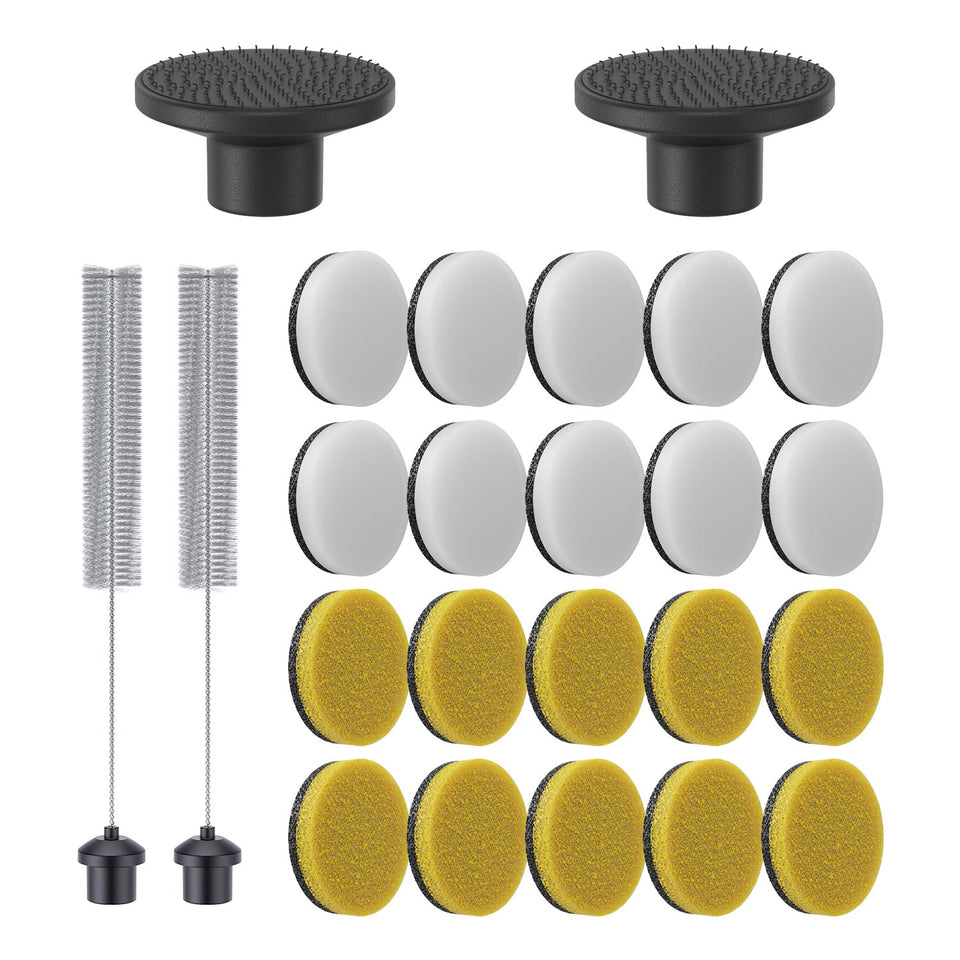
The genuine accessory is listed as 4 Pcs Replacement Pads for G9 Pro Spin Scrubber. That title confirms both the model and the package count. It does not claim compatibility with the G9 Handy or G10 Nano.
Before You Order
- Read the model name printed on the scrubber or its original packaging.
- Confirm it says G9 Pro, not G9 Handy or G9 Nano.
- Decide whether you need pads or bristled heads; they are separate accessory sets.
- Use the complete official product title as your compatibility check.
Signs a Pad Is Ready for Replacement
- The edge curls and will not lie flat.
- The pad face is torn, compressed, or uneven.
- The pad shifts during use after the mounting face has been cleaned.
- Cleaning residue remains embedded after normal care.
Staining alone is not a reliable wear measure. A structurally sound pad that still attaches evenly may remain usable for an appropriate task.
How to Fit a Fresh G9 Pro Pad
- Power the scrubber off.
- Remove the worn pad gradually across its width.
- Clear loose material from the attachment face.
- Center the new pad before pressing it down.
- Press around the full pad, then check that no edge lifts.
- Test briefly with light pressure before returning to normal cleaning.
Pad Care
Remove debris promptly and allow cleaned pads to dry before storage. Keep pads used with different cleaners separate where residue transfer matters. Follow the surface manufacturer's instructions and test in an inconspicuous spot; the accessory title does not establish that every pad is safe for every finish.
FAQ
How many pads come in the official G9 Pro set?
The official listing identifies four pieces.
Are G9 Pro pads the same as G9 Handy pads?
Fanttik publishes separate model-specific listings. Do not assume they are interchangeable.
Does the set include brush heads?
The listing is for replacement pads. Fanttik has a separate G9 Pro brush-head set.
Identify the Wear Point Before Buying
Separate the removable pad from the holder beneath it. A frayed or compressed pad is a consumable-accessory issue. A holder that is cracked, no longer grips, or sits loose on the G9 Pro is a different issue. The official four-piece set replaces pads; the product title does not say that a holder or brush-head assembly is included.
Photograph the installed accessory before removal if several G9-series parts are stored nearby. The model name and attachment arrangement provide a better reference than color or shape alone.
Centering and Attachment Check
Align a fresh pad with the reusable holder before pressing it down. Work outward from the center so the edge sits flat. A lifted edge can catch during rotation, and pressing harder does not correct poor alignment. If a clean, dry holder still cannot retain a fresh pad, stop and inspect the holder rather than consuming another pad.
Troubleshoot by Symptom
| Symptom | What it suggests | Action |
|---|---|---|
| Pad is torn or deeply matted | Pad wear | Install a fresh G9 Pro pad |
| New pad shifts immediately | Moisture, debris, or holder wear | Clean, dry, and inspect the holder |
| Holder does not rotate | Tool or attachment problem | Do not blame the consumable pad |
| Finish is marked | Accessory, cleaner, or pressure mismatch | Stop and review surface guidance |
Purchase Verification
- The model on your tool is G9 Pro.
- The official accessory title also says G9 Pro.
- The product type is replacement pads.
- The package title states four pieces.
- You have not selected the separate G9 Handy or G10 Nano listing.
Using a Multi-Pad Set Well
Keep unused pads in a clean, dry container and separate used pads by cleaning task. Do not return a damp or contaminated pad to the unused supply. Rather than replacing pads on an invented timetable, inspect them after cleaning and retire the ones that no longer lie flat, attach securely, or release residue.
What Replacement Pads Cannot Fix
Fresh pads cannot restore a damaged holder, correct an unstable tool connection, or solve a scrubber that does not run. They also do not make every surface safe to scrub. Treat a pad replacement as a focused maintenance action: it restores the removable working material when that material is the worn component.
After fitting a new pad, compare performance under light pressure. If the scrubber still feels uneven with the pad centered and secure, stop and inspect the holder and tool connection. Replacing another pad immediately would only consume the pack without addressing the common component. This check keeps consumable wear separate from mechanical troubleshooting.
Related Support
Continue reading
 Fanttik G10 Nano Scrubber Not Spinning? Fixes
If a Fanttik G10 Nano scrubber is not spinning, check charge, attachment seating, trapped debris, pressure overload, moisture,...
Fanttik G10 Nano Scrubber Not Spinning? Fixes
If a Fanttik G10 Nano scrubber is not spinning, check charge, attachment seating, trapped debris, pressure overload, moisture,...
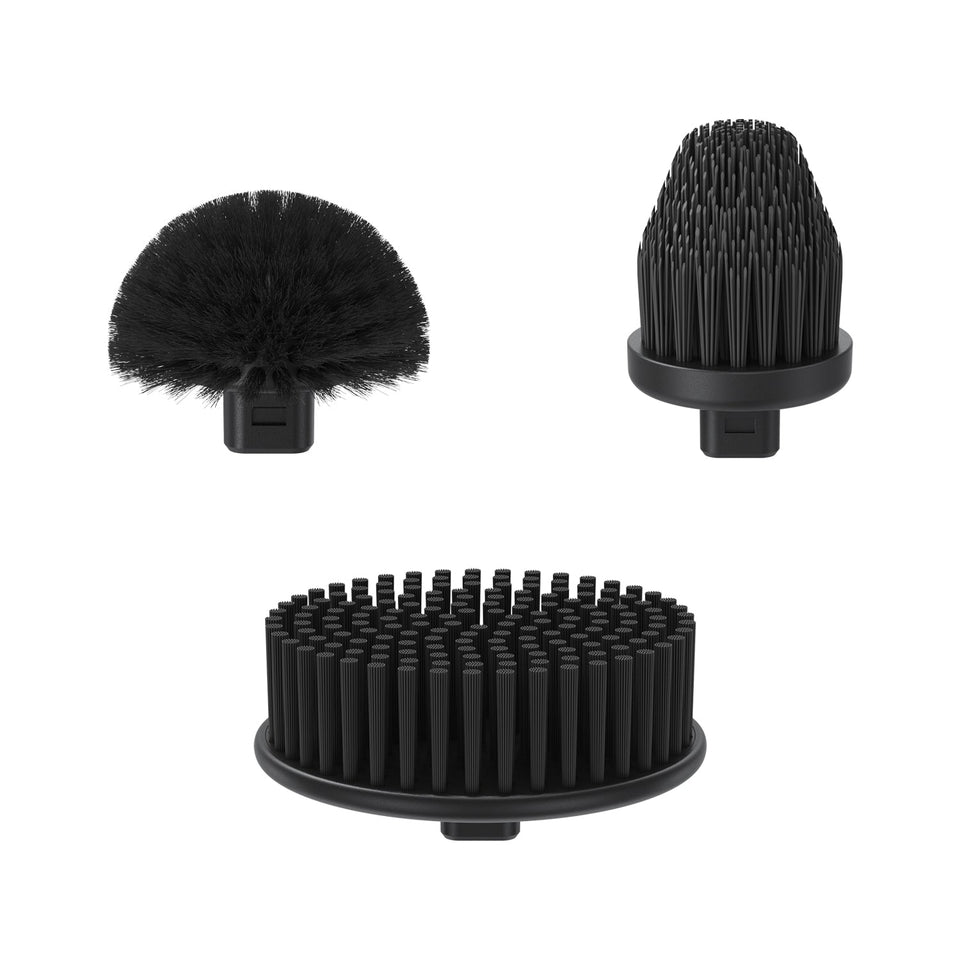 Fanttik G9 Pro Replacement Brush Heads
Match the genuine three-piece brush-head set to your Fanttik G9 Pro, identify worn heads, and avoid ordering G9...
Fanttik G9 Pro Replacement Brush Heads
Match the genuine three-piece brush-head set to your Fanttik G9 Pro, identify worn heads, and avoid ordering G9...
Leave a comment
This site is protected by hCaptcha and the hCaptcha Privacy Policy and Terms of Service apply.