










































A worn brush head can reduce contact and make a healthy Fanttik G9 Pro seem weak. Fanttik lists a genuine three-piece replacement brush-head set specifically for the G9 Pro Spin Scrubber. This guide keeps the compatibility decision simple and avoids unsupported assumptions about other G-series tools.
G9 Pro Brush-Head Compatibility
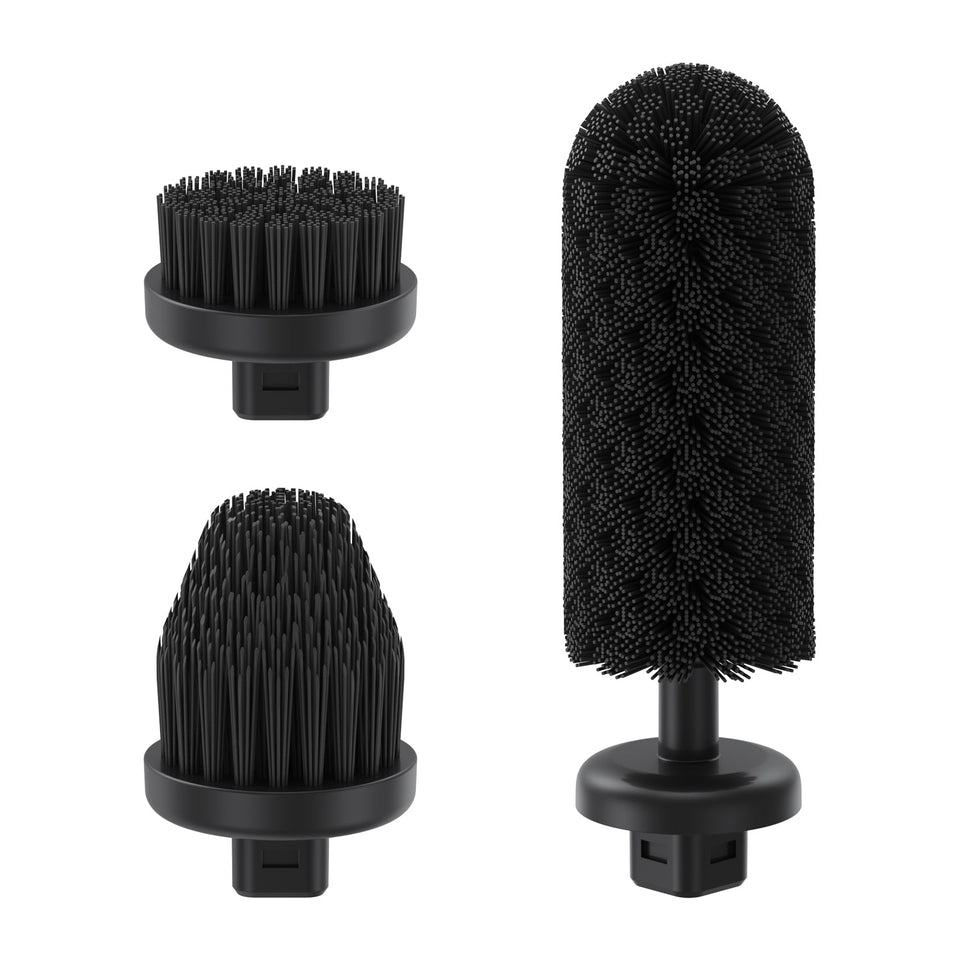
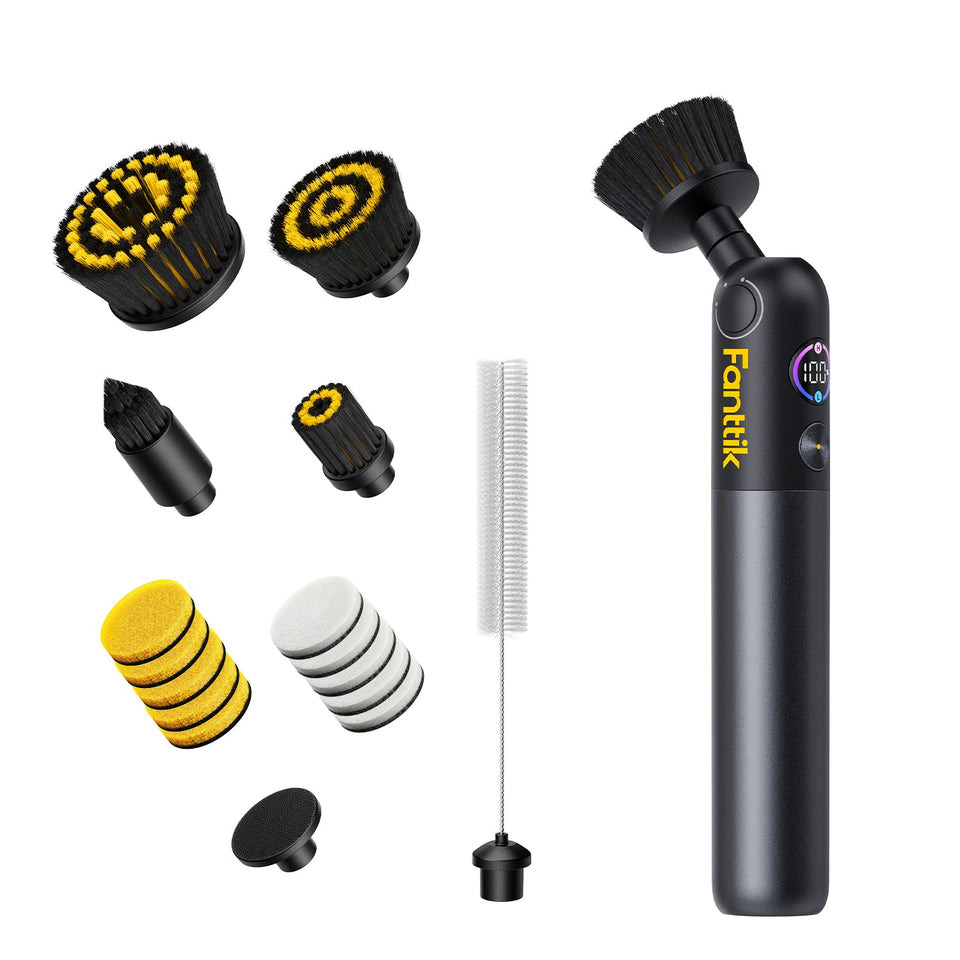
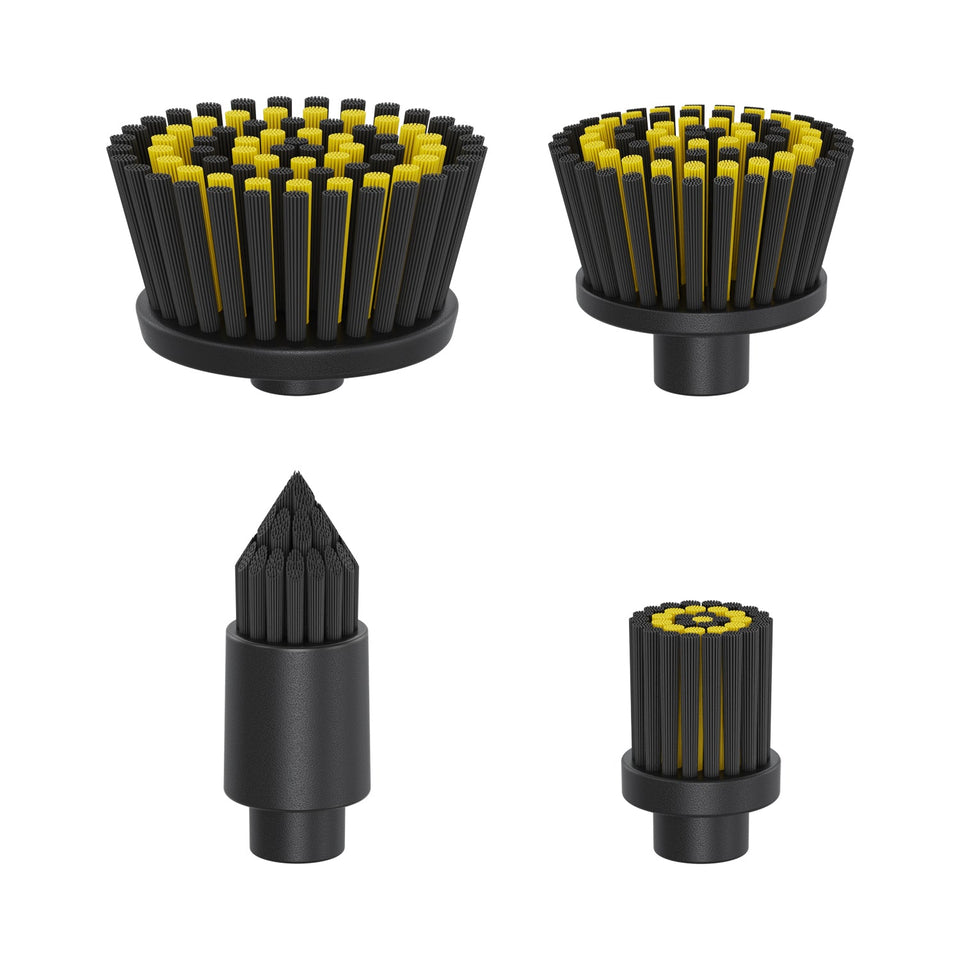
The official accessory listing is 3 Pcs Replacement Brush Heads for G9 Pro Spin Scrubber. The title confirms three pieces and names the G9 Pro. It does not identify the heads as universal across Fanttik scrubbers.
Check These Details Before Ordering
- The tool label says G9 Pro.
- You need bristled brush heads rather than flat replacement pads.
- The official listing names the same model as your tool.
- You are not relying only on shape, color, or a similar G9 name.
When a Brush Head Should Be Replaced
Replace a head when its bristles stay flattened or splayed after cleaning, the head is cracked or deformed, or it no longer seats securely. If it wobbles, stop the tool and reseat it first. Continued wobble may indicate wear or debris at the attachment point and should not be ignored.
How to Change the Head
- Switch the G9 Pro off.
- Remove the existing head using the tool's normal attachment motion.
- Clear trapped hair and debris from the connector without opening the tool body.
- Align the fresh head and press it into place evenly.
- Check the connection by hand, then run a short no-load test.
- Start with light pressure on an inconspicuous area of the surface.
Brush Selection Without Guesswork
The accessory page does not publish a definitive surface chart. Match the replacement head to the corresponding original head and respect the care instructions for the surface and cleaning product. Avoid aggressive pressure; the motor provides rotation, while extra force can deform bristles or mark a delicate finish.
FAQ
How many brush heads are in the set?
The official product title states three pieces.
Can I use them on a G9 Handy?
The listing names the G9 Pro only. A separate accessory listing exists for the G9 Handy.
Are replacement pads included?
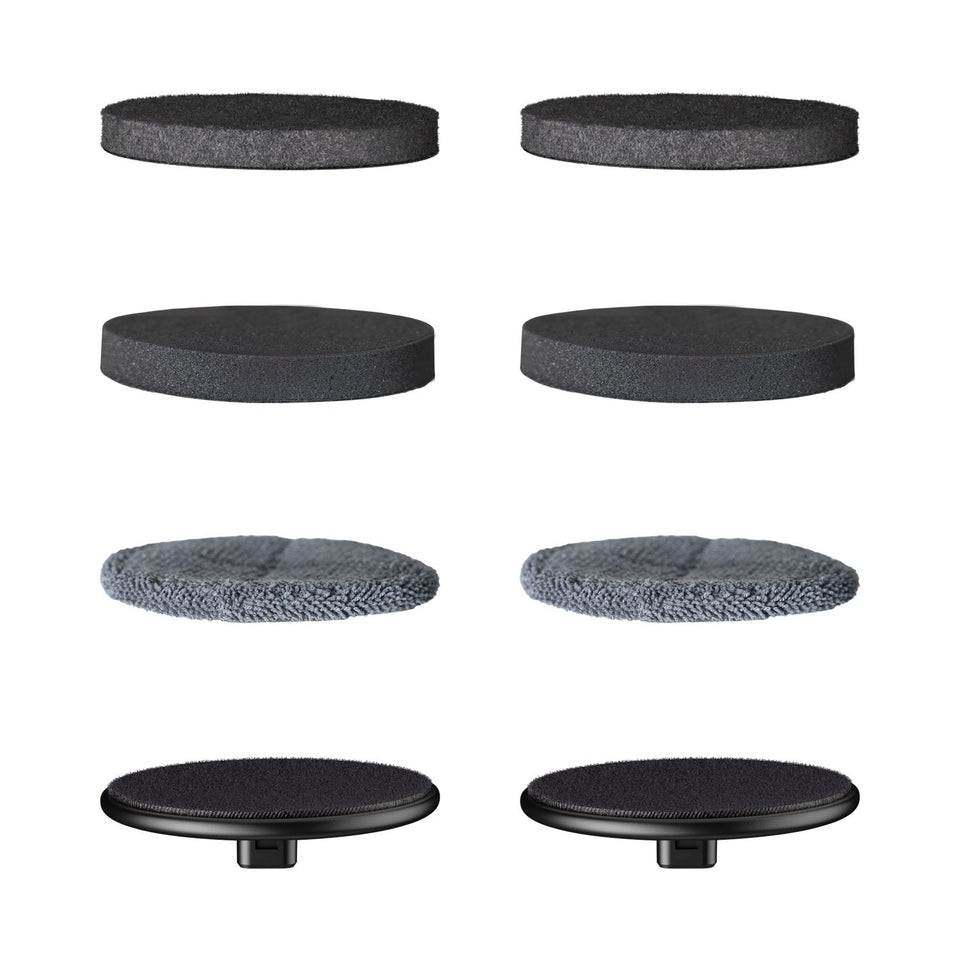
The official listing is for brush heads. Pads are sold under a separate G9 Pro accessory listing.
Inspect the Complete Removable Head
Look beyond the tips of the bristles. Check whether the bristle field is even, whether the head body remains flat, and whether the connection area is clean and undamaged. A head with healthy bristles can still wobble if its body is warped. Conversely, a secure head with permanently flattened bristles may rotate normally but clean unevenly.
Do this inspection with the G9 Pro off. If every attachment has the same connection problem, the common tool-side connector deserves attention; replacing one brush head may not correct it.
First Test After Installation
After seating the replacement, move loose hair and clothing away from the head. Run the scrubber briefly without contacting a surface, then stop it and check that the head remains seated. For the first cleaning pass, use light contact on a hidden test area. Excess force can distort bristles and makes it harder to distinguish accessory behavior from pressure-related marking.
Brush Head, Pad, or Tool Issue?
| Symptom | Start with |
|---|---|
| Bristles remain flattened | Replace the brush head |
| Flat pad material is torn | Use the G9 Pro pad listing |
| One head wobbles, others do not | Inspect that removable head |
| All attachments fail to rotate | Troubleshoot the powered tool |
Purchase Verification
- The tool label and accessory title both say G9 Pro.
- The listing states three brush heads.
- You need a bristled attachment rather than a replacement pad.
- You are not using the G9 Handy listing as a substitute.
- Current availability is confirmed on the live official page.
Maintenance Between Uses
Remove fibers before they wind tightly around the head. Clean according to the products used during the task, then let the head dry without crushing the bristles. Store the three-piece set so each head remains identifiable. Keeping heads assigned to separate kinds of work can reduce residue transfer and makes wear easier to track without claiming a fixed service life.
Do Not Overcorrect With Pressure
If a worn brush cleans poorly, pushing harder can deform it further and may mark the surface. Replace the worn attachment and let the powered rotation do the work. If a fresh, correctly seated head still performs poorly, reassess the cleaner, surface, and tool operation rather than assuming another new head is needed.
Also compare behavior across more than one sound attachment when available. If only one head wobbles, that head is the stronger suspect. If every head shows the same wobble or loss of rotation, stop using the tool and inspect the shared connection. This comparison prevents a tool-side issue from being mislabeled as repeated accessory failure.
Leave a comment
This site is protected by hCaptcha and the hCaptcha Privacy Policy and Terms of Service apply.