










































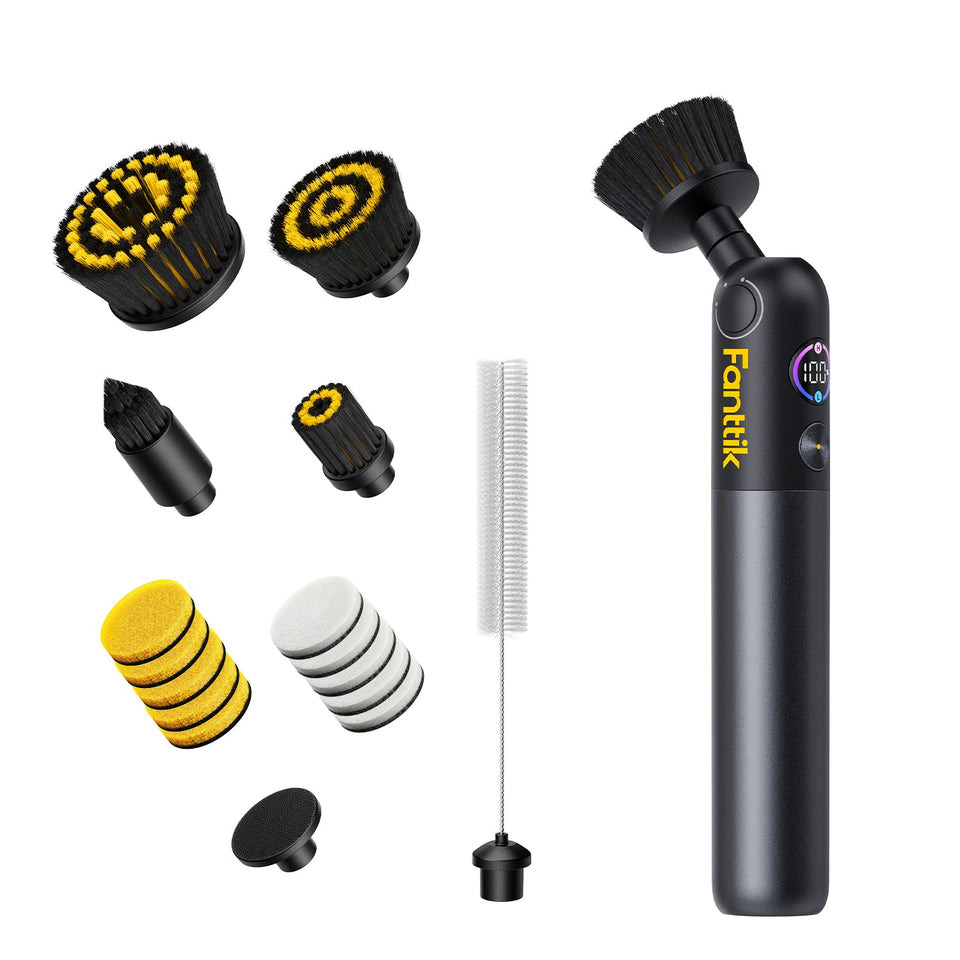
Fanttik sells two separate replacement-accessory sets for the G9 Handy Spin Scrubber: a three-piece brush-head set and a seven-piece pad set. They solve different wear problems, so the right purchase depends on whether the worn working surface is bristled or flat.
G9 Handy Accessory Options
| Accessory | Official package | Official listing |
|---|---|---|
| Brush heads | Three pieces | G9 Handy brush heads |
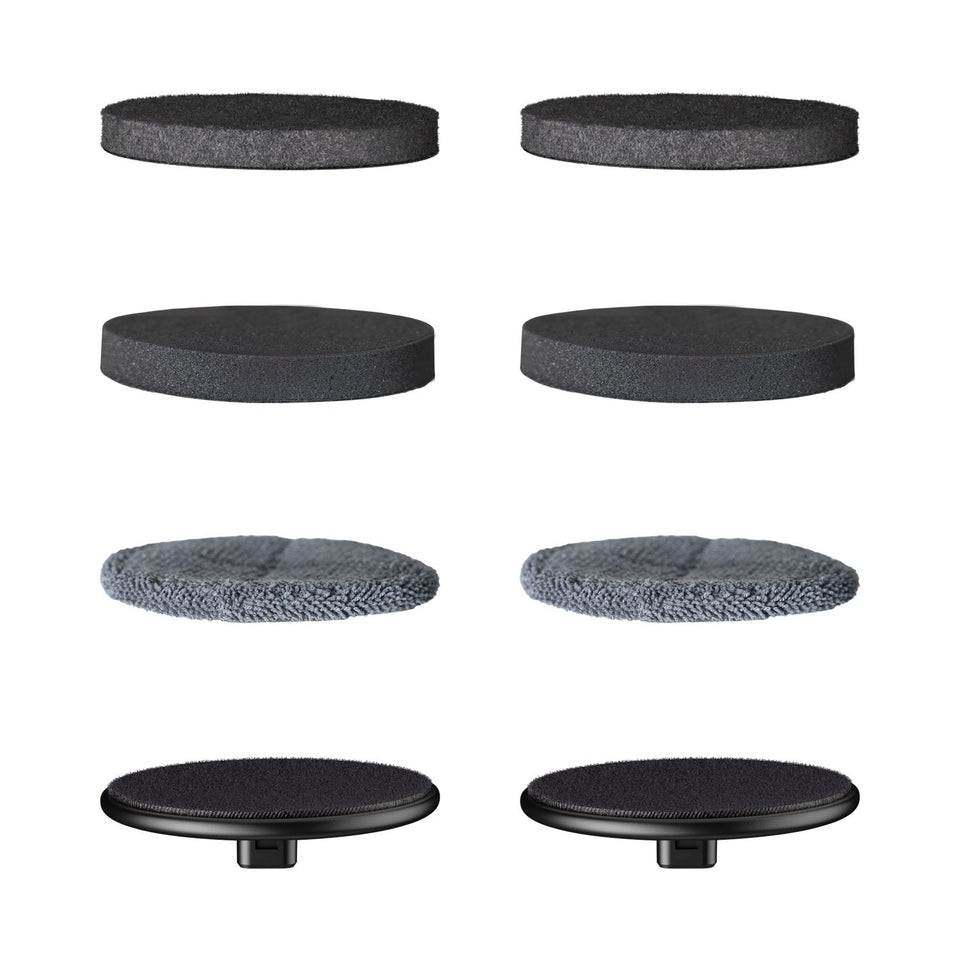
| Replacement pads | Seven pieces | G9 Handy pads |
Both official titles name the G9 Handy. They do not establish compatibility with the G9 Pro, G9 Nano, or G10 Nano.
Do You Need a Brush Head or a Pad?
Choose a brush head when the bristles are permanently bent, worn unevenly, or the head itself is damaged. Choose a pad when the flat working face is torn, matted, or will not stay centered on its holder. If the connector or holder is damaged rather than the removable accessory, replacing a pad or head may not solve the problem.
How to Avoid Ordering the Wrong Part
- Confirm the model label says G9 Handy.
- Remove the worn accessory with the tool switched off.
- Determine whether it is a complete bristled head or a removable flat pad.
- Match that accessory type to the relevant official title above.
- Do not use appearance alone to infer compatibility with another G-series model.
Basic Replacement Procedure
Power the tool off, remove the old accessory using its normal attachment motion, and clean loose residue from the connection surface. Align the replacement evenly and check that it is secure before use. Run a brief test away from the cleaning surface; any persistent wobble or slipping should be corrected before applying pressure.
Care After Use
Remove hair and debris promptly. Let cleaned pads and brush heads dry before storing them, and keep accessories used with different cleaners separate where cross-contamination matters. The accessory pages do not publish a surface-compatibility chart, so always follow the surface and cleaner manufacturer's guidance.
FAQ
Does Fanttik sell one complete G9 Handy accessory kit?
The official store pages are two separate listings: three brush heads and seven pads.
Will G9 Pro accessories fit?
Do not assume so. Fanttik lists G9 Handy and G9 Pro accessories separately.
When should I replace rather than clean an accessory?
Replace it when physical wear, deformation, damage, slipping, or embedded residue prevents normal use after cleaning.
Build a Simple G9 Handy Accessory Map
Keep the brush-head set and pad set distinct from the moment they arrive. Brush heads are complete bristled attachments. Pads are removable flat working materials. If the reusable pad holder is damaged, neither a new pad nor a brush-head package should be assumed to contain that holder. The official titles only verify the accessories they name.
Inspect Before Replacing
- For a brush head, inspect bristles, head shape, and connector security.
- For a pad, inspect the face, edges, and attachment to the holder.
- For either type, clear accessible hair and residue with the tool off.
- If every accessory behaves badly, inspect the common tool-side connection.
Installation Verification
Compare the new accessory with the removed one before fitting it. Seat a brush head straight without using bristles as leverage. Center a pad before pressing it across the holder. After installation, run a brief test away from the cleaning surface. Stop if the accessory shifts, wobbles, or makes unusual contact.
Match Common Symptoms to the Purchase
| Symptom | Part to consider |
|---|---|
| Bristles are splayed or the head is warped | Three-piece brush-head set |
| Flat pad is torn or matted | Seven-piece pad set |
| Fresh pad slips from the holder | Clean and inspect the holder |
| All attachments stop | Troubleshoot the G9 Handy itself |
Purchase Checklist
- Tool label says G9 Handy.
- Selected listing also says G9 Handy.
- Accessory type matches the worn part.
- The expected count is three heads or seven pads.
- Live availability is checked on the official page.
Organize the Two Sets
Store unused accessories clean and dry. Separate used heads and pads by task so bathroom cleaner, automotive residue, or other products are not transferred to a new surface. Let every cleaned accessory dry before closing it in a container. Retire a damaged item rather than mixing it back into the usable supply.
Know What Accessories Cannot Repair
These sets replace removable cleaning surfaces. They cannot repair a cracked connector, failed drive, charging problem, or switch issue. If multiple fresh attachments behave the same way, move from accessory replacement to tool troubleshooting instead of repeatedly changing consumables.
Use the two sets as a diagnostic comparison as well as a supply of consumables. When a correctly installed brush head and a correctly centered pad both fail to rotate, the shared G9 Handy connection or powered tool is more relevant than either cleaning surface. When only one worn accessory misbehaves, replace that specific type and preserve the remaining usable items.
Related Support
Continue reading
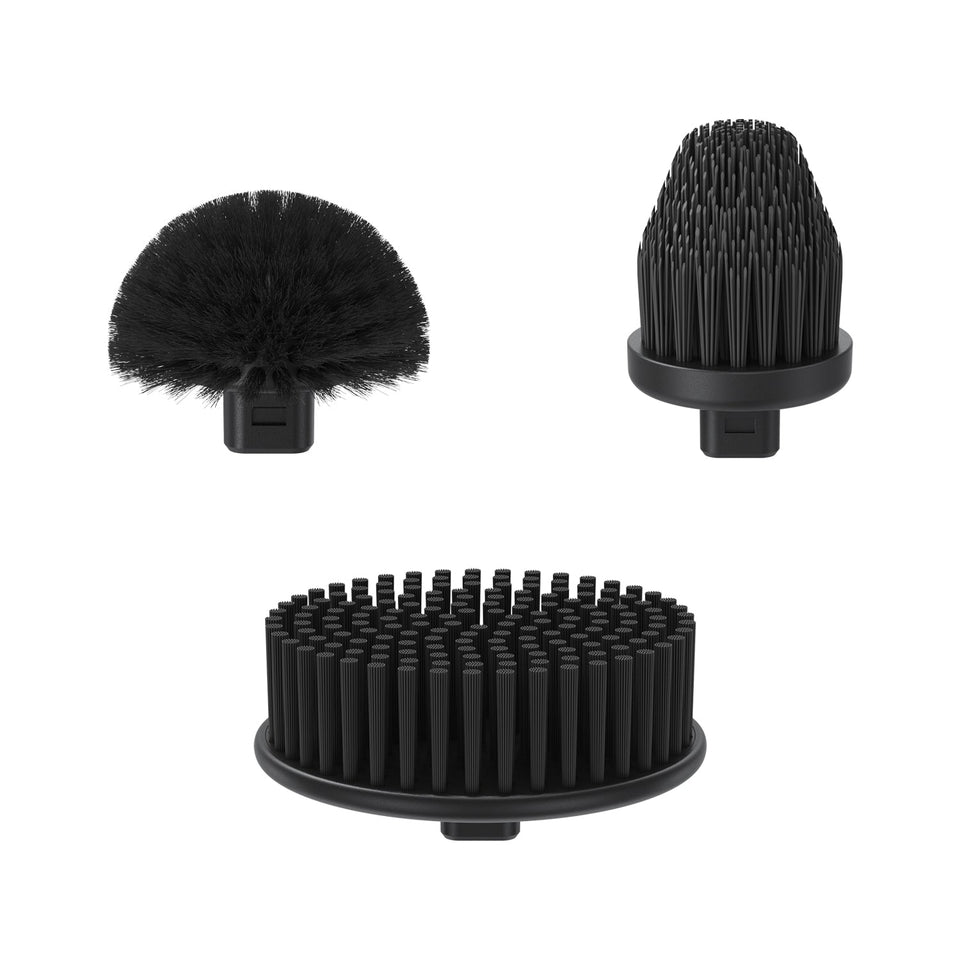 Fanttik G9 Pro Replacement Brush Heads
Match the genuine three-piece brush-head set to your Fanttik G9 Pro, identify worn heads, and avoid ordering G9...
Fanttik G9 Pro Replacement Brush Heads
Match the genuine three-piece brush-head set to your Fanttik G9 Pro, identify worn heads, and avoid ordering G9...
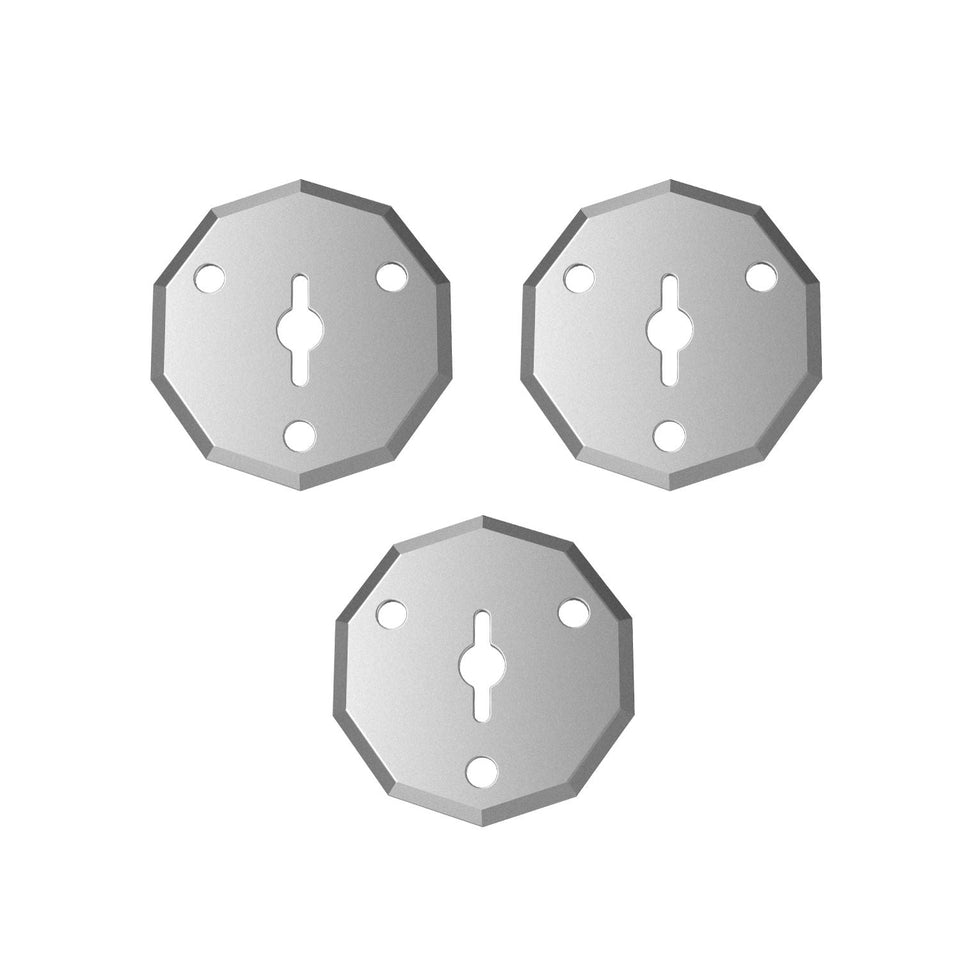 Fanttik C8 Nano Replacement Blades Guide
Confirm the genuine three-piece rotary-blade set for the Fanttik C8 Nano, identify blade wear, and follow a cautious...
Fanttik C8 Nano Replacement Blades Guide
Confirm the genuine three-piece rotary-blade set for the Fanttik C8 Nano, identify blade wear, and follow a cautious...
Leave a comment
This site is protected by hCaptcha and the hCaptcha Privacy Policy and Terms of Service apply.