










































A dull or damaged blade can make the Fanttik C8 Nano Electric Scissors cut unevenly even when the motor is working. Fanttik lists a genuine three-piece rotary-blade replacement set specifically for the C8 Nano. This guide explains the model check, replacement decision, and safe handling limits.
Which Blades Fit the C8 Nano?
The official accessory is titled 3PCS Replacement Rotary Blades for C8 Nano Electric Scissors. That title confirms both the compatible model and the package count. The listing does not claim that these blades fit other electric scissors or rotary cutters.
When to Replace a Rotary Blade
- The cutting edge is visibly chipped, bent, or damaged.
- Clean material that previously cut well now tears or bunches consistently.
- The blade rotates unevenly after accessible debris has been removed.
- Corrosion or contamination cannot be cleaned safely from the cutting edge.
A cutting problem does not always mean the blade is worn. A jam, unsuitable material, or a loose attachment may cause similar symptoms. Turn the tool off and inspect the accessible cutting area before deciding.
Safe Replacement Workflow
- Switch the C8 Nano off and disconnect it from charging.
- Keep fingers away from the cutting edge and use appropriate hand protection.
- Follow the blade-change procedure supplied with the tool; do not open the motor housing.
- Remove accessible fibers or fragments around the blade mount.
- Install only the C8 Nano replacement blade and confirm that it is seated correctly.
- Test on a small piece of suitable scrap material while keeping hands clear of the cutting path.
If the blade cannot be removed using the documented user-accessible procedure, stop rather than forcing the assembly. Contact Fanttik support for model-specific help.
How to Protect a Fresh Blade
Use the scissors only on materials within the C8 Nano's intended scope, keep the cutting path free of hard foreign objects, and store the tool so the blade is protected. Remove wound fibers after powering off. Do not apply oil, sharpen the blade, or dismantle the drive unless Fanttik's model instructions specifically direct it.
FAQ
How many blades are in the genuine replacement set?
The official Fanttik title states three rotary blades.
Do these blades fit other Fanttik cutters?
The official listing names the C8 Nano only. No broader compatibility is claimed.
Can I sharpen the old blade?
This guide does not recommend modifying the blade. Use the genuine replacement and follow the tool's blade-change instructions.
Distinguish Blade Wear From a Jam
A worn cutting edge usually shows up as repeated poor cutting across suitable material. A jam is more likely when fibers or fragments are visibly trapped and the blade stops or hesitates suddenly. In either case, switch the C8 Nano off before inspection. Remove only accessible debris and never use fingers to probe the cutting path.
If the blade appears intact after a cleared jam and the tool returns to normal operation, replacement may not be necessary. If cutting remains irregular or the edge is damaged, the genuine C8 Nano blade set is the appropriate part to consider.
Check the Blade Mount, Not Only the Edge
A fresh blade must sit correctly in the user-serviceable mount. Before installation, inspect the accessible area for fibers, fragments, or damage. A new blade cannot correct a bent mount or a drive problem. If the replacement will not seat using the normal procedure, stop and contact support rather than enlarging, grinding, or forcing any component.
Pre-Purchase Checklist
- The tool label says C8 Nano.
- The official listing says replacement rotary blades.
- The product title states three pieces.
- No compatibility is being inferred from blade appearance alone.
- Current store availability is confirmed before relying on the order.
First-Cut Verification
- Confirm all guards and user-accessible covers are returned to their normal positions.
- Keep the test material stable and hands outside the cutting path.
- Use a small sample of material appropriate for the tool.
- Begin without twisting or forcing the scissors through the cut.
- Stop immediately if the blade binds, oscillates, or contacts another component.
Blade Storage and Disposal
Keep unused replacement blades in protective packaging where the edges cannot contact loose tools. Do not place a removed sharp blade uncovered in a drawer or trash container. Follow local rules for disposing of sharp metal items and use a rigid cover or container so the cutting edge cannot injure anyone handling waste.
What a Replacement Blade Cannot Fix
| Symptom | More likely area |
|---|---|
| Tool does not power on | Power or charging system |
| Blade is visibly chipped | Replacement blade |
| New blade cannot seat normally | Mount or installation issue |
| Material is outside tool scope | Application mismatch |
Keep a short note with the replacement package showing the C8 Nano model name. Rotary blades can look similar once removed from branded packaging, but visual similarity does not establish fit. If a loose blade can no longer be positively identified, do not install it as a trial. Use a genuine C8 Nano replacement from the official listing.
Related Support
Continue reading
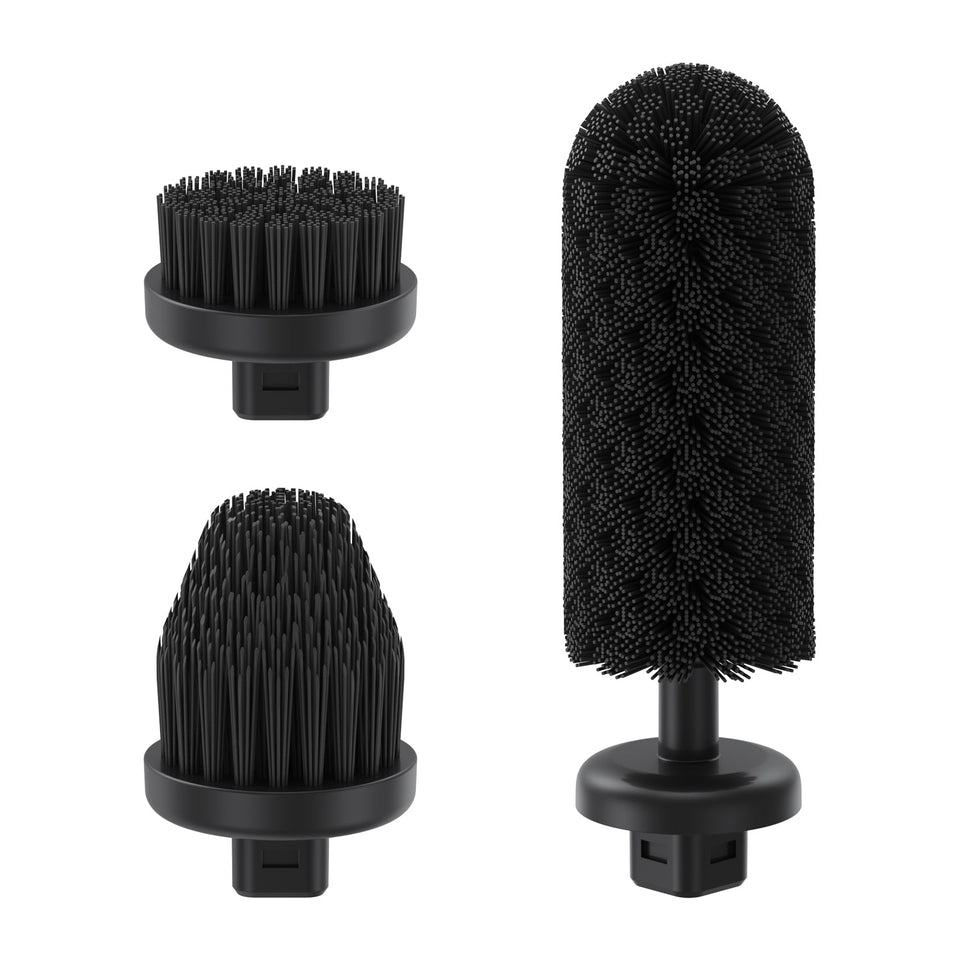 Fanttik G9 Handy Replacement Accessories
Compare the genuine three-piece brush-head and seven-piece pad sets for the Fanttik G9 Handy, with model checks and...
Fanttik G9 Handy Replacement Accessories
Compare the genuine three-piece brush-head and seven-piece pad sets for the Fanttik G9 Handy, with model checks and...
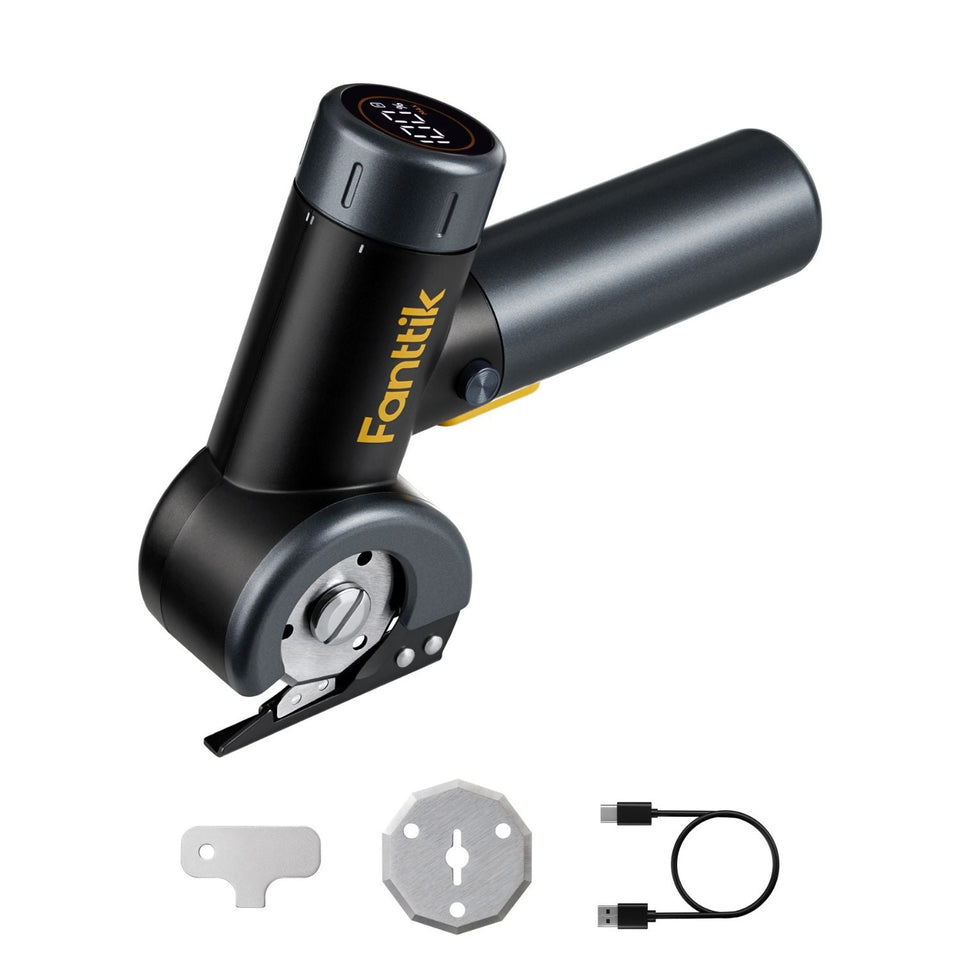 Fanttik C8 Nano Blade Jam: Safe Fix & Replacement
Clear a Fanttik C8 Nano blade jam safely: power off, remove trapped material, inspect the rotary blade, test...
Fanttik C8 Nano Blade Jam: Safe Fix & Replacement
Clear a Fanttik C8 Nano blade jam safely: power off, remove trapped material, inspect the rotary blade, test...
Leave a comment
This site is protected by hCaptcha and the hCaptcha Privacy Policy and Terms of Service apply.