












































This is a parts guide for the consumable bits and accessories used by the Fanttik F2 Master and F2 Pro cordless rotary tools. Rotary accessories are wear items — cutting wheels chip, sanding bands clog, polishing tips glaze over, and grinding stones wear down with use. This guide explains the shank and collet system that determines what fits, the main accessory types and what each is for, and how Dremel-compatible third-party bits relate to your kit. It links back to the Fanttik replacement parts hub and the F2 Master troubleshooting guide.
Shank and Collet: What Determines Fit
The single most important number for buying rotary accessories is the shank diameter — the bare metal stem that clamps into the collet. The collet is the split metal sleeve at the nose of the tool that grips the shank when you tighten the cap nut. An accessory fits only if its shank matches the collet size installed on your tool.
The two F2 models use different collet sizes:
| Model | Collet size | Accessories in kit | Storage case |
|---|---|---|---|
| F2 Master | 3/32" (2.3 mm) | 35 pcs | Aluminum pop-up case |
| F2 Pro | 1/8" | 55 pcs | Aluminum pop-up case |
The Fanttik product page states it plainly for the smaller model: "The F2 Master collet is compatible with 3/32" / 2.3mm attachments. You can purchase replacement accessories based on this size." So when you shop for F2 Master bits, look for a 3/32" or 2.3 mm shank. The F2 Pro ships with a 1/8" collet, the more common rotary-tool size, which opens up the widest range of off-the-shelf accessories.
Accessory Types and What They Do
Rotary accessories are grouped by the job they perform. The F2 kits cover the core functions of grinding, polishing, drilling, engraving, sanding, and cutting. Knowing the category helps you reorder the right consumable instead of guessing from a photo.
Cutting
Cut-off wheels and discs slice through thin metal and plastic. These are the most frequently consumed accessory — wheels are thin and brittle by design and will chip or shatter if you twist or side-load them. Reorder in multipacks and always mount on the matching mandrel.
Grinding and Sharpening
Grinding stones shape, deburr, and sharpen metal and remove material from hard surfaces. They wear down and lose their profile over time; replace a stone once it no longer holds its shape or stops cutting cleanly.
Sanding
Sanding bands and drums mount on a rubber mandrel and smooth wood, plastic, and filler. The abrasive band is a true consumable — it clogs and goes smooth fast. Slide a fresh band onto the drum when the old one stops biting.
Polishing and Buffing
Felt tips, buffing wheels, and polishing accessories bring up a shine on metal and finished work, typically used with a polishing compound. Felt and cloth accessories absorb compound and grime; swap them when they glaze over or load up.
Engraving and Carving
Engraving bits, diamond burrs, and high-speed cutters carve detail into wood, glass, stone, and metal. Fine-point bits dull with use — a dull bit forces you to push harder, which causes wobble and poor control.
Dremel and Third-Party Accessory Compatibility
Because Fanttik publishes the shank size, you are not limited to Fanttik-branded refills. Rotary accessories are largely standardized around shank diameter, so any accessory cut to the right shank will seat in the collet:
- F2 Master (3/32" / 2.3 mm): compatible with third-party accessories that carry a 3/32" or 2.3 mm shank. This is the same shank class used by many Dremel-compatible 2.3 mm bits.
- F2 Pro (1/8"): compatible with the broad universe of 1/8"-shank rotary accessories, which is the standard Dremel size.
Two cautions when going third-party. First, match the shank to your collet exactly — a 1/8" bit will not clamp safely in a 3/32" collet, and forcing a mismatched shank causes wobble, slipping, and unsafe runout. Second, watch the accessory's rated max speed. Both F2 tools run a variable-speed range up to 25,000 RPM, so never mount an accessory rated below the speed you intend to use it at. When in doubt, run at a lower speed setting.
The Collet Itself
The collet is a serviceable part, not just an accessory holder. Over time a collet can become worn, bent, or clogged with debris, which shows up as accessories that wobble or slip even when the cap nut is fully tightened. If your bits run true on a new collet but not the old one, the collet is the problem. To swap a collet, hold the spindle lock, loosen and remove the cap nut, withdraw the old collet, seat the replacement, then re-fit the nut. Always match the collet size to the shank size you intend to run — on the F2 Master that is 3/32" / 2.3 mm; on the F2 Pro it is 1/8".
How to Make Accessories Last
- Seat the shank fully before tightening the cap nut, so the collet grips the maximum length of the stem.
- Let the tool do the work — heavy pressure overheats and prematurely wears cutting and grinding accessories.
- Match speed to material using the speed settings; too-high speed glazes polishing tips and burns wood.
- Store accessories dry in the kit's case so steel shanks and abrasive heads do not corrode.
- Retire damaged accessories immediately — a cracked cut-off wheel or chipped burr is a safety hazard at high RPM.
FAQ
Q: What shank size do Fanttik F2 Master replacement bits use?
A: The F2 Master uses a 3/32" (2.3 mm) collet, so its accessories have a 3/32" / 2.3 mm shank. The product page confirms it is compatible with 3/32" / 2.3 mm attachments.
Q: Can I use Dremel accessories on my Fanttik rotary tool?
A: Yes, as long as the shank matches your collet. The F2 Pro uses the standard 1/8" Dremel shank size; the F2 Master uses the smaller 3/32" / 2.3 mm shank, which matches Dremel-compatible 2.3 mm accessories.
Q: My bit wobbles even when tightened — is it the accessory or the tool?
A: First confirm the shank matches your collet size and is seated fully before tightening. If a known-good bit still wobbles, the collet may be worn or bent and should be replaced.
Q: Are F2 Master and F2 Pro accessories interchangeable?
A: Not directly — they use different collet sizes (3/32" vs 1/8"). A 1/8" accessory will not fit the F2 Master collet, and a 3/32" accessory will not be gripped safely by the F2 Pro's 1/8" collet unless you also change the collet to match.
Q: How many accessories come in each kit?
A: The F2 Master kit includes 35 accessories; the F2 Pro kit includes 55 accessories. Both store in an aluminum pop-up case.
Q: Where do I buy genuine replacement accessories?
A: Order through the Fanttik product pages linked above, or contact Fanttik support to confirm the correct shank size for your model before buying third-party bits.
Related Support
- Fanttik Replacement Parts — the central hub for all genuine Fanttik consumables and parts.
- Fanttik F2 Master Troubleshooting Guide — fixes for power, collet, and charging issues.
- Fanttik F2 Master Mini Cordless Rotary Tool Kit — product page and full kit contents.
- Fanttik F2 Pro Cordless Rotary Tool Kit — product page for the 1/8" collet model.
Continue reading
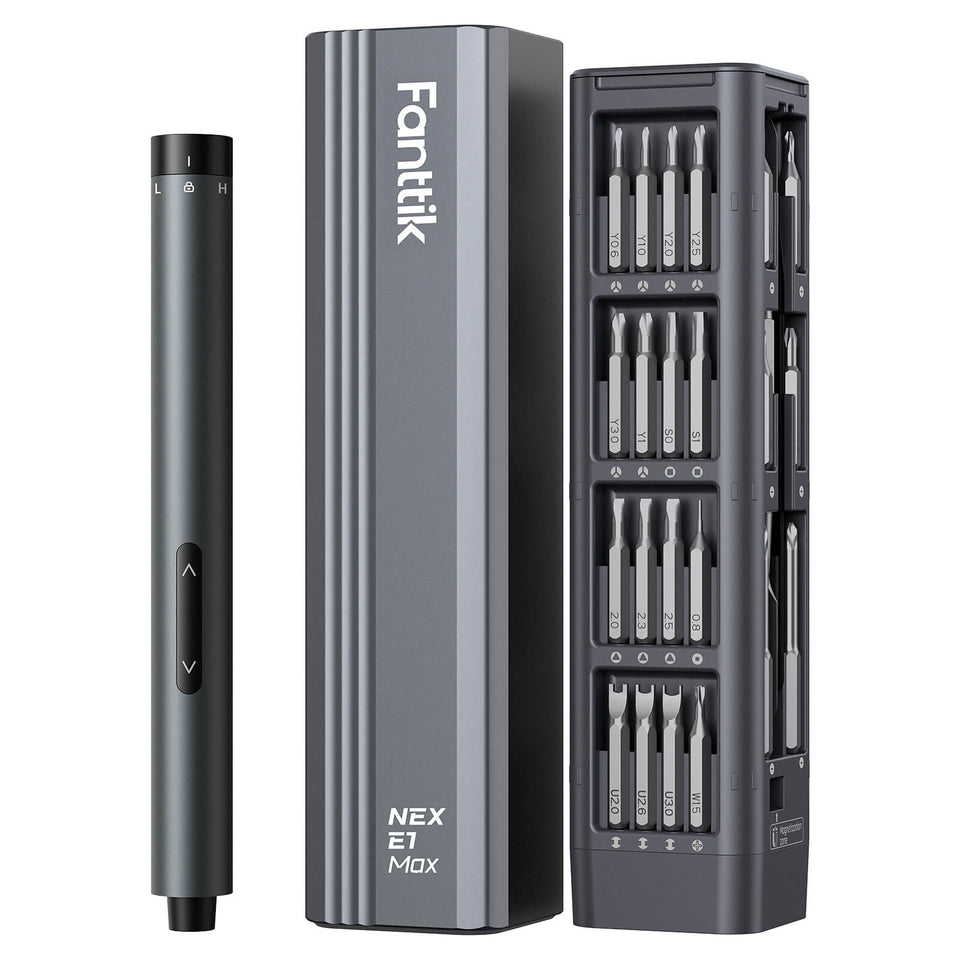 Fanttik Replacement Bits: Screwdriver Fit & Size Guide
Match Fanttik replacement bits to your screwdriver. Compare 5/32-inch precision and 1/4-inch power bits, compatible models and genuine...
Fanttik Replacement Bits: Screwdriver Fit & Size Guide
Match Fanttik replacement bits to your screwdriver. Compare 5/32-inch precision and 1/4-inch power bits, compatible models and genuine...
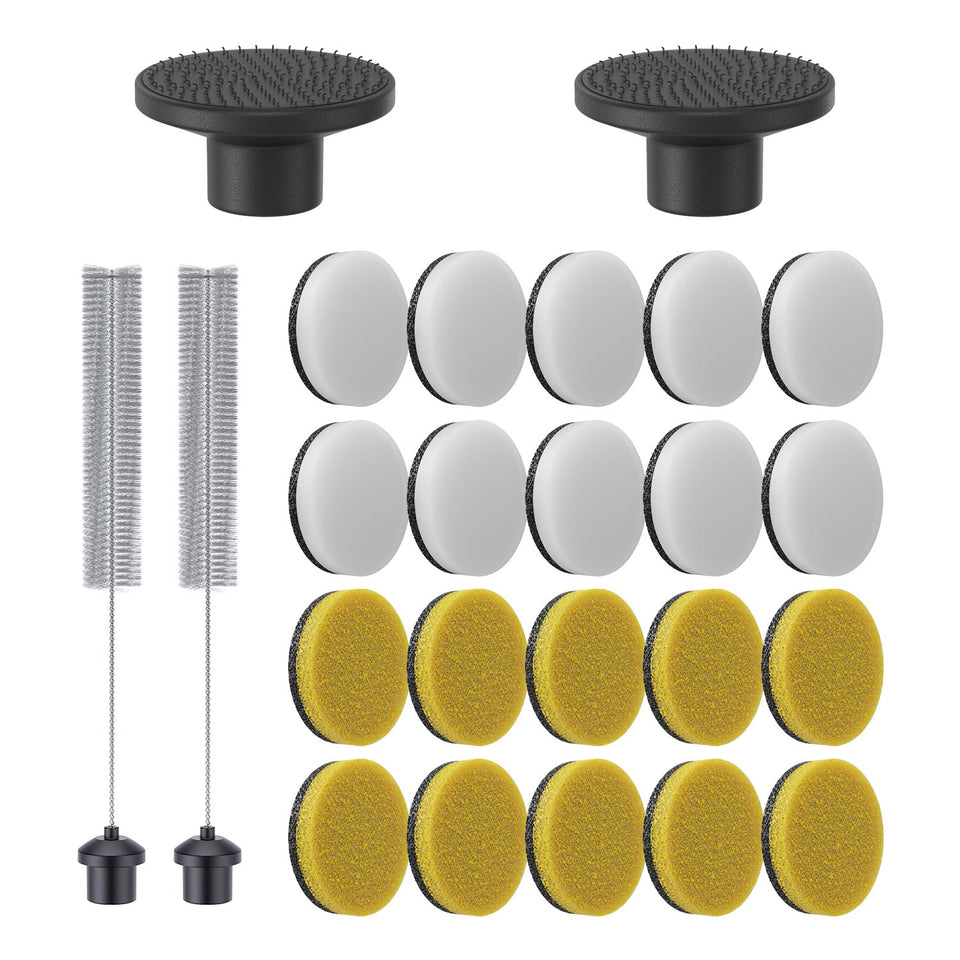 Fanttik G10 Nano Replacement Pads Guide
Confirm the genuine 24-piece pad set for the Fanttik G10 Nano, learn when to replace a worn pad,...
Fanttik G10 Nano Replacement Pads Guide
Confirm the genuine 24-piece pad set for the Fanttik G10 Nano, learn when to replace a worn pad,...
Leave a comment
This site is protected by hCaptcha and the hCaptcha Privacy Policy and Terms of Service apply.