












































Electric scissors can veer off a marked line for more than one reason, and no single cause fits every tool, material, or job. Pushing harder won't tell you which one you're dealing with. The useful first step is a short, steady test cut on scrap of the same material, so you can see where the cut leaves the line.


From there, change one condition at a time. Start with how the material is laid out and supported. Then move on to the model's documented material limits and, last, the condition of the scissors themselves.
Why Do Electric Scissors Drift Off a Marked Line?
A wandering cut is a symptom, not a diagnosis. The same drift can come from how the material sits, how the cut path is set up, what the material is, or the state of the tool. That's why the best first check is a comparison, not a guess. Treat the test below as a practical way to narrow things down, not a guaranteed fix.
A good first change to try is laying the material flat and fully supported before you cut. We recommend that same setup in our guide to fabric bunching, along with a short scrap test. That guide deals with fabric that bunches or pulls, not straight-line drift. Still, it's a sensible, low-effort condition to rule in or out first.
Here's how to run the one-variable scrap test:
- Cut two or more test pieces from the same material you plan to use for the real job.
- Mark the same straight reference line on each piece, in the same way.
- Cut the first piece with your current setup, exactly as you've been working.
- On the second piece, change only one thing, such as laying the material flat on a supported surface.
- Keep the tool, speed setting, line, and everything else as close to the same as you can.
- Check both cuts against the line at the same points. Note whether each cut stays on the line, drifts to one side, or wanders back and forth.
Read the result for what it is. If the second cut tracks better, that change mattered for this material and setup. It doesn't prove a general cause. If nothing changes, that rules out only the one condition you tested. Move to the next condition and repeat.
How Can You Make the Cut Path Easier to Follow?
Make the line easy to see along its full length, because you can't judge electric scissors drift against a line you can barely see. A clear, continuous mark gives you a fixed reference. You can then tell whether the cut left the line at the start, partway through, or near the end.
Where the drift starts tells you what to test next. If the cut wanders right from the first inch, look at how the cut began and how the material was positioned. If it holds at first and then drifts, note what changed at that point. Maybe the material shifted, the edge lifted off the surface, or you reached a thicker area or a seam.
Be careful with physical guides. A ruler or straightedge placed against the blades puts a rigid edge right next to moving parts. Nothing we've covered here confirms that this is safe or compatible with any particular pair of electric scissors. Use a guide that touches the tool only if your model's manual allows it. Otherwise, keep the mark as your visual reference and leave the edge out of the blade path.
Could Material or Layer Limits Be the Problem?
They could. But a wandering cut on its own doesn't show that you've gone past the tool's limit. Consider capacity when the job is near the edge of what the tool is rated for. That includes a thicker or denser material than usual, several stacked layers, or a test where support changes did nothing.
Check the exact model's documented limit instead of relying on a general thickness or layer count. Our fabric-bunching guidance gives the same advice: check material and layer limits in your model's manual. Limits differ between models, and even the way they're stated can differ. For example, our C8 Nano electric scissors are listed with a 1/4 in cutting capacity. Our C10 Pro electric scissors are listed with a 0.39 in cut depth. Read the figure for your model as written, and don't assume it applies to other models.
If your stack or material is close to the listed figure, run the scrap test again with a single layer or thinner piece. Change nothing else. If the cut tracks better, plan the real job around that limit. If the result doesn't change, capacity probably isn't the condition you need to fix, and the next step is the tool itself.
When Should You Check the Scissors Themselves?
Look at the tool after you've tested the setup and material limits and the drift is still there under the same conditions. Don't assume blade wear, debris, or a maintenance issue is the cause just because the cut wanders. Nothing in the tests above points to one specific tool fault.
When you do check the tool, follow only the care steps in your exact model's instructions. Our fabric-bunching guidance says the same thing. Models can differ in their blades, how blades are swapped, and what cleaning is allowed. Steps written for one pair of scissors may not fit another. Turn the tool off and follow the manual's safety steps before you handle the blades.
For broader habits like storage, battery care, and spotting mechanical problems early, our guide to extending precision tool life covers the general approach. After any care step your manual describes, repeat the same scrap test. If the cut now tracks better, you've found the condition that mattered for this job.
FAQs
Will pushing the scissors harder keep them on the line?
Forcing the tool doesn't help you find the problem, and it can hide where the cut actually leaves the line. A steady, unhurried test pass on scrap gives you a cleaner read. If the cut only stays on track when you force it, treat that as a sign to retest the setup, not as the fix.
Does drift mean my electric scissors are defective?
Not on its own. Electric scissors drift can show up with setup, material, or capacity conditions that have nothing to do with a fault. Work through the one-change-at-a-time tests first. If drift continues after you've ruled out setup and limits and followed your model's care instructions, keep notes on your test results. They'll help when you contact support.
Do test results on fabric carry over to cardboard or leather?
No. A result on one material tells you about that material only. Fabric, cardboard, and leather behave differently under the blades and may have different limits in your manual. Run a fresh scrap test on the material you're actually cutting before the real job.
How many test pieces should I plan to use?
Plan on one baseline piece plus one for each condition you want to test. If you're checking support, then layer count, then a care step, that's about four pieces of the same material. Mark each one the same way so the results are easy to compare.
Continue reading
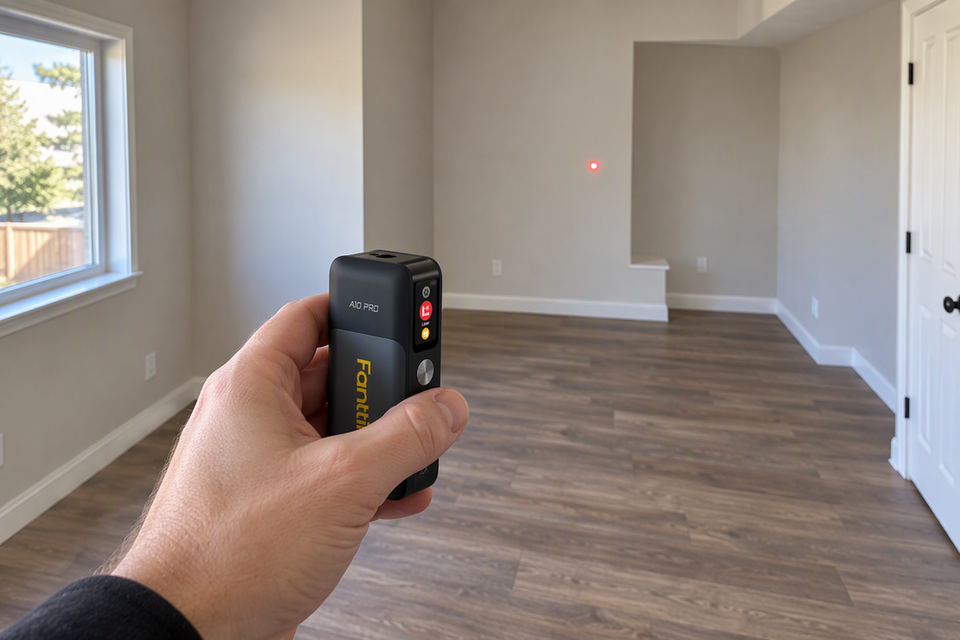 How to Estimate Floor Area in an Irregular Room With a Laser Measure
A step-by-step method for turning laser readings into a square-foot estimate, with formulas for rectangles, triangles, notches, and...
How to Estimate Floor Area in an Irregular Room With a Laser Measure
A step-by-step method for turning laser readings into a square-foot estimate, with formulas for rectangles, triangles, notches, and...
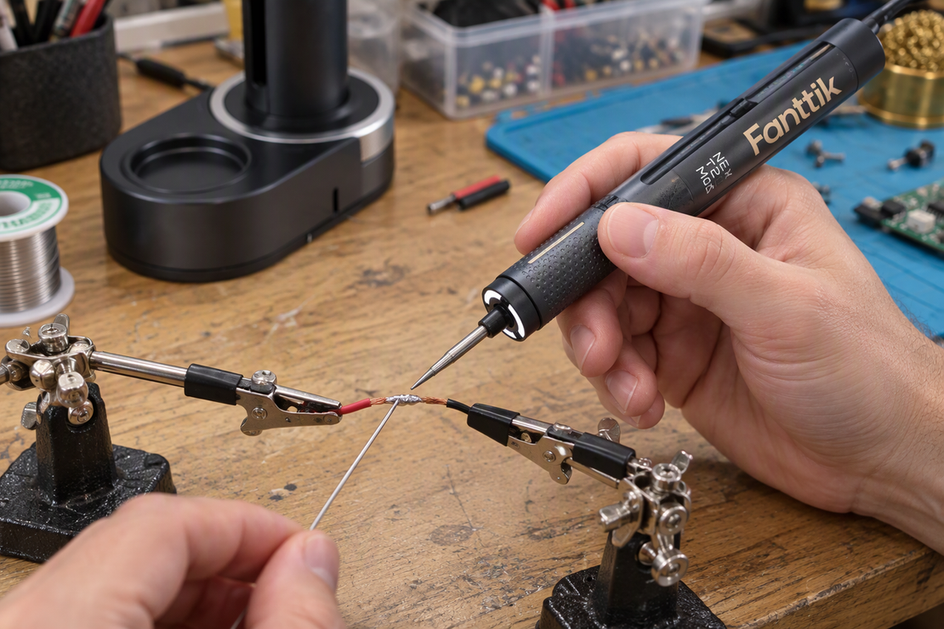 How to Keep Wires Still While Solder Cools
A practical setup for holding small-electronics wires steady through cooling, from clip placement before heating to the cue...
How to Keep Wires Still While Solder Cools
A practical setup for holding small-electronics wires steady through cooling, from clip placement before heating to the cue...

Leave a comment
This site is protected by hCaptcha and the hCaptcha Privacy Policy and Terms of Service apply.