












































Choose a rotary tool by starting with the jobs you plan to do and the accessories those jobs need. Then compare three things against that list: how the speed is controlled, what collet size the tool takes, and which accessories fit it.
A headline RPM number is the least useful of these specs by itself. It tells you how fast the motor spins with nothing touching it. It does not tell you whether the tool suits your project or which bits will lock into the chuck. This rotary tool buying guide walks through each check in the order that changes your choice.

Choose the Tool by Job, Not by Maximum RPM
Write down your actual tasks first, then keep only the tools whose documented uses cover them. A tool's listed task scope is a better filter than its top speed, because two tools with the same maximum RPM can be built and sold for different work.
Use your task list to sort candidates like this:
- Your task appears on the tool's documented use list. Keep it on the shortlist and move on to speed control and collet fit. For example, we list our F2 Master Kit for engraving, polishing, sanding, carving, and light grinding on wood, glass, plastic, metal, and 3D models.
- Your task sits at the edge of that list. "Light grinding" on a spec sheet is a different job from heavy material removal. If your project is closer to the heavy end, a higher RPM figure does not close that gap.
- Your task is not a spinning-accessory job at all. Some projects mainly need a different tool category. Opening a game controller shell, for example, is screwdriver work, as our Joy-Con drift repair walkthrough shows with tri-wing bits and a low-speed workflow.
- Your task needs a drill, grinder, sander, or saw. Shop that category on its own terms. Advice and accessories for those tools do not transfer to a rotary tool, and the reverse is also true.
Accessory count and collet size are not proof of task fit either. A kit with many pieces can still lack the one bit type your project needs.
How to Compare Speed Control and No-Load RPM
Compare speed control and RPM as two separate specs: one tells you how you adjust speed, the other tells you the motor's top unloaded speed. The number of settings, how you switch between them, and the maximum RPM each answer a different question. Only the first two describe the control you get while working.
The RPM figure on a box is normally a no-load number. In general motor terms, no-load speed is the rotation measured with no external load, while rated speed is the speed a motor holds steadily under its rated torque. Pressing a bit into wood, metal, or resin adds load. So the no-load figure is a ceiling on paper, not a promise of how fast the accessory turns in the cut, and not a sign that the tool handles a certain material.
Speed-setting specs have limits too. Our F2 Pro Cordless Rotary Tool, for instance, is listed with 5 speeds and 25,000 RPM. That tells you there are five steps and a top no-load speed. It does not tell you the RPM of each step. If you need to know what the lowest setting delivers, look for a per-setting speed chart in the model's documentation. If none is listed, compare tools on the number of steps and the top speed only, and don't assume the spacing between steps.
When you line up cordless rotary tool specs side by side, keep those columns apart: control type, number of settings, then maximum RPM. For long detail sessions, handling also shapes control, and our guide to balancing tool weight and vibration explains that trade-off in a handheld tool.
How to Match Collet Size to Accessory Shank
An accessory fits when the tool's documented collet size matches the accessory's shank size, and the accessory maker lists that tool or collet as compatible. The collet is the small sleeve that clamps the accessory's shank, which is the smooth metal stem. Collets are sized to one shank diameter, so the size printed on each product has to agree.
Here are the documented pairs we can confirm for our own products:
- Tool collet: Our F2 Master Kit rotary tool uses a 3/32-inch (2.3 mm) collet and comes with 28 accessories.
- Matching refill: Our 42-piece 3/32-inch accessory kit is listed as compatible with F2 Master-series tools and other rotary tools that use a 3/32-inch collet.
- Different shank size: Our 57-piece 1/8-inch accessory kit is sold by a different shank size. A 1/8-inch shank works out to about 3.2 mm, so it is not the same size as the 3/32-inch collet above. Treat it as a separate fit and match it only to a tool whose documentation lists a 1/8-inch collet.
Apply the same test to accessories you already own. Find the shank size printed on the package or listing. Then find the collet size in the candidate tool's specs. If the two match and the accessory lists that collet or tool, it's a documented fit. If either size is missing, or the sizes differ, don't count those accessories as part of the kit you are buying into.

Which Accessories Belong on Your Shortlist?
Put an accessory on your shortlist only when it matches a specific task on your list and the collet of the tool you picked. Start from the job, then name the accessory type it calls for:
- Engraving and fine detail: engraving bits. Our F2 Master Eng Cordless Rotary Tool includes 20 engraving bits for fine lines, shading, carving, polishing, and shaping.
- Polishing, including jewelry: polishing accessories. Our 3/32-inch refill is described for DIY crafts, jewelry polishing, and 3D model work.
- Smoothing and shaping edges: sanding accessories, which fall within the F2 Master Kit's listed sanding use.
- Cutting and drilling: cutting and drilling accessories. Our 1/8-inch refill is described as covering grinding, polishing, cutting, and drilling.
- Light material removal: grinding accessories, kept within a tool's documented "light grinding" scope.
Two limits change this list. First, the accessory's shank must match your tool's collet, as covered above. Second, a task name on a kit doesn't mean every material is covered. Stick to the materials the tool or kit actually lists. If you buy one kit up front, choose the one that covers your first two or three planned jobs. Leave the rest for refills once you know which bits you use.
FAQs
Is a variable speed dial better than fixed speed settings?
Neither is automatically better. Fixed settings give you repeatable steps. The key question is whether the documentation tells you the speed at each step. Without that, you can compare only the number of steps and the top no-load RPM, not the actual speed you'll work at.
Can I use accessories from another brand in my rotary tool?
Yes, when the shank size matches your tool's collet size and the accessory lists that collet size or tool as compatible. For example, our 42-piece refill states compatibility with other rotary tools that use a 3/32-inch collet. Brand doesn't settle the question. The documented size does.
Does a higher accessory count mean a better kit?
No. Count what matches your tasks. A small kit with the engraving or polishing bits your project needs does more for you than a large kit built around cutting and grinding you don't plan to do.
What if my project is mostly removing screws or opening a device?
That is a screwdriver job, not a rotary tool job. Our Switch Pro Controller disassembly guide shows that kind of work done with Phillips #000 bits on a plastic shell. Buy a rotary tool only for the steps on your list that need a spinning accessory.
What should I do before ordering a tool?
Finish your task list, then write down three specs for each candidate: its documented uses, its collet size, and its speed settings. Keep only the tools where all three line up with your planned jobs and the accessories you already own.
Continue reading
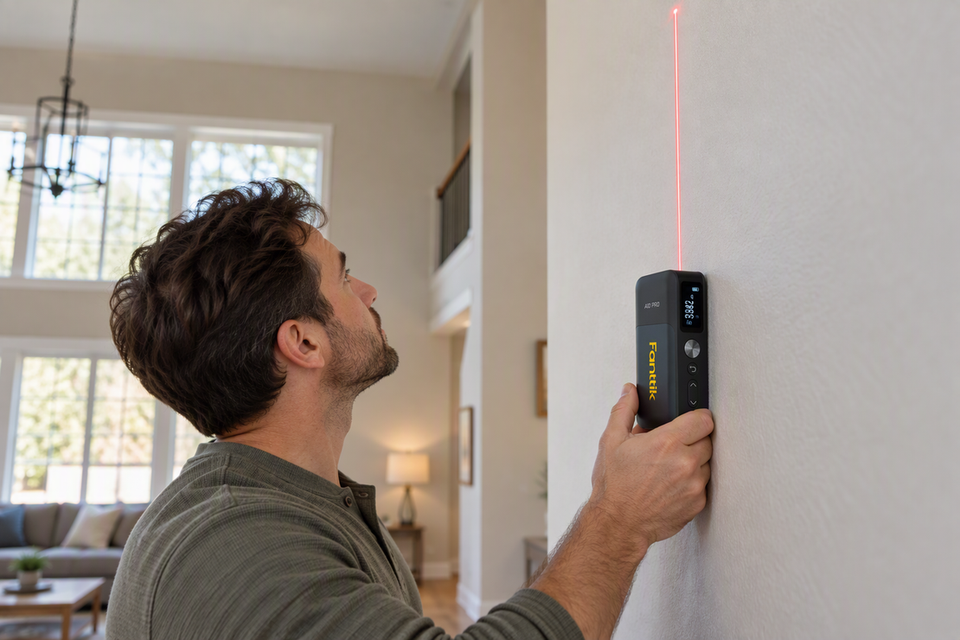 How to Use the Pythagorean Function on a Laser Distance Meter for Indirect Heights
A practical walkthrough of indirect height measurement with a laser measure, how prompted readings become a height, and...
How to Use the Pythagorean Function on a Laser Distance Meter for Indirect Heights
A practical walkthrough of indirect height measurement with a laser measure, how prompted readings become a height, and...
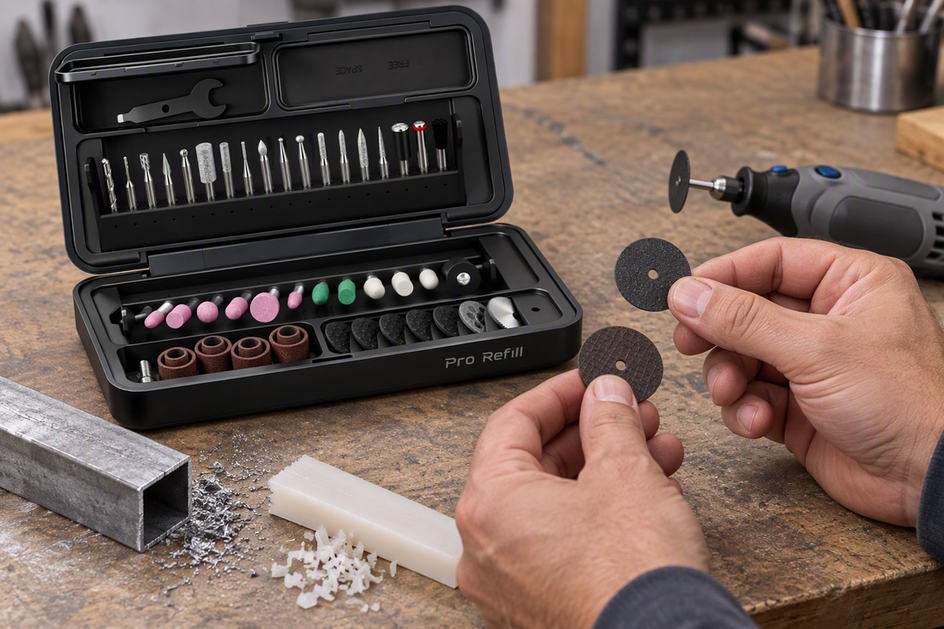 Rotary Tool Cutting Wheels: Diamond vs. Carbide vs. Fiberglass Discs
Diamond, carbide, or fiberglass? Learn why the label on a specific disc, not its material, decides metal or...
Rotary Tool Cutting Wheels: Diamond vs. Carbide vs. Fiberglass Discs
Diamond, carbide, or fiberglass? Learn why the label on a specific disc, not its material, decides metal or...
Leave a comment
This site is protected by hCaptcha and the hCaptcha Privacy Policy and Terms of Service apply.