










































If your Fanttik K2 Ultra 7.4V Cordless Power Drill has this symptom — the trigger produces no rotation, no light, or only a brief response — begin with the reversible checks below. The aim is to separate charge, setup, attachment, debris, and protection-state problems without opening the product or bypassing a safety circuit.
Quick Checks First
- Remove the bit and release the trigger before inspecting the drill.
- Charge from a known-good source and let the tool return to room temperature.
- Confirm the direction selector is fully seated rather than resting in its center lock position.
Step-by-Step Troubleshooting
- With the tool stopped, move the direction selector decisively to forward and test without a bit installed.
- Check the chuck for a trapped or crooked bit that may be loading the drive. Remove it and close the chuck evenly.
- Connect the charger and observe only the indicators documented for this model. A different Fanttik tool may use different light behavior.
- If the drill stopped during a bind, let it cool, clear the workpiece, and retry with no load before returning to the job.
- If it responds intermittently when the selector or trigger is touched, stop testing; an internal switch fault needs service rather than repeated cycling.
What the Result Usually Means
| Result | Likely area | Safe response |
|---|---|---|
| Works after cooling or clearing debris | Temporary protection or mechanical load | Resume gently and change the working condition that caused the load |
| Works only with one cable, head, bit, or accessory | Accessory or connection | Retire the faulty item and confirm an exact-model replacement |
| No response under any no-load test | Charge system, control, or internal fault | Stop repeated testing and contact support |
| Heat, odor, swelling, grinding, or liquid ingress | Potential safety fault | Switch off, isolate the product, and do not recharge or operate it |
When to Stop
Do not open the housing, bypass a protection circuit, or probe the battery. Stop for heat, odor, swelling, impact damage, or a trigger that remains stuck. A troubleshooting guide cannot confirm an internal electrical fault remotely. Continuing to cycle a damaged battery or stalled drive can turn a serviceable problem into a safety issue.
Prepare a Useful Support Request
Before contacting Fanttik support, record the exact model name, order details, what happened immediately before the symptom, each charging source or accessory tested, and whether the problem occurs with no load. A short video can show indicator behavior or sound without requiring you to disassemble anything.
Use a No-Load Isolation Test
A drill can appear electrically dead when the direction selector is centered, the chuck is bound, or a bit is trapped in a workpiece. Remove the bit if it can be released safely, close the chuck evenly, and test the K2 Ultra in open air. A successful no-load test means the power system is responding and the original problem likely involved the accessory, work material, or a bind.
Move the direction selector fully to one side while the trigger is released. Many cordless tools use the center position as a trigger lock. If the selector feels blocked, do not strike or pry it; clear exterior dust and request service if it cannot move normally.
What to do after a stall
Release the trigger immediately and wait for the bit to stop. Separate the tool from the work, clear chips, and check whether the bit is bent or the wrong type. Let the drill cool before one no-load test. Repeatedly squeezing the trigger against a locked chuck adds heat and does not clear the cause.
Charging evidence to record
Use a known-good charging source that matches the product documentation. Note whether the tool shows any model-specific charging indication and whether the response changes after reaching room temperature. Do not infer battery condition from an E-series screwdriver or another drill. If there is still no light, sound, or motion after the selector and no-load checks, the useful next step is support, not opening the housing.
FAQ
Should I keep pressing the control to see if it recovers?
No. Repeated cycling can add heat or worsen a jam. Complete one controlled no-load test after the checks, then stop if the symptom remains.
Can I use a charger or accessory from another Fanttik model?
Do not assume compatibility from the brand name. Confirm the exact model and connector or attachment on the official product page or with support.
Does a reset require opening the housing?
No user reset in this guide requires opening the product. If normal power-off, cooling, cleaning, and charging checks do not work, request service.
What if the product was wet or dropped?
Do not charge or operate it until support has assessed the damage. External drying does not prove that the internal battery or electronics are safe.
Related Support
Continue reading
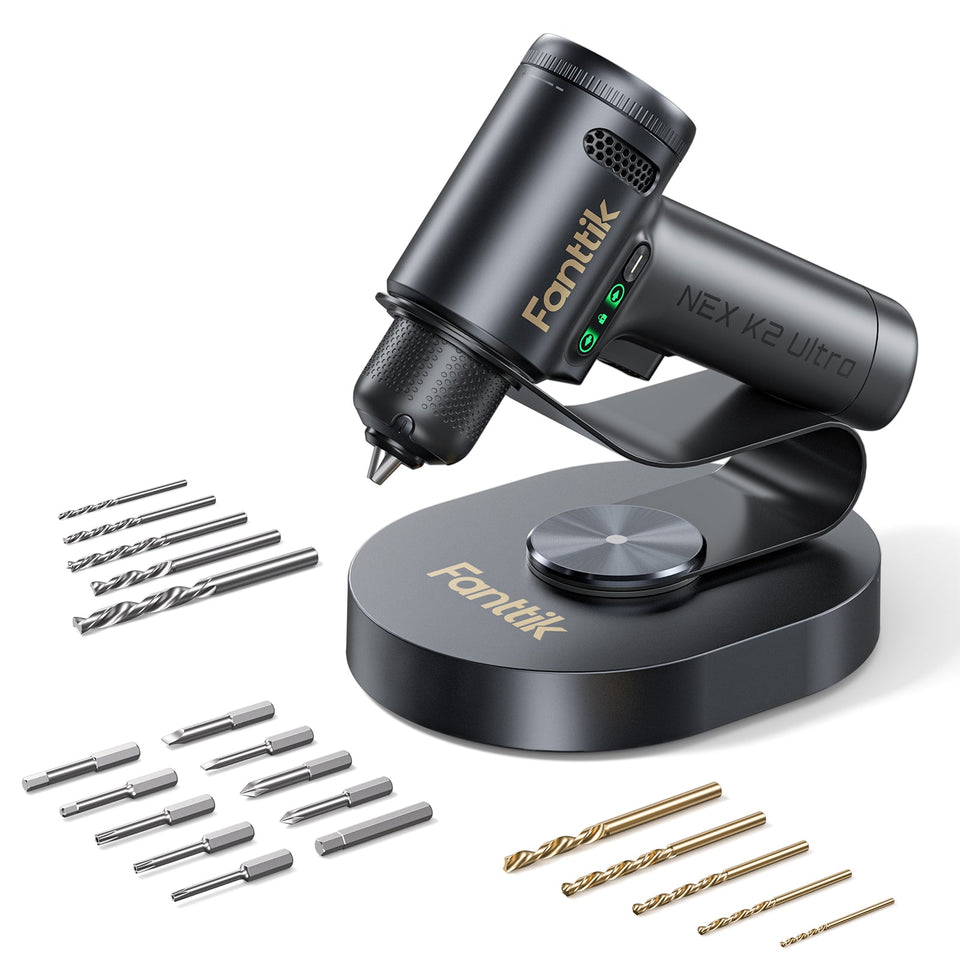 Fanttik K2 Ultra Manual: Drill Setup & Safe Use
Use this Fanttik K2 Ultra manual for bit setup, controlled drilling and driving, charging, storage, and safe first-use...
Fanttik K2 Ultra Manual: Drill Setup & Safe Use
Use this Fanttik K2 Ultra manual for bit setup, controlled drilling and driving, charging, storage, and safe first-use...
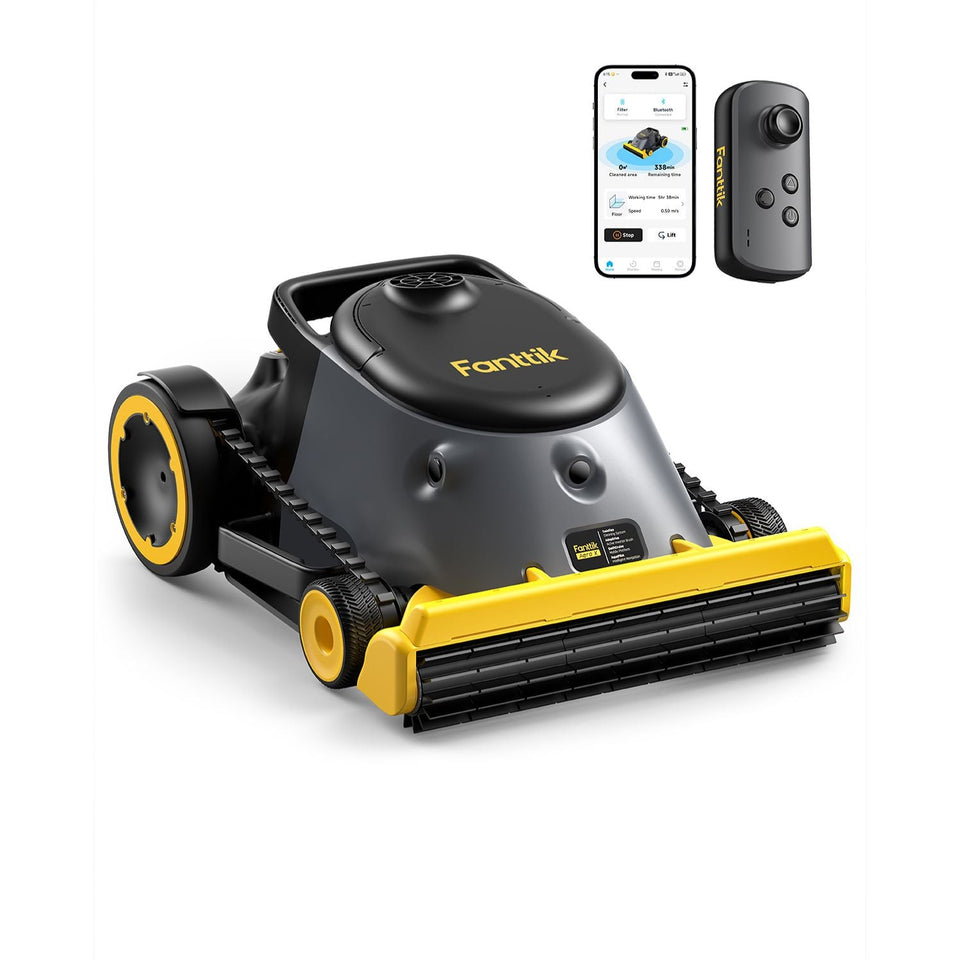 Fanttik Aero X Pool Cleaner Manual & Setup Guide
A Fanttik Aero X pool cleaner manual for charging, pool preparation, launch, retrieval, cleaning, storage, and safe troubleshooting...
Fanttik Aero X Pool Cleaner Manual & Setup Guide
A Fanttik Aero X pool cleaner manual for charging, pool preparation, launch, retrieval, cleaning, storage, and safe troubleshooting...
Leave a comment
This site is protected by hCaptcha and the hCaptcha Privacy Policy and Terms of Service apply.