











































If your Fanttik X9 Pro Portable Tire Inflator has this symptom — the inflator shows no charging response, stops charging early, or will not power on after being connected — begin with the reversible checks below. The aim is to separate charge, setup, attachment, debris, and protection-state problems without opening the product or bypassing a safety circuit.
Quick Checks First
- Move the inflator to room temperature and let it cool if it was just used.
- Inspect the charging port for lint, moisture, or a bent connector.
- Test a known-good cable and a known-good wall power source, one change at a time.
Step-by-Step Troubleshooting
- Disconnect everything and examine the port under good light. Remove only loose surface debris; do not insert metal tools.
- Reconnect a known-good cable firmly at both ends. If the plug feels unusually loose, stop forcing it.
- Try a wall adapter that successfully charges another device. Avoid diagnosing from an unpowered vehicle socket or sleeping laptop port.
- Leave the unit connected and undisturbed long enough to rule out a deeply discharged battery; use the model's own indicator behavior rather than an indicator pattern borrowed from another Fanttik inflator.
- After charging, disconnect power before testing the pump. If it works only while plugged in or becomes hot, stop using it and contact support.
What the Result Usually Means
| Result | Likely area | Safe response |
|---|---|---|
| Works after cooling or clearing debris | Temporary protection or mechanical load | Resume gently and change the working condition that caused the load |
| Works only with one cable, head, bit, or accessory | Accessory or connection | Retire the faulty item and confirm an exact-model replacement |
| No response under any no-load test | Charge system, control, or internal fault | Stop repeated testing and contact support |
| Heat, odor, swelling, grinding, or liquid ingress | Potential safety fault | Switch off, isolate the product, and do not recharge or operate it |
When to Stop
Stop immediately for swelling, odor, unusual heat, liquid damage, a scorched port, or repeated cable disconnection. The internal battery is not a user-serviceable repair in this guide. A troubleshooting guide cannot confirm an internal electrical fault remotely. Continuing to cycle a damaged battery or stalled drive can turn a serviceable problem into a safety issue.
Prepare a Useful Support Request
Before contacting Fanttik support, record the exact model name, order details, what happened immediately before the symptom, each charging source or accessory tested, and whether the problem occurs with no load. A short video can show indicator behavior or sound without requiring you to disassemble anything.
Separate a Power-Source Problem from a Battery Problem
Change one variable at a time. Begin with the cable, then the wall adapter, then the outlet. If several items are changed together and charging suddenly returns, you will not know which one failed. A cable that charges a phone only intermittently is not a reliable diagnostic cable. Likewise, a vehicle USB port or computer port may switch off when the vehicle sleeps or the computer enters power-saving mode.
Inspect the X9 Pro port without inserting a pin, knife, or metal pick. Compacted lint can prevent a plug from seating, but damaged internal contacts require service. If the connector sits at an angle, sparks, or becomes hot, disconnect it. Do not hold the plug in a particular position to force charging; that can worsen a loose port.
Temperature and deep-discharge behavior
A pump that has just completed a demanding inflation job may need time to cool before it accepts or safely retains charge. Move it out of a hot vehicle and let it reach normal indoor temperature. If it has been stored unused, connect a known-good source and leave it undisturbed rather than repeatedly pressing power. Only interpret lights using X9 Pro documentation, because a similar Fanttik inflator may use the same colors differently.
Evidence that points to service
If the unit charges only when the cable is held, loses power immediately after disconnection, becomes unusually hot, or shows no response across verified sources, stop. Record the tested cable and adapter, ambient conditions, and any indicator behavior. That evidence helps support distinguish a port fault, battery protection state, and internal battery failure without unsafe disassembly.
FAQ
Should I keep pressing the control to see if it recovers?
No. Repeated cycling can add heat or worsen a jam. Complete one controlled no-load test after the checks, then stop if the symptom remains.
Can I use a charger or accessory from another Fanttik model?
Do not assume compatibility from the brand name. Confirm the exact model and connector or attachment on the official product page or with support.
Does a reset require opening the housing?
No user reset in this guide requires opening the product. If normal power-off, cooling, cleaning, and charging checks do not work, request service.
What if the product was wet or dropped?
Do not charge or operate it until support has assessed the damage. External drying does not prove that the internal battery or electronics are safe.
Related Support
Continue reading
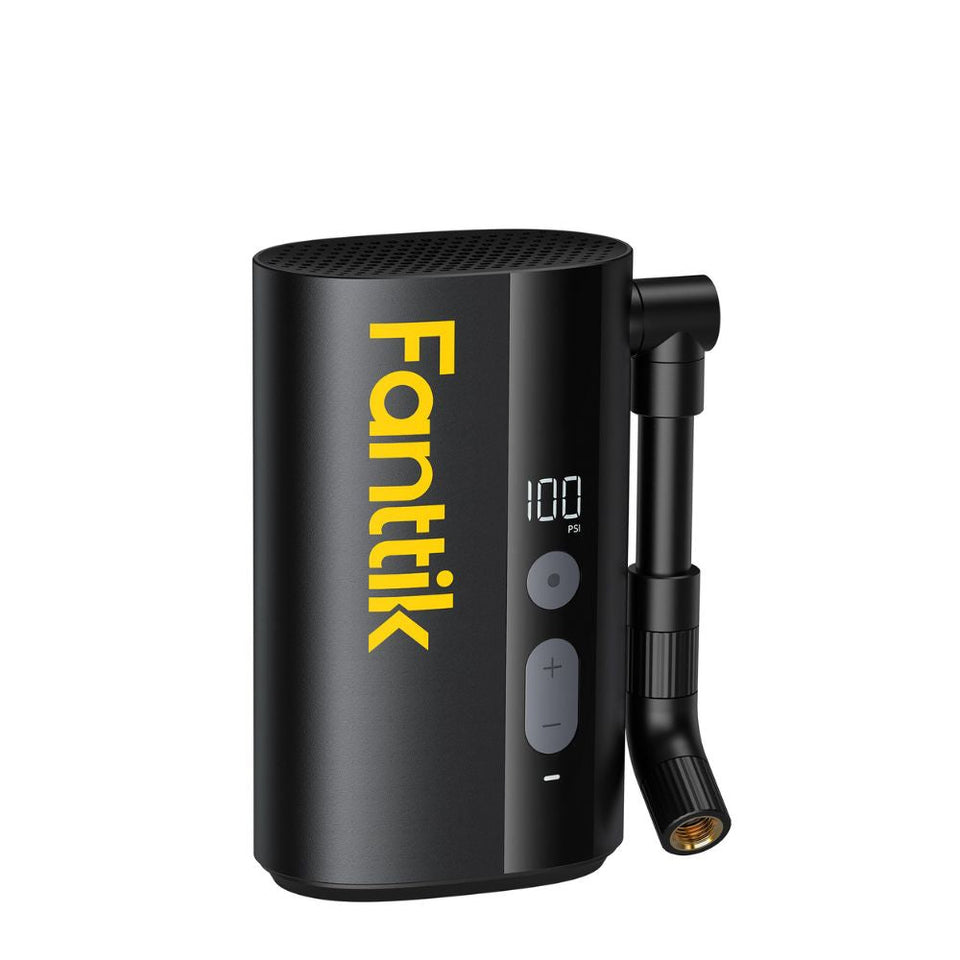 Fanttik X9 Ace Manual: Bike Pump Setup & Care
Use this Fanttik X9 Ace manual for bike-pump setup, valve checks, inflation workflow, charging, storage, and official support...
Fanttik X9 Ace Manual: Bike Pump Setup & Care
Use this Fanttik X9 Ace manual for bike-pump setup, valve checks, inflation workflow, charging, storage, and official support...
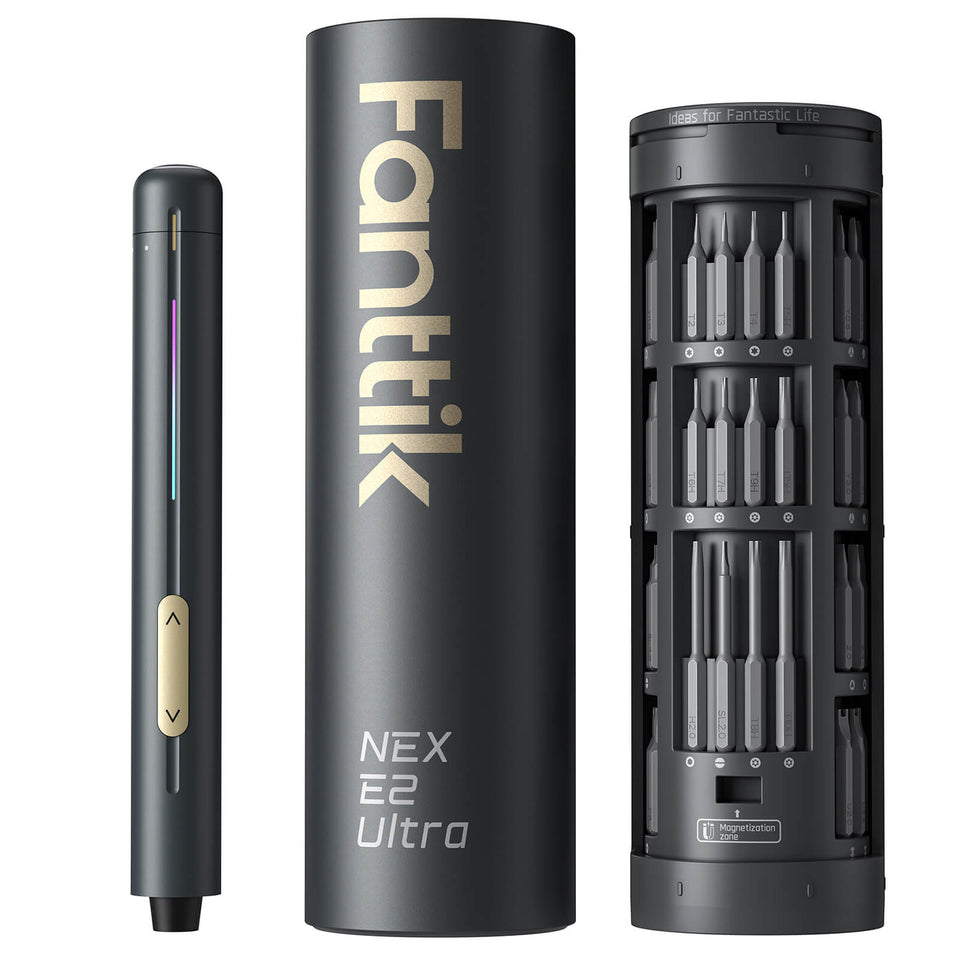 Fanttik E2 Ultra Manual: Setup, Bits & Charging
A safe Fanttik E2 Ultra manual for setup, bit selection, charging, controlled fastening, storage, and official support.
Fanttik E2 Ultra Manual: Setup, Bits & Charging
A safe Fanttik E2 Ultra manual for setup, bit selection, charging, controlled fastening, storage, and official support.

Leave a comment
This site is protected by hCaptcha and the hCaptcha Privacy Policy and Terms of Service apply.