











































This practical guide covers the Fanttik Aero X Cordless Robotic Pool Cleaner, a cordless robotic pool cleaner with smart navigation and waterline cleaning described on the official product page. It is designed for owners looking for a clear setup and care reference. It does not substitute for the official user manual or the safety leaflet supplied with the product.
Before First Use
- Charge the cleaner completely in a dry area before placing it near the pool.
- Remove large objects, toys, and loose cords from the water.
- Inspect the intake, rotating brush, and filter area for packing material or debris.
Photograph the product label and keep the order details before the first job. Those details make model confirmation and warranty support much easier if the tool later needs service.
Safe Operating Workflow
- Confirm the charging connection is closed or removed as directed before launch.
- Power the cleaner on using the markings on the unit, then lower it into the pool level and controlled.
- Let trapped air escape so the cleaner settles rather than floating.
- Keep swimmers out while the robot is operating.
- Retrieve it using the designated handle, drain it over the pool, and switch it off before opening the filter area.
If a control, icon, or indicator on your unit differs from this overview, stop and follow the labeling on the product and the documentation supplied in its box. Do not borrow button sequences or indicator meanings from a sibling Fanttik model.
Charging and Storage
Charge in a dry, ventilated place with the connection specified for the product. Inspect the cable and port before use, and stop if a connector becomes unusually hot or loose. For storage, switch the product off, clean away working debris, and keep it away from direct sun, standing water, and temperature extremes. If it will sit unused, check it periodically rather than allowing the battery to remain deeply discharged.
Routine Care
- Rinse collected debris from the filter and brush after use.
- Keep the charging contacts clean and fully dry before charging.
- Store the cleaner out of direct sun and never carry it by a cable or moving brush.
Routine care should stay external: cleaning accessible surfaces, checking consumables, and keeping connections dry. Opening a sealed battery or drive housing can create a safety risk and should be left to Fanttik support.
When the Product Does Not Behave Normally
| Symptom | First safe check | Next action |
|---|---|---|
| No power | Confirm charge state and control position | Test a known-good charging source, then contact support if there is still no response |
| Stops under load | Remove the load and let the product cool | Check for binding, debris, or an unsuitable accessory |
| Unusual heat, odor, or noise | Switch off and move away from combustible material | Do not continue testing; request service |
Manual and Support Options
The official product page is the online reference for this exact model; a downloadable PDF manual is not currently posted there. Keep the printed documentation supplied with the product and use the Fanttik Support Center to request model-specific documentation when needed. The Fanttik manual hub also collects official manuals for other Fanttik models.
Prepare the Pool for Unattended Movement
The Aero X uses smart navigation and is described by Fanttik as cleaning the waterline, but navigation still depends on a clear pool. Remove floating toys, thermometers with cords, loose covers, and cleaning equipment. Check that drains and returns are operating in the normal configuration recommended for the pool. A robot that repeatedly catches on an object is facing an environment problem, not necessarily a navigation fault.
Inspect the cleaner while it is dry. The intake and rotating brush should be free of packing material, leaves, hair, and string. Confirm the filter area is closed correctly before launch. If the cleaner was stored after a previous cycle without being emptied, clean it first; a loaded filter can reduce flow and shorten a cleaning run.
Launch and retrieval
Lower the cleaner by its designated handle rather than dropping it or using a cable. Hold it level and allow air to escape before releasing it. Keep people and pets out of the water during operation. When the cycle is over, bring the robot to an accessible position using the method in the supplied instructions, lift by the handle, and let water drain over the pool before carrying it away.
Post-cycle cleaning
Switch the unit off before opening the filter area. Remove leaves and rinse accessible filter components with clean water. Check the brush and intake for wrapped hair, then rinse pool chemicals from exterior surfaces. Allow the cleaner and charging contacts to dry fully in shade. Charging a wet unit, leaving it in direct sun, or storing it with debris sealed inside are avoidable causes of later support problems.
FAQ
Is this an official manual PDF?
No. It is a setup and care guide based on the official product page. For model-specific documentation, keep the printed materials from the box or contact Fanttik support.
Can I use instructions from a similar Fanttik model?
Use sibling-model advice only for general care. Controls, chargers, accessories, and indicator behavior can differ, so confirm instructions for the exact model.
What should I record before contacting support?
Record the model label, order details, charging source tested, accessory installed, and a short description or video of the symptom.
Should I open the housing to replace the battery?
No. This guide does not treat an internal battery or sealed drive assembly as user-serviceable.
Related Support
Continue reading
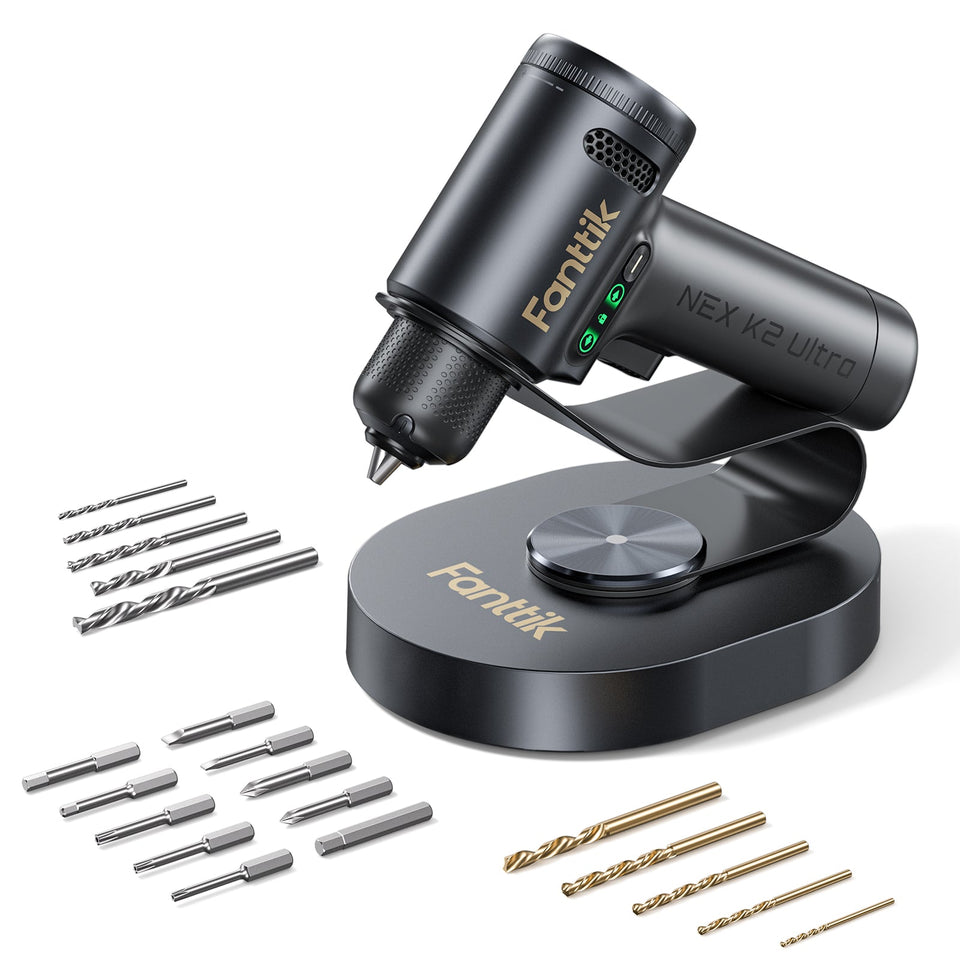 Fanttik K2 Ultra Not Turning On? Troubleshooting
Troubleshoot a Fanttik K2 Ultra that will not turn on by checking charge state, controls, chuck binding, temperature,...
Fanttik K2 Ultra Not Turning On? Troubleshooting
Troubleshoot a Fanttik K2 Ultra that will not turn on by checking charge state, controls, chuck binding, temperature,...
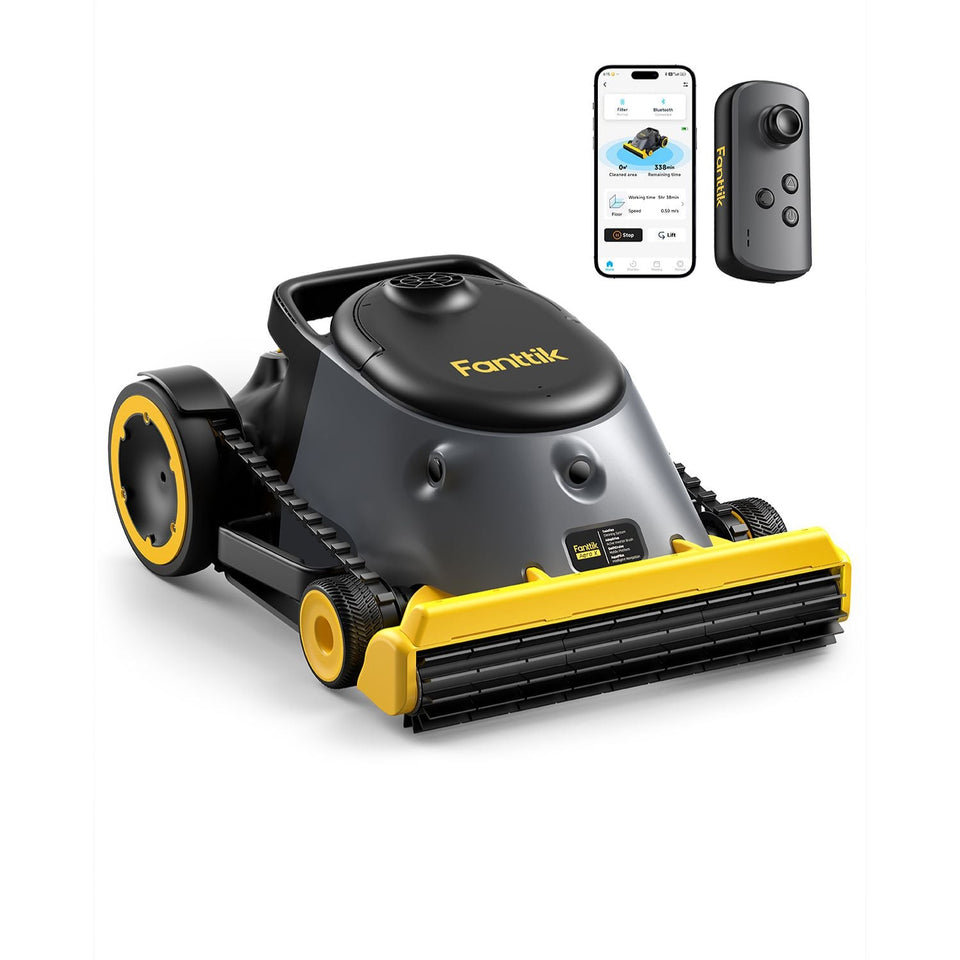 Fanttik Aero X Pool Cleaner Not Moving? Fix Guide
Use these safe checks when a Fanttik Aero X pool cleaner is not moving: charge, trapped air, debris,...
Fanttik Aero X Pool Cleaner Not Moving? Fix Guide
Use these safe checks when a Fanttik Aero X pool cleaner is not moving: charge, trapped air, debris,...
Leave a comment
This site is protected by hCaptcha and the hCaptcha Privacy Policy and Terms of Service apply.