












































Yes, you can polish acrylic with a rotary tool. You can lower the risk of melting and swirls, but you can't rule it out completely. The setup that lowers the risk is a buffing wheel loaded with an acrylic-specific compound, run at low to moderate speed with light, even pressure and constant motion, so heat never builds up in one spot.

Start on a hidden area, and stop as soon as the surface softens. Everything below applies to acrylic only. Any other plastic needs finishing guidance from its own maker before you polish it.
Can You Polish Acrylic With a Rotary Tool Without Melting or Swirls?
You can reduce both problems a lot, but no tool setting makes them impossible. The main risk is heat. A spinning wheel creates friction, and friction warms the acrylic. ACRYLITE warns that excessive pressure and overheating can soften acrylic during surface polishing. It also says the piece must stay in motion the whole time.
That gives you two main controls: pressure and dwell time. Dwell time is how long the wheel stays on one spot. Pushing harder or lingering in one place concentrates heat where you can't see it building. Speed is the third control, covered below, where a 5-speed unit like the Fanttik F2 Pro Cordless Rotary Tool allows working in lower ranges.
Swirls are the other risk. They are circular marks left in the finish. Choosing fresh buffing wheels, such as those in the Fanttik Pro Refill 57Pcs 1/8" Rotary Tool Accessory Kit, helps avoid debris-induced swirls. It is much easier to prevent them than to remove them, since removal usually means sanding again. So think of successful acrylic polishing as a series of short, moving, light passes that you check often. One long, heavy pass is where things go wrong.
The acrylic sheet makers' guidance cited here was written for sheet finishing and shop buffing equipment, not for one specific hand-held rotary tool. Use it as a limit on heat and pressure. It is not a complete recipe for your tool and accessory.
Which Plastic, Accessory, and Compound Are Supported?
Before choosing an accessory, you need to know which plastic you have. The supported options depend on it:
- Identified acrylic, hand-held rotary tool: A polishing supplier's guide describes mounting a buffing wheel on a rotary tool and adding a small amount of acrylic-specific polishing compound. That is the closest documented match to this job. It does not name one wheel material or compound brand as the right choice.
- Plazcryl acrylic sheet: PLASKOLITE says its sheet is polished on stationary and portable machines using rotating calico mops, bleached muslin, or felt, with a mild abrasive buffing compound. PLASKOLITE also advises a hidden-area check for any substance used on Plazcryl. Try your compound on an out-of-sight spot before working the visible face.
- Unknown plastic or a different plastic: This guide has no supported setup for you. Acrylic advice does not carry over to other polymers. Identify the material first, then follow that maker's finishing instructions.
A kit that includes polishing wheels, such as the Fanttik F2 Master Kit Cordless Rotary Tool, or a compound labeled "for plastics," does not prove the pairing will work on your part. The hidden-area test is how you find out on the actual piece.
What Speed and Operating Approach Can You Use?
Run the tool at low to moderate speed. No published source here gives a verified RPM number for hand-held acrylic buffing. A polishing supplier's acrylic polishing guide recommends that range to prevent overheating that can damage the acrylic. It pairs the speed with controlled circular motions and steady, even pressure, and it warns against working one area too long. That guide comes from a company that sells polishing products, so treat it as practical advice, not a lab-tested setting.
Don't confuse a tool's maximum speed with a starting speed. A rotary tool rated at a high no-load RPM (its speed with nothing touching the spinning accessory) can still run slow, and the rating tells you nothing about what acrylic can handle. Instead, find where your tool's settings actually start and stop, and use the lower part of that range. If you own a Fanttik rotary tool, our user manual hub has the speed controls and accessory limits for each model.
Speed, pressure, and dwell time all add heat together. If you raise one, lower another. Don't borrow settings from drills, sanders, or large rotary buffers. Those tools use different pads, contact areas, and speeds.
How Should You Test a Pass and Respond to Surface Changes?
Test on a hidden area first, then change one control at a time based on what you see. Follow this order:
- Pick the test spot. Choose an edge, the back side, or an area a fitting will cover. Put your compound there first, following PLASKOLITE's hidden-area advice for substances used on Plazcryl.
- Load the wheel lightly. A small amount of acrylic-specific compound on the buffing wheel is enough to start.
- Make a short pass. Use your chosen low-to-moderate setting, controlled circular motion, and light, even pressure. Keep the wheel moving the whole time.
- Stop and inspect. Look at the test spot in good light before you move to the visible face.
-
Respond to what you see:
- Surface looks or feels softened: Stop. This is the overheating damage ACRYLITE describes. Let the part cool, then go back with less pressure and shorter contact.
- White edges appear: PLASKOLITE's Plazcryl power-buffing troubleshooting links this to excessive rubbing. Its fix is less pressure and a lower wheel speed. That advice was written for machine buffing, so apply it to a hand-held tool as a direction to adjust, not as an exact setting.
- Clearer finish with no new marks: Move to the main surface and keep the same speed, pressure, and pace.
- New swirls: Don't push harder to buff them out. Treat swirls as a surface defect to correct, using the approach in the FAQs below.

Once a surface has softened, more polishing won't fix it. Stopping at that point protects the rest of the part.
FAQs
Can I use this method on polycarbonate or other clear plastics?
Not based on this guide. The speed, pressure, and compound advice here comes from acrylic sources. It does not establish safe settings or compatible compounds for polycarbonate or any other plastic. Identify the material and get that maker's finishing instructions first.
Does a faster rotary tool polish acrylic better?
No. A higher top speed doesn't help with acrylic because the practical advice calls for low to moderate speed to prevent overheating. A tool's maximum RPM only tells you its upper limit. What matters is being able to run it slowly and keep it steady.
How do you remove swirl marks already in acrylic?
ACRYLITE documents one approach for its Soundstop sheet, which uses a rotary buffer. If objectionable swirls show up, it says to go back to 400-grit sandpaper, repeat the sanding steps through 600 and then 800, and buff again. It is a product-specific process, but it shows that swirls usually call for re-sanding, not more pressure.
Is a hand-held rotary tool the same as a rotary buffer?
No. The ACRYLITE Soundstop procedure uses a buffer pad that starts slow and is then turned up to high speed. It also warns that this high-speed action can heat and damage the surface if the buffer dwells in one spot. That speed pattern belongs to a different tool category, so don't copy it to a small hand-held rotary tool.
Continue reading
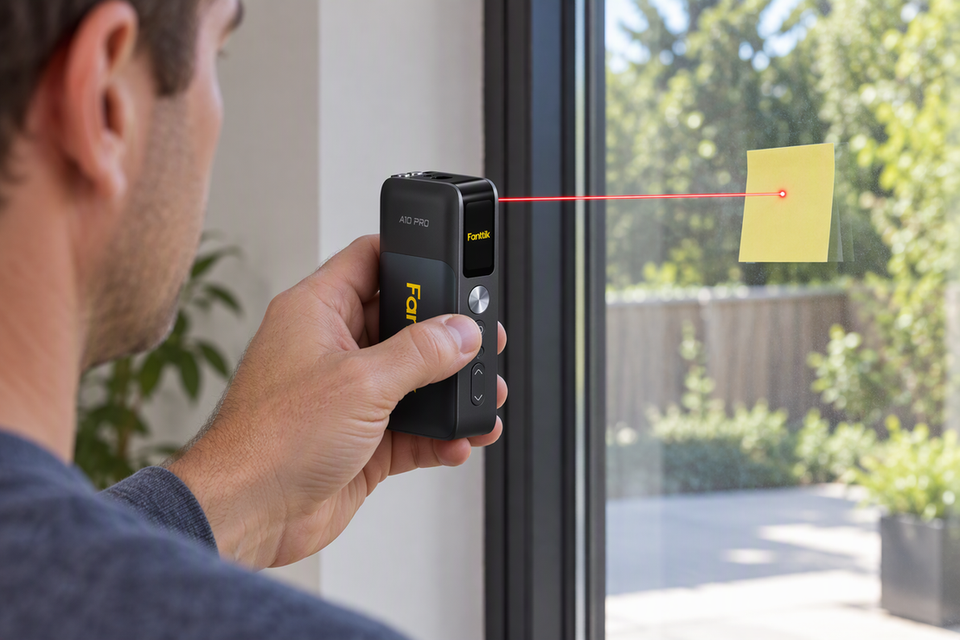 Measuring Glossy and Glass Surfaces with a Laser Measure: How to Fix Refraction Errors
A practical troubleshooting guide for glass, mirror, and glossy-surface readings, with a clear rule for when not to...
Measuring Glossy and Glass Surfaces with a Laser Measure: How to Fix Refraction Errors
A practical troubleshooting guide for glass, mirror, and glossy-surface readings, with a clear rule for when not to...
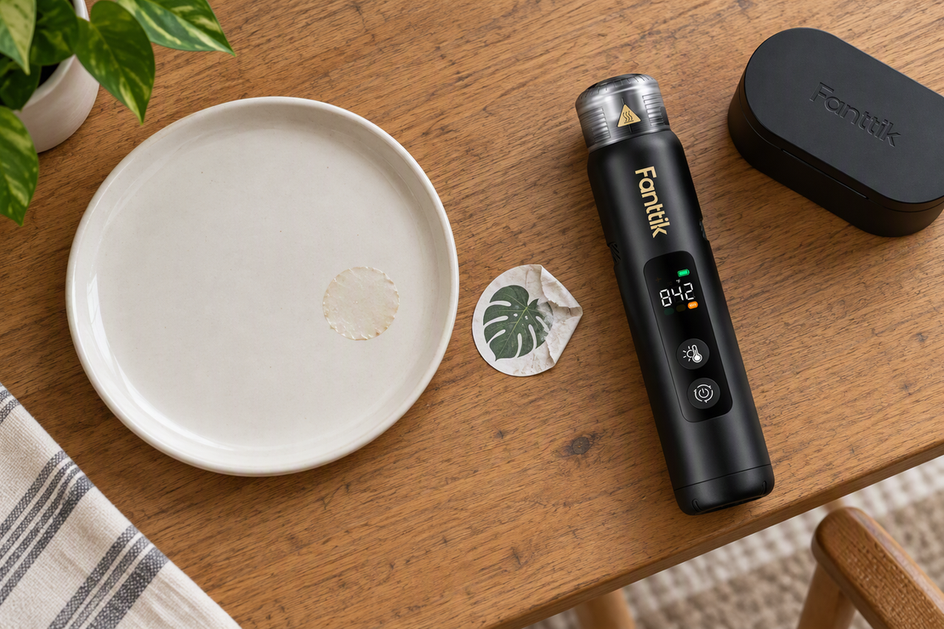 Can a Heat Gun Remove a Sticker or Adhesive?
Heat may loosen an intact sticker, but leftover residue is a separate job. Know your surface finish, tool...
Can a Heat Gun Remove a Sticker or Adhesive?
Heat may loosen an intact sticker, but leftover residue is a separate job. Know your surface finish, tool...

Leave a comment
This site is protected by hCaptcha and the hCaptcha Privacy Policy and Terms of Service apply.